At the beginning of the Christmas holidays, I wanted nothing more than a break from the Out of your Head project. So naturally, I instead decided to conquer Blender.
First, I created a character turnaround sheet of the character Leebit from the SKZOO merchandise franchise. He is usually my default option whenever I use a new drawing platform (mostly because he looks so silly, literally no other reason behind this choice).
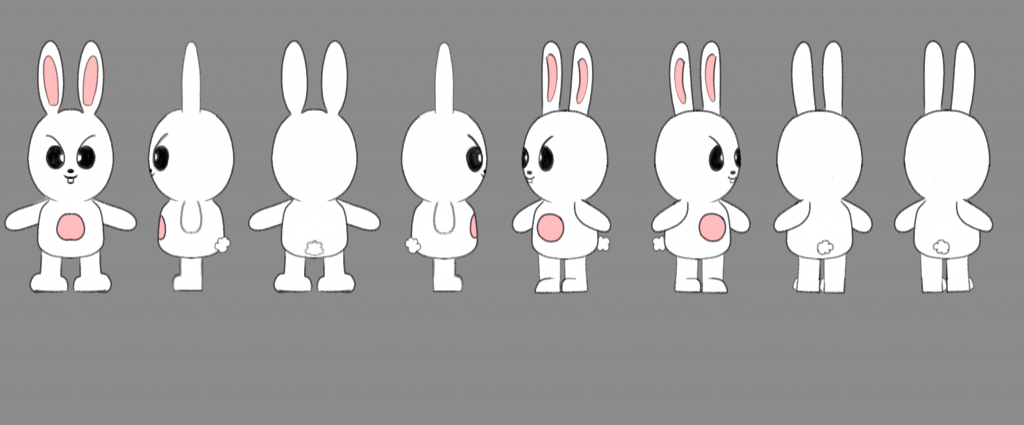
Leebit’s character turnaround sheet
I watched a tutorial before the Christmas break but didn’t write any notes so I forgot basically everything, which is a great start. My laptop at the time was terrible, so I had to use the extremely old family iMac and download the 2015 version of Blender onto there. The interface looked so overwhelming at first, I really didn’t know how to begin. But I ended up watching a variety of tutorials (I usually don’t watch one because sometimes it doesn’t have what I’m looking for) and tried to get started.
However, I reached some complications when trying to make the ears. Whenever I would extrude the sphere, another sphere would clone within, and I couldn’t delete it or ungroup it from the sphere I was working on. Moreover, there were no tutorials on how to ungroup or delete the duplicated sphere, so I left it as it was (it wasn’t visible unless you went on X-ray mode).
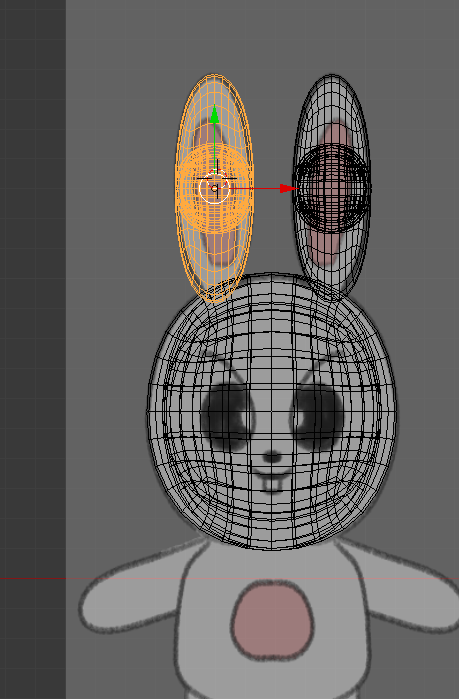
The error I encountered (in X-ray mode)
I successfully made the head (using separate spheres), but making the body was extremely difficult and I didn’t know what to search for to aid me, therefore I gave up and stopped working on the project for a while.
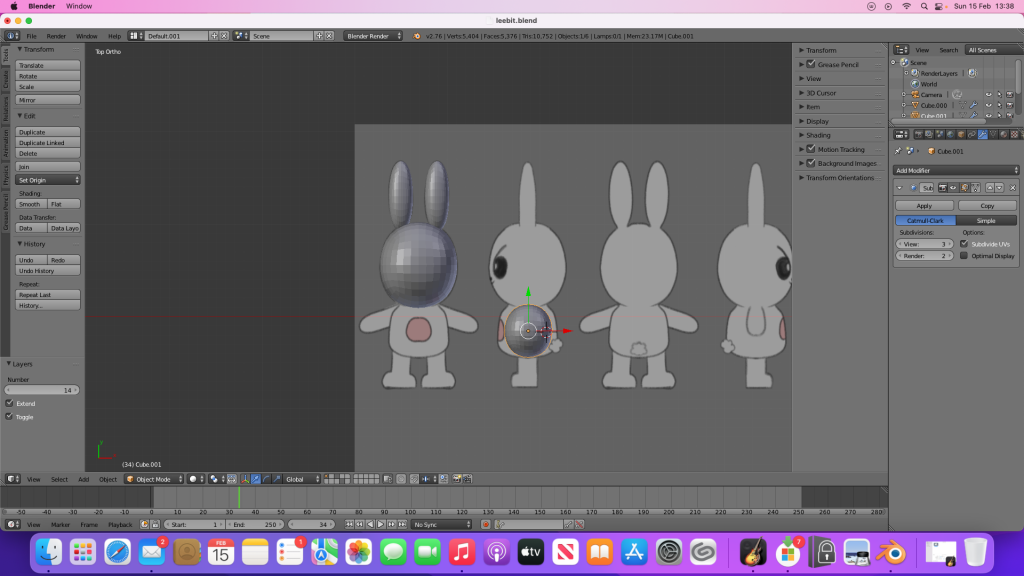
My progress before pausing the project
On Saturday (13th February), I downloaded Blender on my new laptop and decided to resume the project. The UI was so much easier to navigate, and I was able to successfully make Leebit’s body, alongside his arms and legs. Making his feet took longer as I didn’t know how to shape them and flatten the bottom, but I somehow managed.
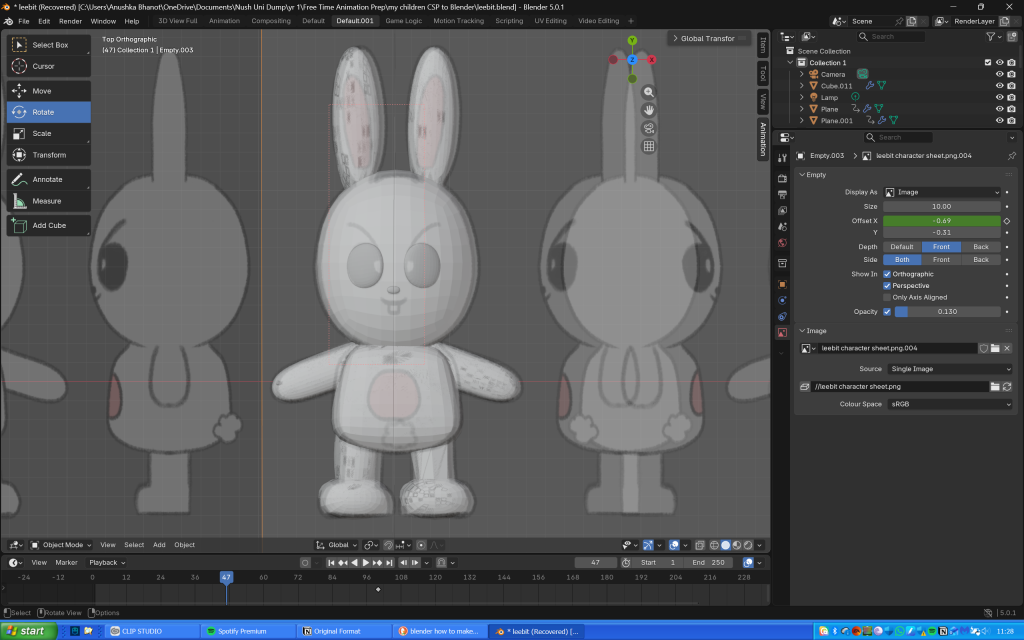
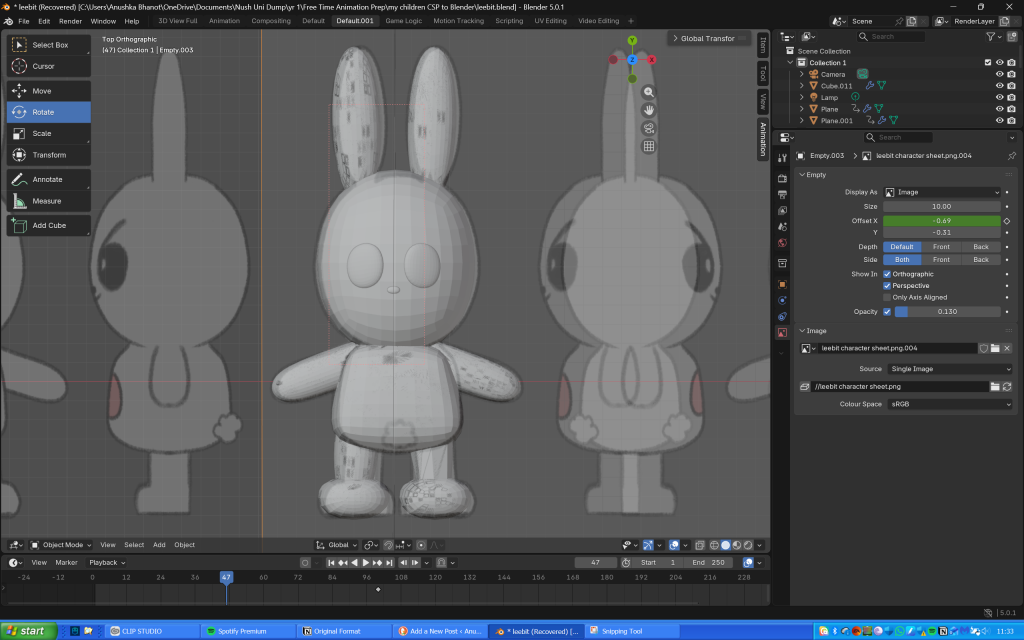
My progress so far
Meanwhile I wrote every command I used since I kept forgetting when I worked on Leebit on the iMac back in December.
My notes
The next day, I used planes to make Leebit’s features (scaling them, making them 3D then shaping them into position), and paths for the antenna looking thing on his eyes (probably an eyelash or eye crease) and his mouth. I didn’t realise that I could make the entire body using just one cube as I ended up using several of them, thinking they would then seamlessly blend together when I used the shade smooth tool.
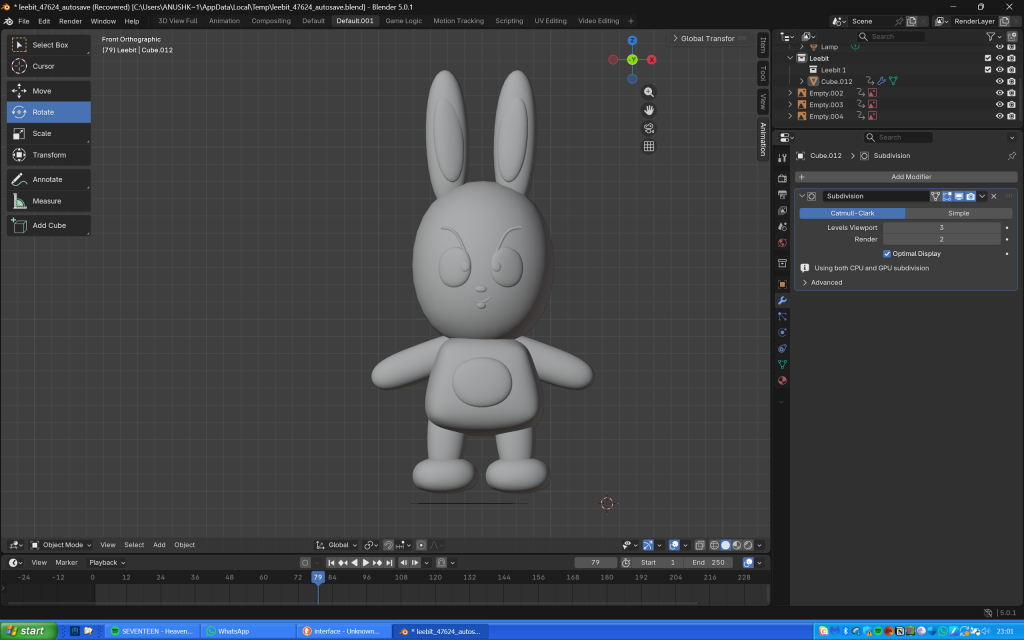
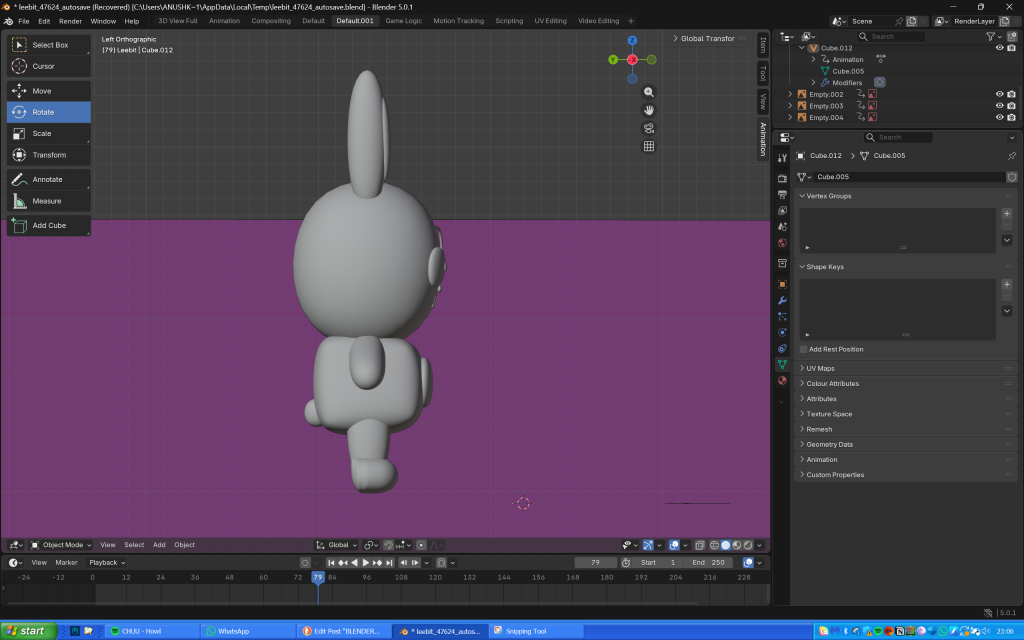
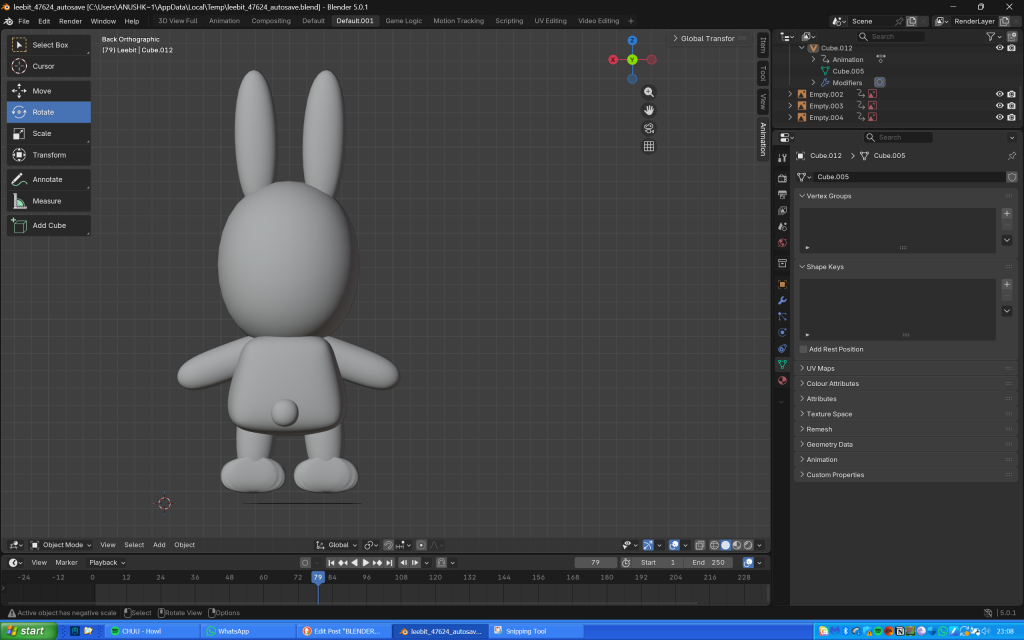
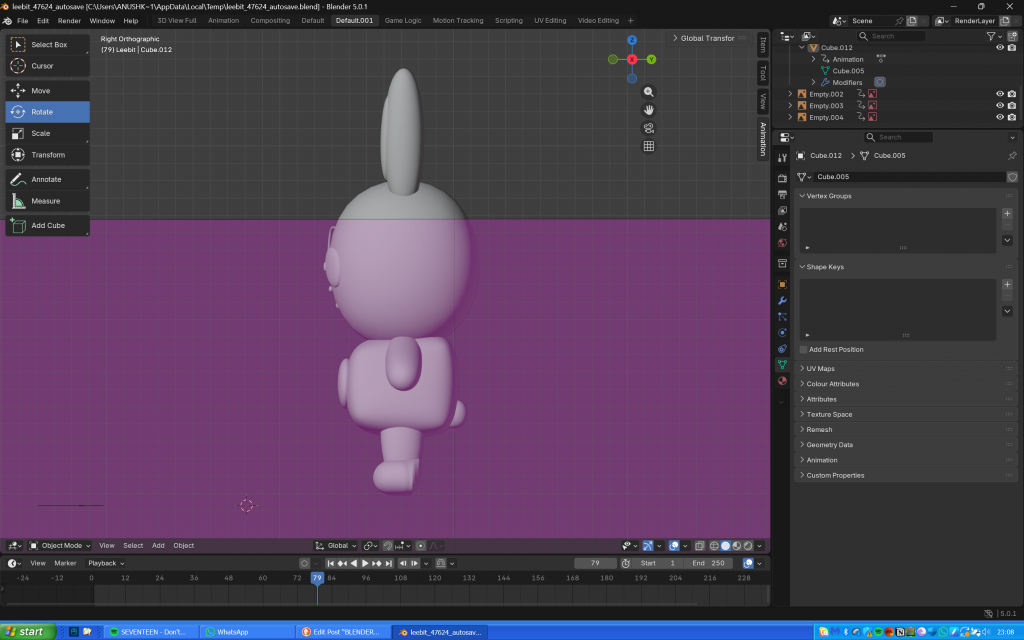
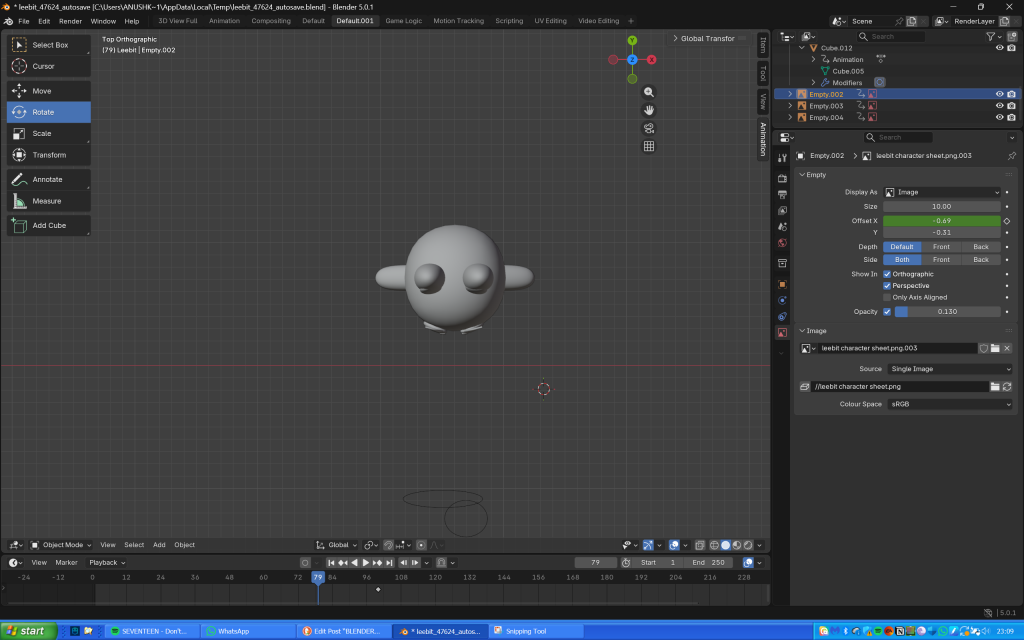
My progress after finishing shaping Leebit’s features, joining the components and adding the shade smooth tool
Overall he does look slightly misshapen, but I’m so proud of my creation nonetheless as I honestly thought making anything on Blender would be impossible and I wouldn’t be able to do it.
Links to the tutorials I used throughout the project:
- How To Bend A Pipe Or 3D Rod In Blender | Easy Method | Curve Geometry | Blender 2.9x Eevee & Cycles
- In 3d viewport , how can i add object to new collection without it’s being unlinked from current collection?
- Blender Tutorial – 2D Drawing to 3D Model (pt. 1)
- How to smooth objects (Blender tutorial)