Please note: every video below is also on Padlet.
For this section, I grouped weeks 3-5 together as I was mostly working on my animation.
On Monday (02/03/26), the production part of the animation process began and we learned how to use Toon Boom Harmony. Thankfully, through my experience of working in Toon Boom in the Out of your Head project, I was able to immediately get started with animating the characters. However, I had trouble as I didn’t have an X-sheet yet, and I still didn’t know how exactly to make one since I was absent from that lesson. After getting helpful advice from Jess, I spent a few days making my X-sheets, which subsequently helped map out where the mouth movements would approximately go (see X-sheets in PDF).
During this time I made Yappie’s character turnaround sheet for the animation and made a mouth shape sheet. For her initial design, I wanted to convey her silliness and give her a unique sillhouette, therefore I made her ears bigger, eyes smaller and on either side of her nose (in the front view, in the other views it’s not evident), and her nose perched on her face almost like she’s balancing a ball. Once I reproduced her design and compared her size with Schnorkle’s, I realised she was far too big and looked more like a labrador than a dachshund.
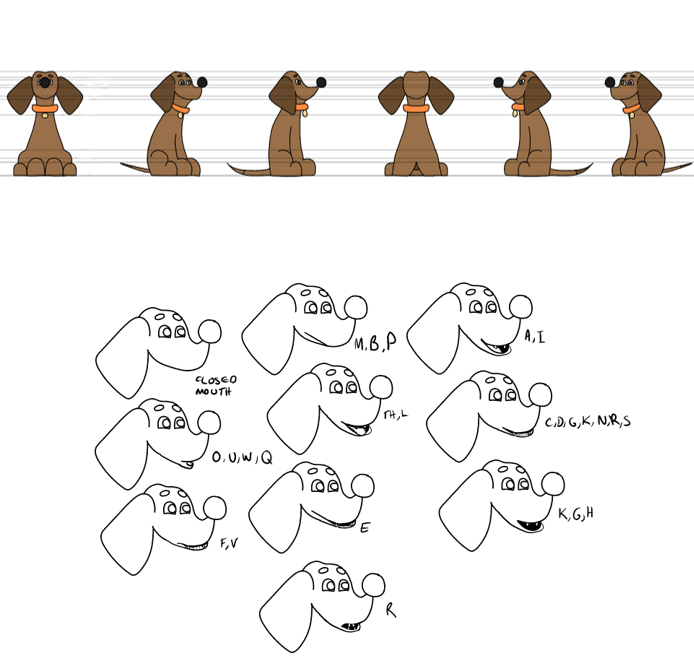
Yappie’s original character turnaround and mouth shape sheets.
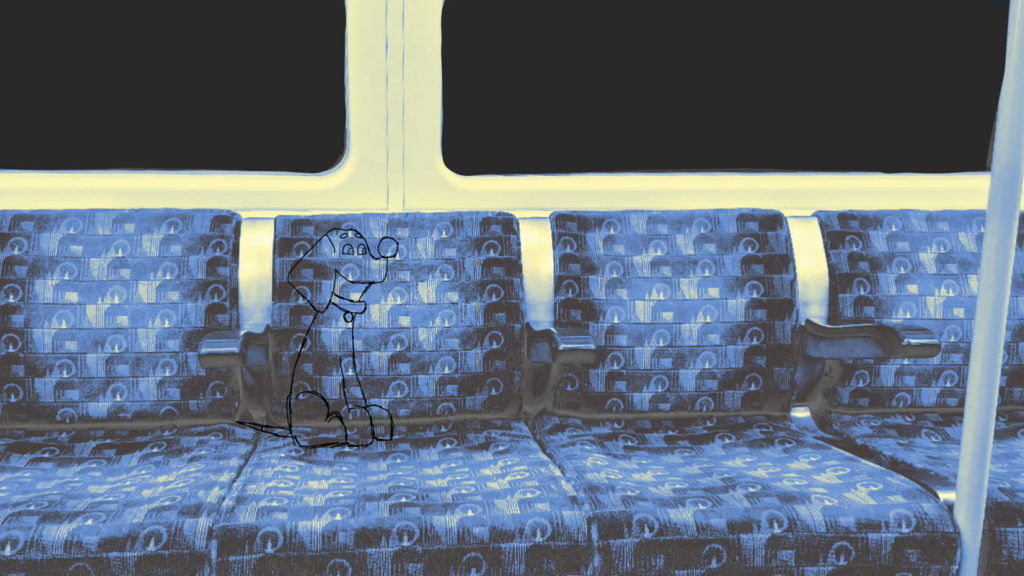
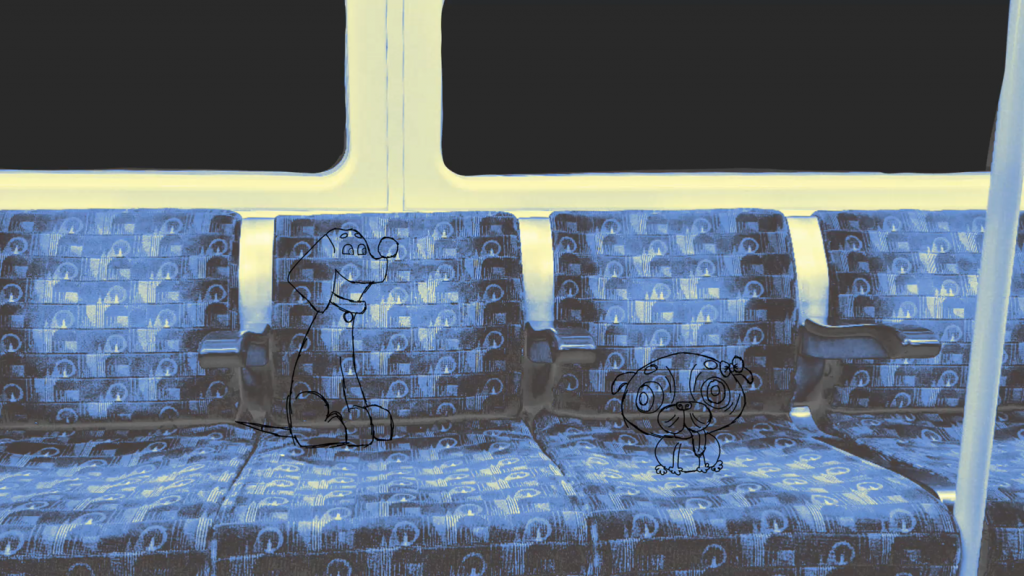
First and second versions of the animation. Click the photos above to be redirected to Padlet.
Therefore, I changed her design to reflect her breed, especially with the way she sits. To help draw with accuracy, I made moodboards for each character.
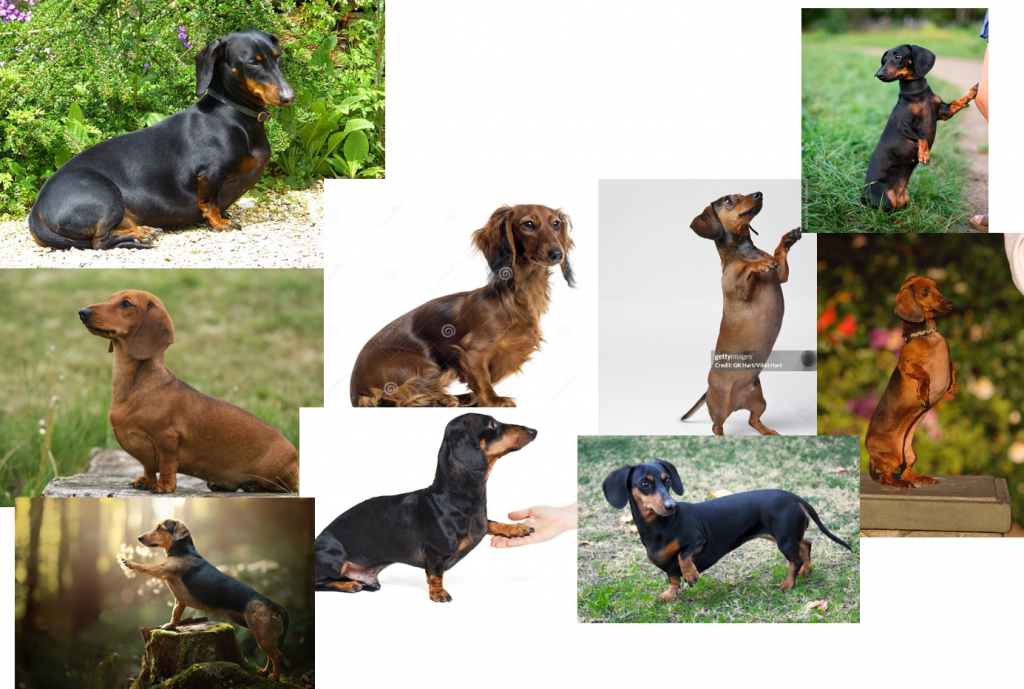
Yappie
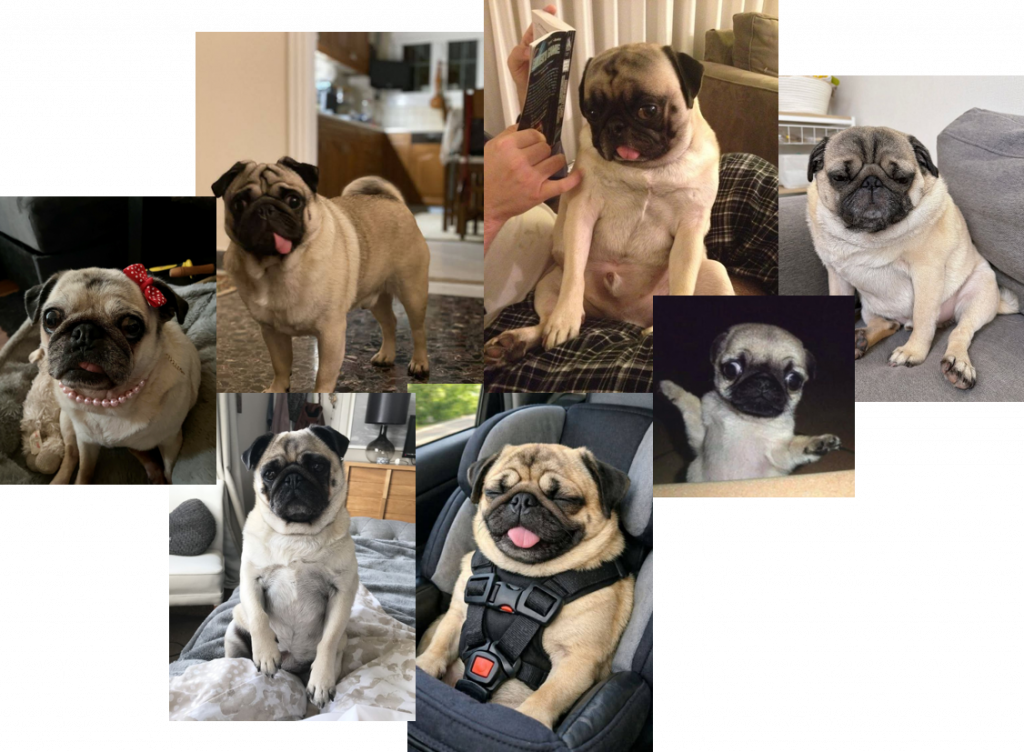
Schnorkle
Dachshunds have an elongated body shape, so there is a lot of distance between their front and hind legs. They sit with their hind legs tucked underneath their body, something I didn’t capture in my original design. I also added changes that were merely a personal choice rather than one that reflects the dog breed itself: I made the ears more angular and nose in line with the eyes, and changed the colour of her collar to yellow to match the colour scheme and her bubbly, energetic personality. (see new turnaround + mouth shape sheet in PDF).
Later on, I changed Schnorkle’s design and gave her a blue bow rather than a pink one, to reflect her quiet demeanour and contrast with Yappie’s yellow.

I applied Yappie’s new design to the animation, and also added the people on the train (not animated yet), which were made in Clip Studio Paint before adding a transparent layer below it and being imported into Toon Boom Harmony.
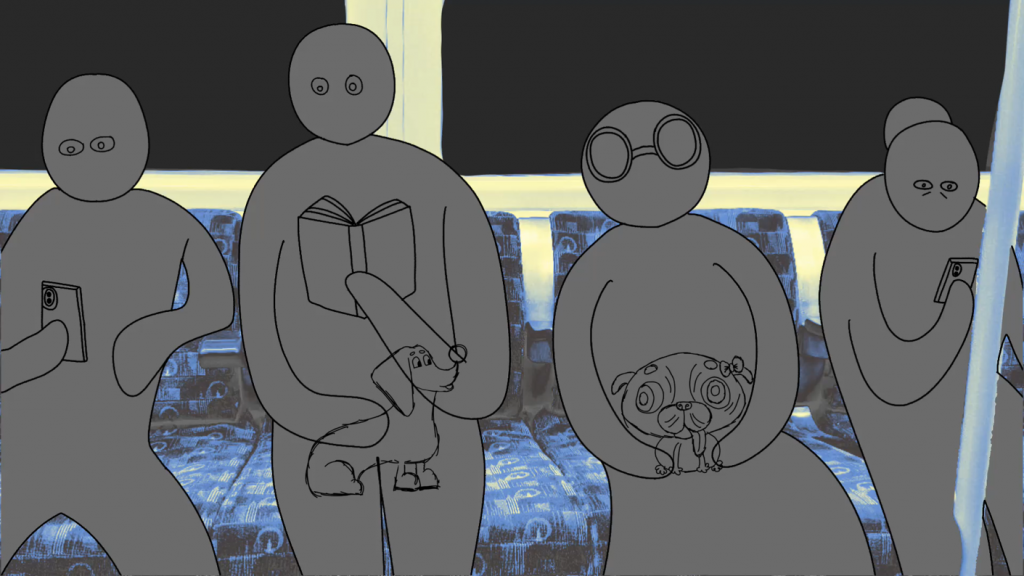
Third version of my animation (sketch complete). Click the photo above to be redirected to Padlet.
Interlude: Prince of Egypt Animation Analysis (04/03/26)
After recapping the 12 Principles of Animation, we were tasked to analyse a Dreamworks Line test frame-by-frame. This was my analysis:
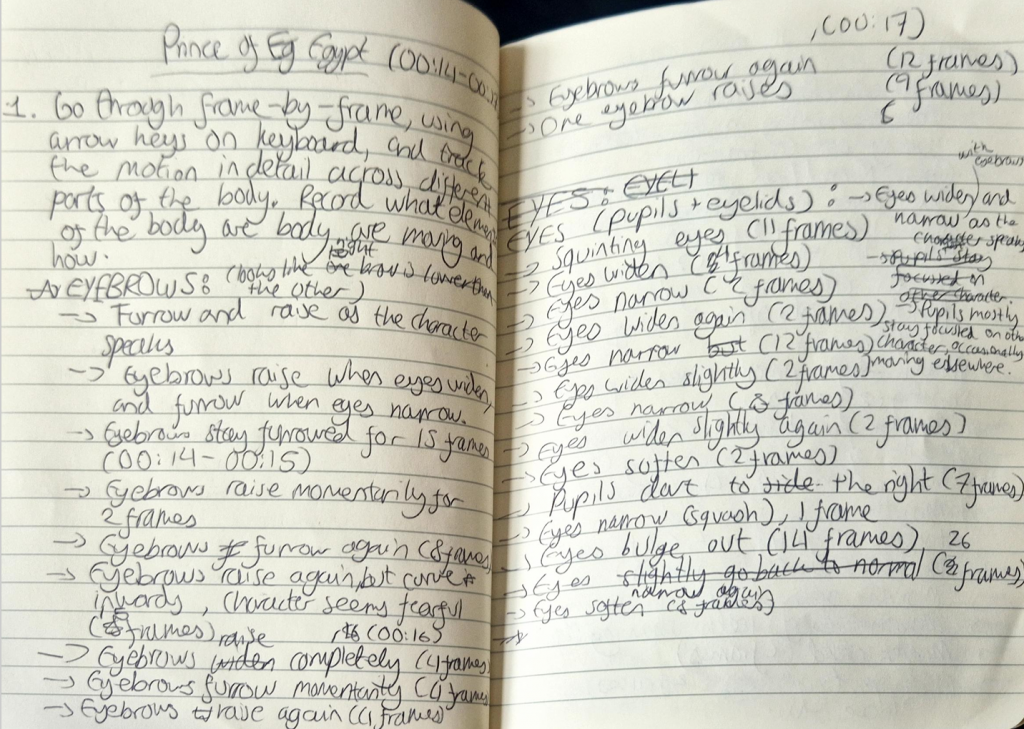
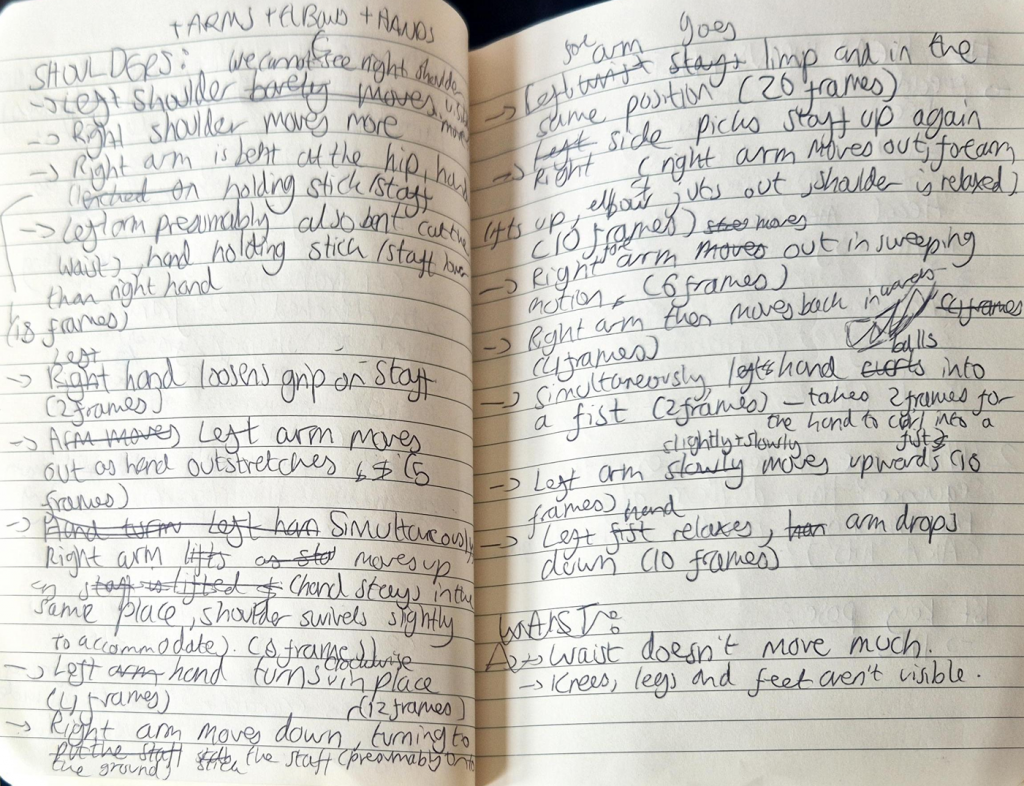
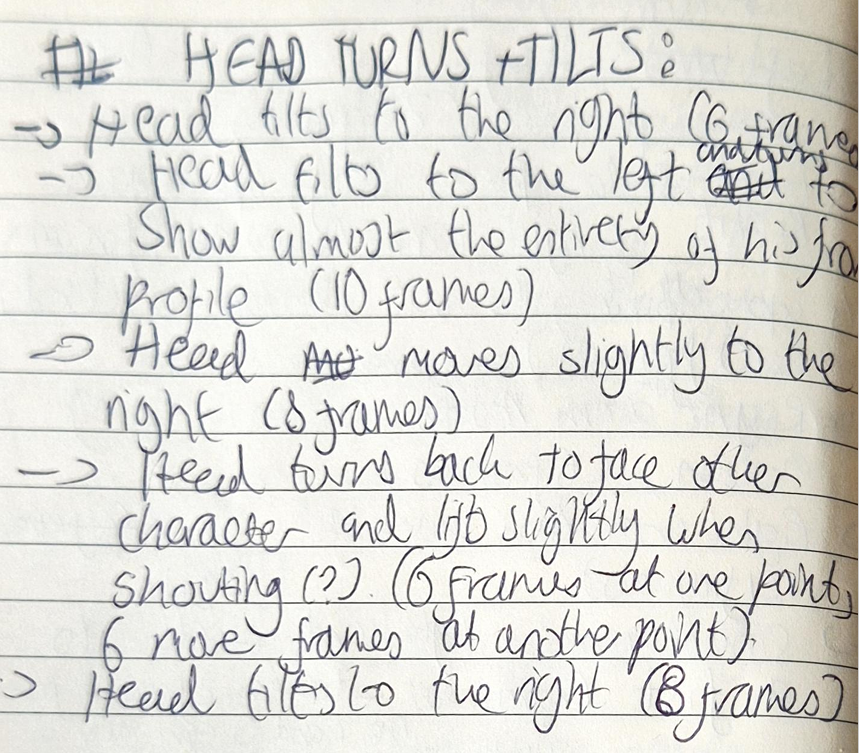
Key poses:
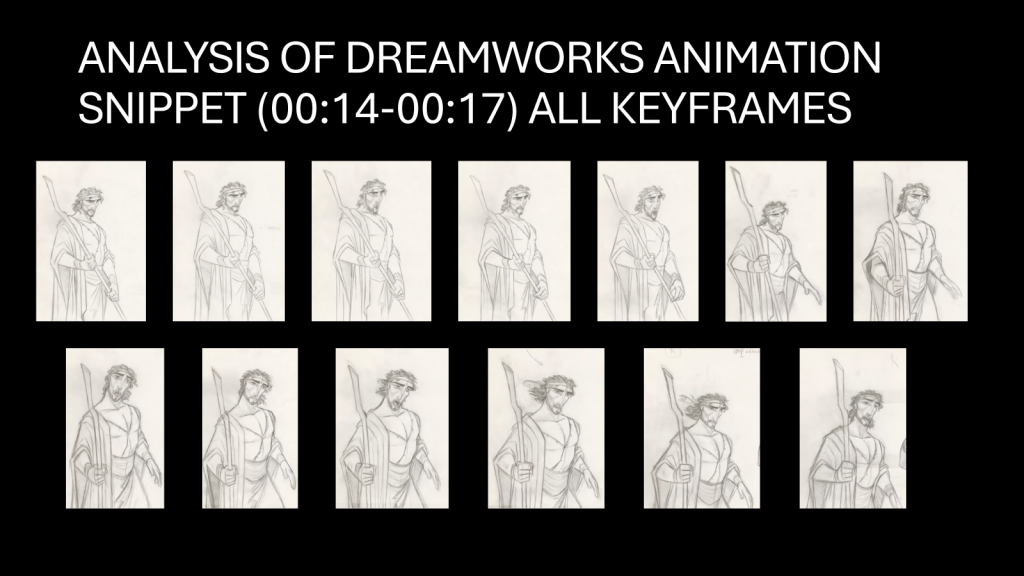
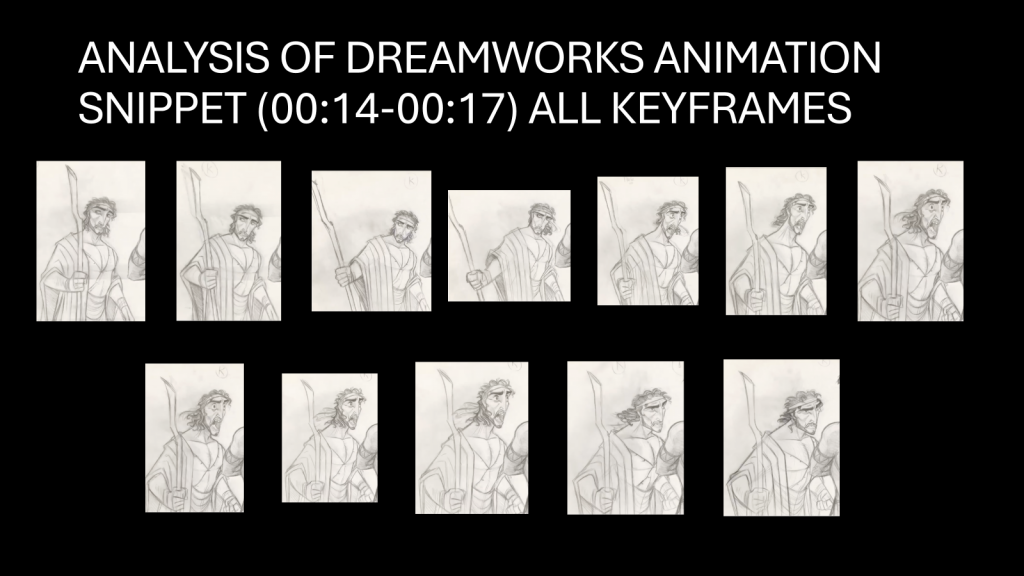
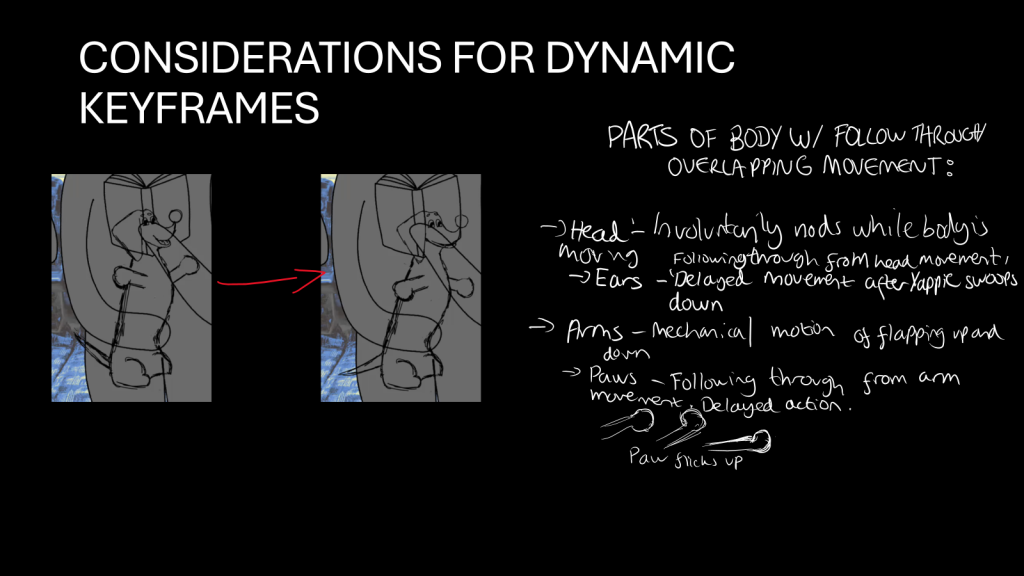
The animation tests helped us study character acting, and understand how to effectively overlap movement of different body parts with fluidity. I then applied what I learned into my animation, where it was especially useful when animating Yappie’s dynamic gestures. Since she moves around a lot, I needed to time each movement properly, especially when she flaps her arms while swaying (“F*cking pterodactyls”).
Back to the Project
For the background, I added the texture of the seats, and found I preferred it to my previous experimentations. Therefore, I animated it by duplicating it and adding lines to the windows (learned this tactic in Foundation).
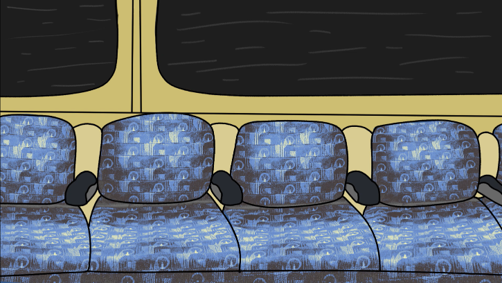
Background animation. Click the photo above to be redirected to Padlet.
It was then added it to the animation, after which I began the lineart process. This was surprisingly quick, and so I was able to move onto in-betweening and lipsync immediately after. Overall, this took 2 weeks to complete, including animating the people moving.
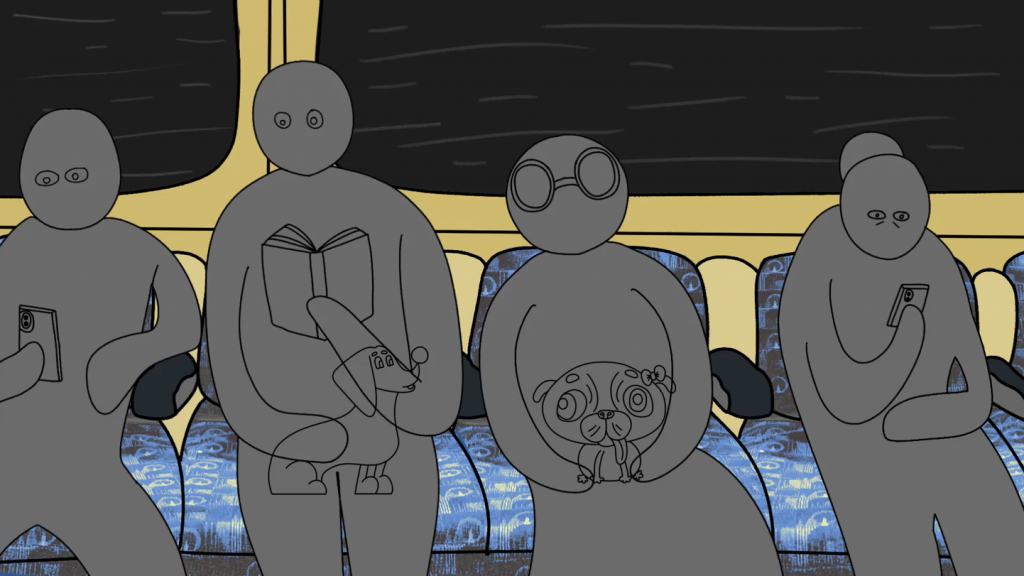
Fourth version of my animation (lineart and in-betweens complete). Click the photo above to be redirected to Padlet.
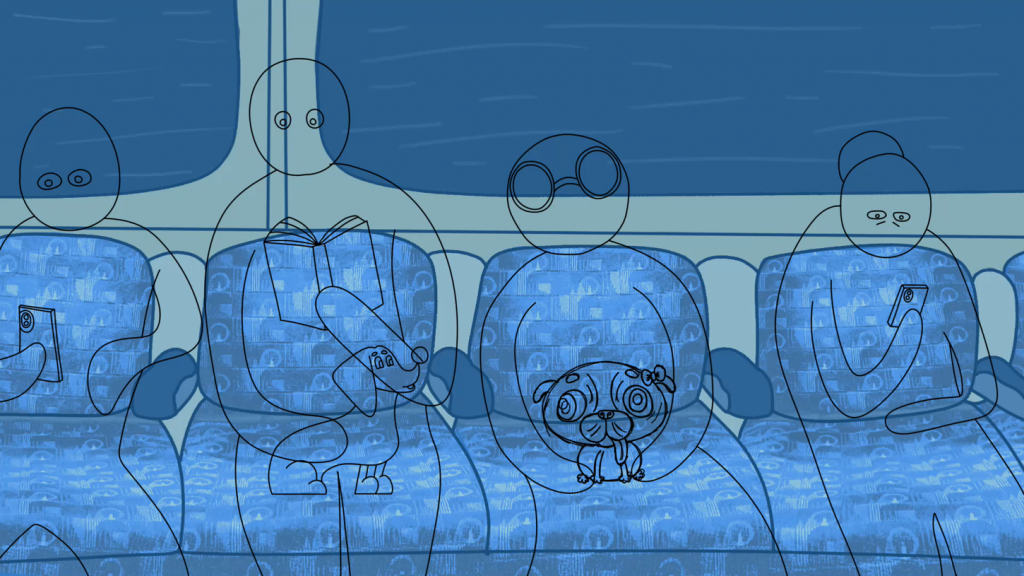
Fifth version of my animation (lip-sync complete). Click the photo above to be redirected to Padlet.
For the presentations, I didn’t want to leave the animation colourless, but I was hesitant to add colour to the dogs as I felt it may clash with the people’s greyscale tone. Therefore, I merely added greyscale to the people. Yappie kept clipping into her owner, so I cut their arm and pasted it on another layer, before using the stroke tool to add colour. Thankfullly, the presentation went well, and I was pleased with the feedback I received.
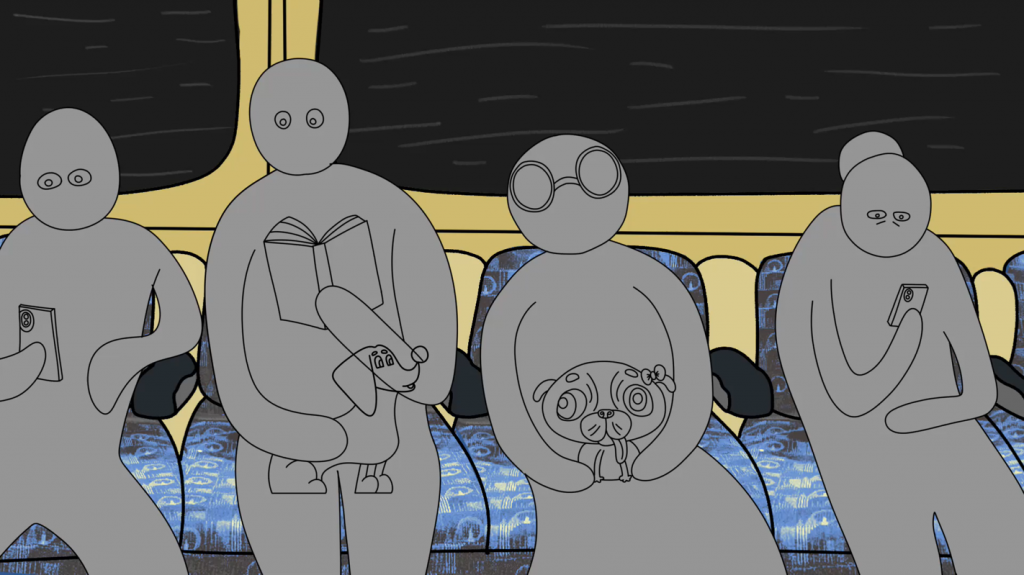
Sixth version of my animation (value blocking complete). Click the photo above to be redirected to Padlet.
During the Easter holidays, I finished the animation. Colouring was the most arduous part of the production process, as often my lineart didn’t connect and I had to manually fix each frame using the stroke and close gap tools. Moreover, the “apply to all frames” function never worked and instead coloured everything wrong, thus adding to my frustrations. It honestly felt like a relief when I finally finished. Animating the tail also took a long time, but somehow I found more enjoyment in that, and liked making it appear as if Yappie’s tail is its own entity.
I am extremely happy with my final outcome, and believe I have definitely achieved all of my aims for this elective. One thing I wish I could have done is compositing, which I believed I didn’t need at the time. While the animation does still look good without lighting, I think it would have definitely tied the entire piece together. Whilst this elective was highly intensive, I still greatly enjoyed it.