Today, Mariana taught us about sound design, and how it enhances the atmosphere of an animation while also helping tell the story.
We learned about different types of sound, including the definitions of:
- Diegetic: sound from within the story, e.g. dialogue/environment.
- Non-diegetic sound: sound from outside the story, e.g. music score/voice-over.
- We also learned about how sound can be produced, including using foley (sound effects created organically and added in post-production).
I’ve always admired foley artists so much, and found the prospect of applying foley to my animation somewhat unattainable because I thought I would need my own studio for it. I only realised later that I could make foley anywhere, even using household items to create effective sound effects.
Mariana told us the best way to find free, non-copyrighted sound was to look at freesound.org, a website that I’ve used previously for my project in Foundation.
After the break, we looked at how to create textures in Photoshop, although this was a topic I wasn’t as interested in since I was just hoping to add colour to Mouse and nothing more to keep it more simple.
When we got to working on our animations, I asked Mariana for feedback on mine:
- Agreed with me that the first part (Mouse looking at the piece of Cheese) should be cut out.
- He should face the front instead of a 3/4 angle, as usually zooming in scenes tend to happen in this way.
- Adding on to this, I should ease into the zooming in rather than making it too quick (gradually making it faster).
- Then we cut to a 3/4 shot of Mouse speeding off (add a racecar sound).
- Use squash and stretch (like previously) when Mouse is pulled back, except pull him out of the frame (make it look like the impact was super strong).
- Show his wires in the next shot, then he zooms into frame as he’s recoiling.
- Continue with Mouse looking shocked then staring angrily at his tail. But when he looks sad, I should exaggerate his expressions more (e.g. droop ear back, make eyes shine by adding highlights and a boil).
I really appreciated Mariana’s feedback as it was so useful and extremely clear, I only asked her a few questions but otherwise I knew exactly what I had to do to improve my animation.
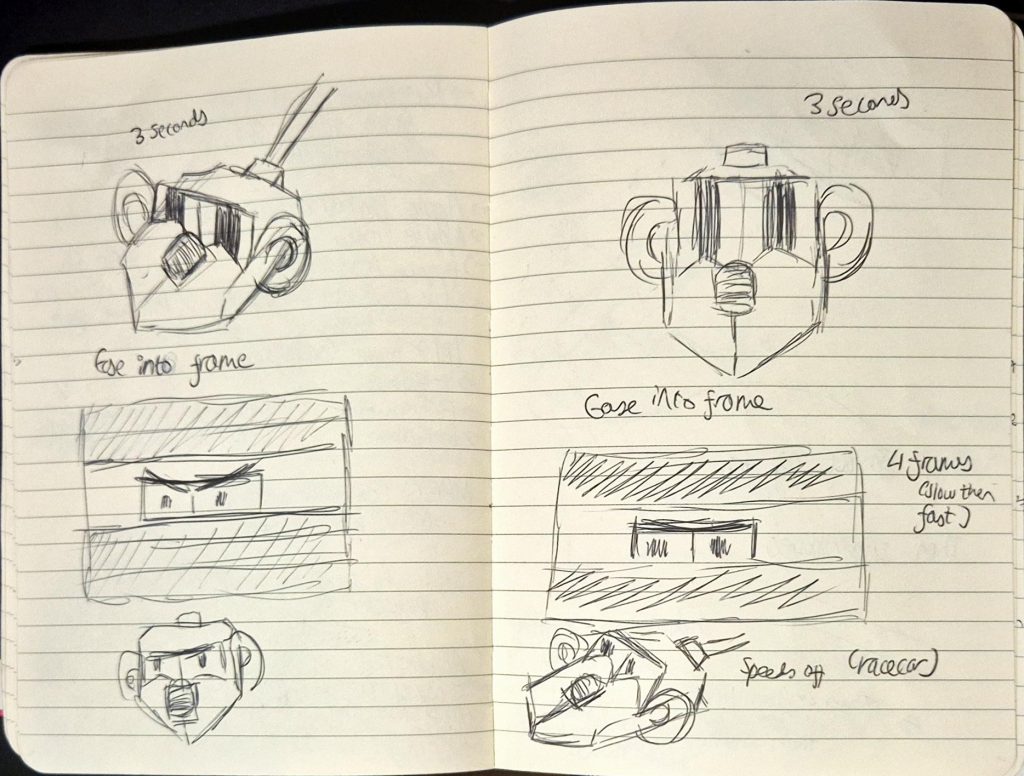
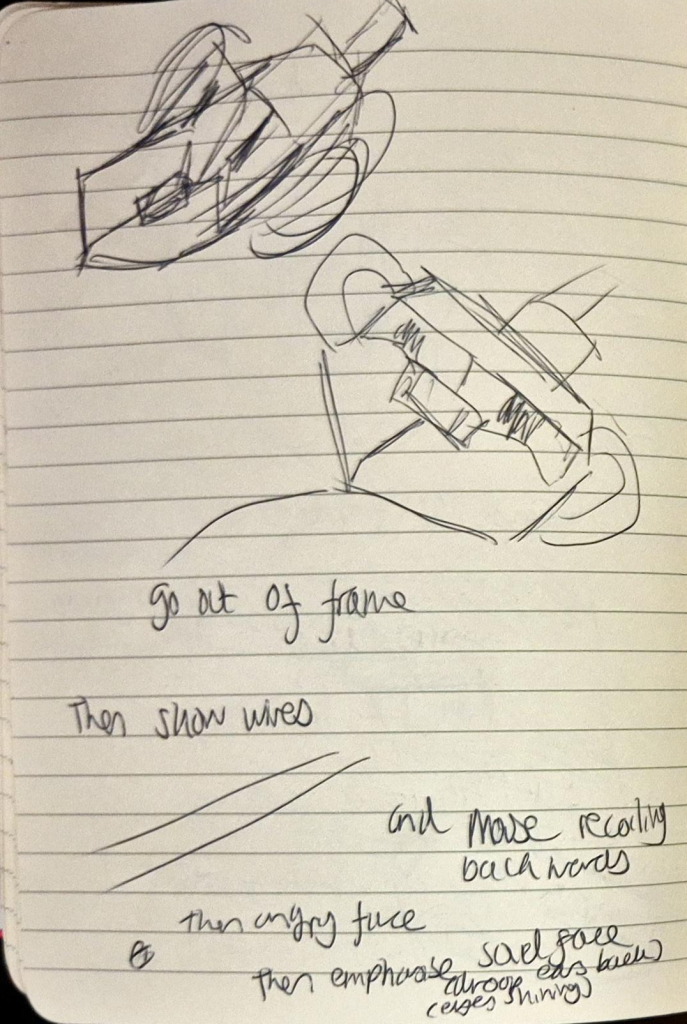
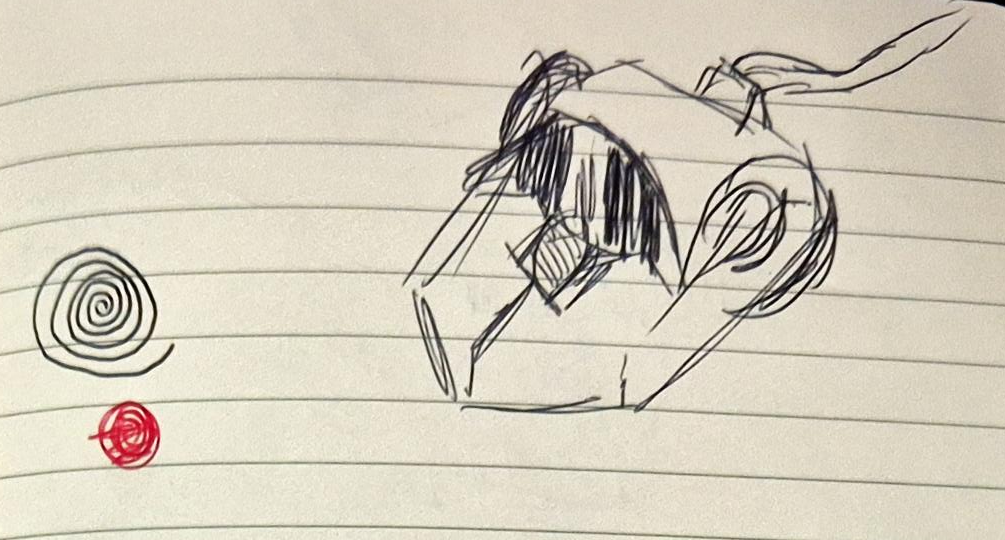
My doodles from the feedback I got
Overall, this lesson was extremely informative and productive, and I used the advice to re-do and clean-up my animation on Tuesday. It took around 6 hours of trial and error, and I ended up finishing clean-up at 2AM!
PLEASE NOTE: There is no sound.
Leave a Reply