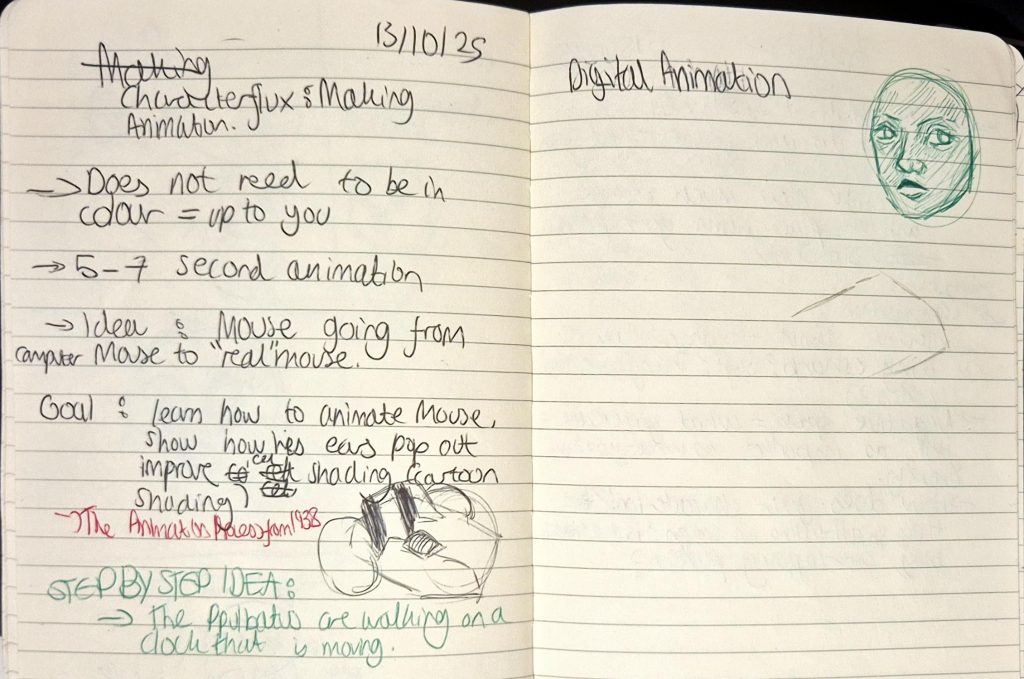
At the beginning of this lesson, we were told to get into groups of 4, pick 3 principles of animation each and discuss them, using examples from animations as reference. Mine were Arcs, Secondary Action and Timing.
I wasn’t expecting this activity and it felt quite random, so I was caught a bit off guard. That added to the fact that we had to present each of our respective principles to the group on Google Slides made it increasingly more stressful as I wasn’t able to paste gifs of animations properly, as they would only display as pictures. Also I couldn’t even think of any animations in general and we only had 12 minutes to prepare, plus public speaking isn’t my strongest skill especially under pressure (even if it was only to 3 other people).
When we eventually did present I didn’t have anything to show, and I fumbled through the explanations shakily. It wasn’t my strongest performance, but I do know I need to work on being able to adapt to unexpected scenarios.
Afterwards, Mariana talked us through some more tips for animating our characters, including using transitions, thinking about the composition of our scene, and knowing the emotions we would want to portray in our animation.
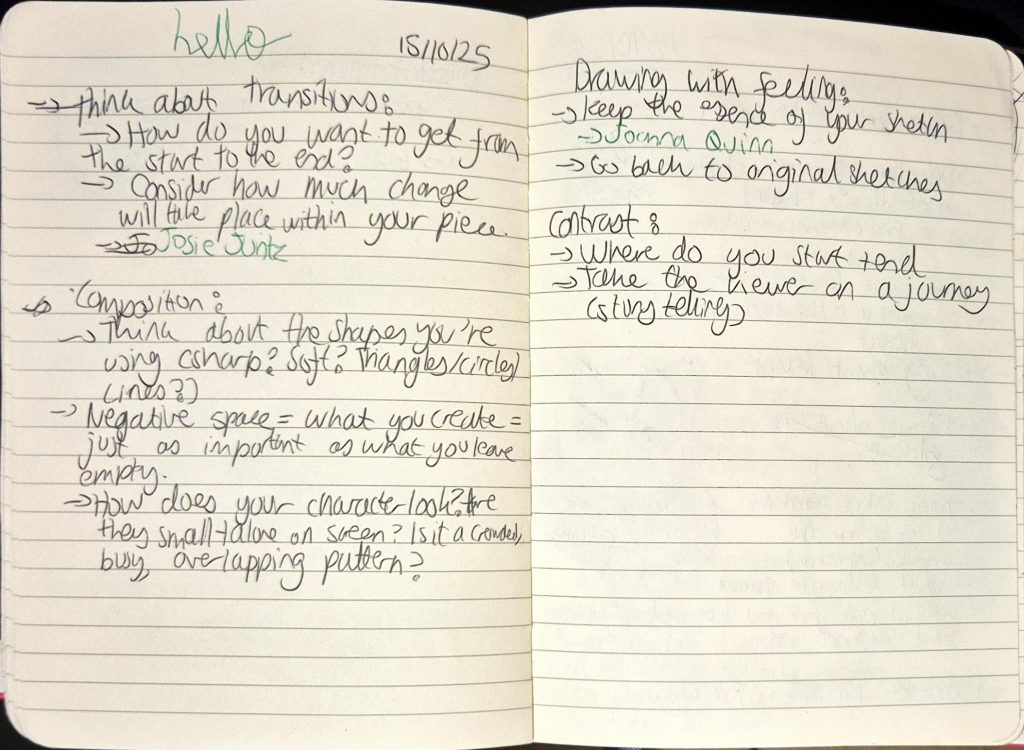
Today’s notes
I did write some notes, as seen above, but realised we covered most of the tips in Breaking Character, so I didn’t end up writing everything down.
Again, during this lesson I had a hard time using Photoshop because it is software that I am not used to. Copying and pasting my animations were extremely tedious as I had to manually press “paste to position” rather than pressing CTRL + V, and that was a pain to get used to. Plus, I didn’t have Photoshop at home, and was not willing to buy Photoshop just for this animation. Therefore, even if I had an animation to work on (which at that point in time I did not), I couldn’t work on it in my free time. So I began to consider using the software I usually use, which is Clip Studio Paint. But I was worried because we weren’t allowed to use anything other than Photoshop, so I decided it would be better to try using the latter once more before I fully decide to switch to Clip Studio Paint.
An idea did form in my head around this time, which removed the initial thought of Mouse transforming as I felt it was too simple for a 5-8 second animation. I really wanted to animate exaggerated facial expressions (e.g. eyes widening like Tom’s in Tom and Jerry), therefore I came up with the concept of Mouse seeing a piece of cheese (offscreen), before his eyes widen and he reacts with love hearts in his eyes (possible tail/wire wagging, secondary action). He then composes himself and accelerates before being violently pulled back by his tail (squash + stretch) and staying shocked for a few beats. He looks angrily at his tail, then sighs and looks forlornly in the distance.
Since we also had to incorporate the 3 character descriptors we chose for our characters (ambitious, grumpy and insecure for Mouse), I wanted the animation to especially reflect his personality:
- Ambitious: Mouse wants to eat cheese that’s lying far away from him
- Grumpy: Mouse gets angry when pulled away from his goal
- Insecure: Mouse feels sad because of what he views as his liability (his tail/wire).
I ended up drawing Mouse’s expressions in my sketchbook chronologically (somewhat like a storyboard, only without frames for some reason). But I was happy with my idea at that point, and was hoping that Photoshop would be easier to tackle in the next lesson.
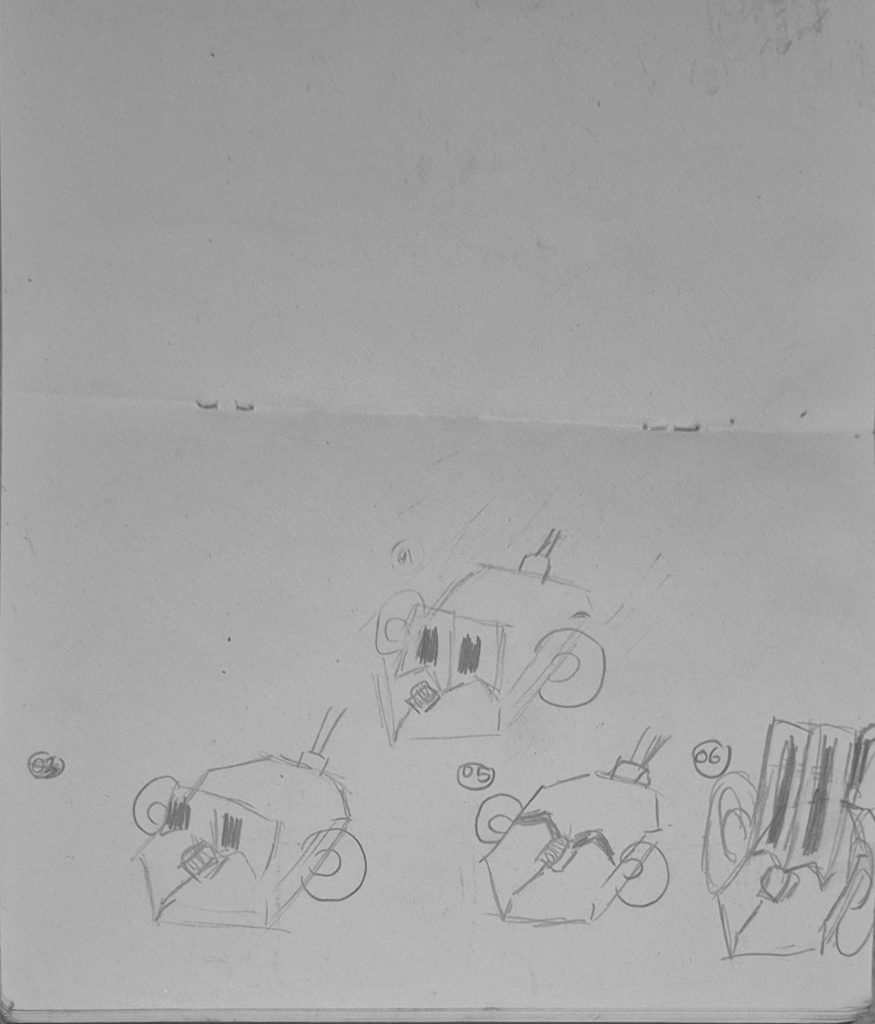
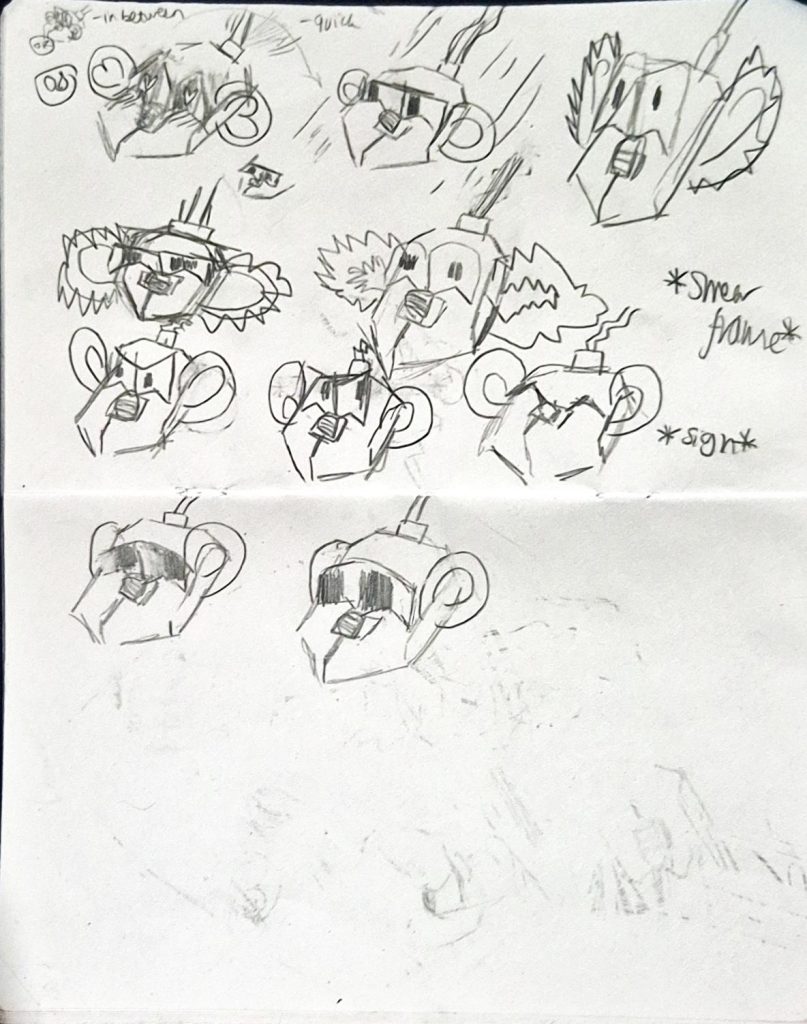
Mouse “storyboard”