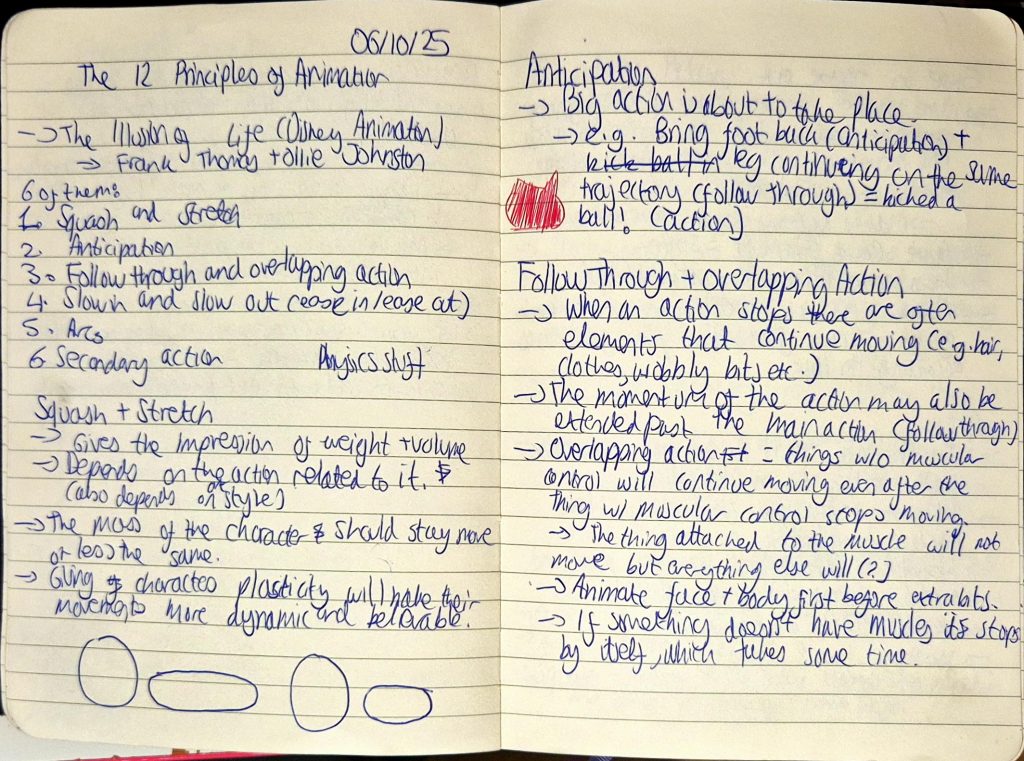
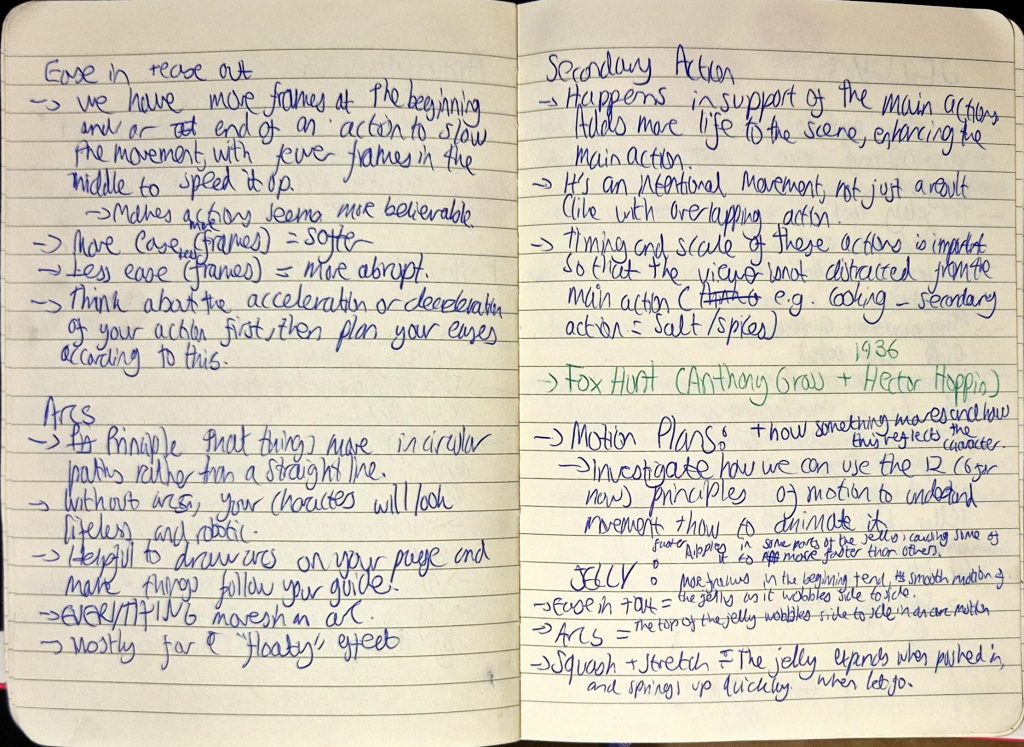
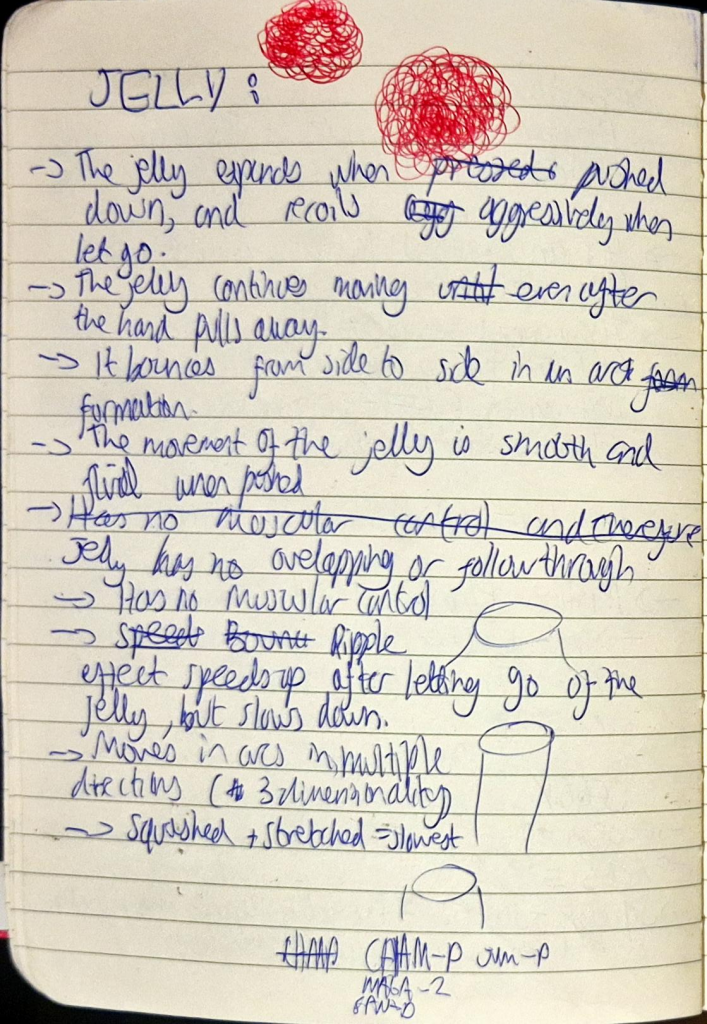
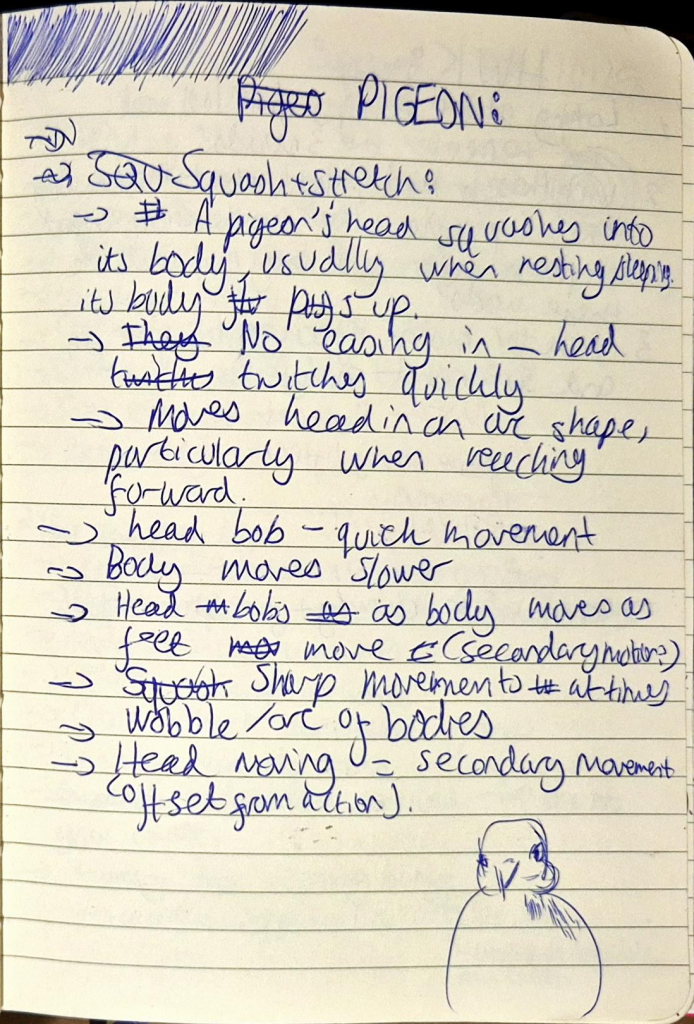
We learned the last 6 principles of animation, which were:
- Staging: Applies to the placement and movement of the camera and how it engages the viewer, keeping the focus on key elements of a scene.
- E.g. if showing a cafeteria, focus the main characters eating rather than the background characters moving around.
- Straight ahead/pose-to-pose:
- Straight ahead: used in more experimental practices. Is the process of drawing each frame in order, which results in the volume of the object/character changing.
- E.g. animating fire.
- Pose-to-pose: used in character animation. Is the process of drawing the keyframes (main poses of action) first and making sure they look exactly like the character, before moving onto breakdowns and then in-betweens.
- E.g. animating a human character.
- Straight ahead: used in more experimental practices. Is the process of drawing each frame in order, which results in the volume of the object/character changing.
- Timing: Helps objects look more realistic/stylised depending on what the intentions are with the animation. Linked with ease in/ease out to an extent, as it describes how more frames = slower/softer timing, less frames = faster/more abrupt timing.
- Exaggeration: Enhances storytelling and is used to express extreme emotions. Less exaggeration = more realism, more exaggeration = more stylised.
- Solid drawing: The idea that characters need to be drawn in 2D but appear as though they exist within a 3D space.
- This involves using design techniques such as line, form, anatomy, volume, weight, light etc.
- Appeal: A character must be made to look compelling enough to draw the audience into the story.
- This can be achieved through design (colour, shape, language etc.).
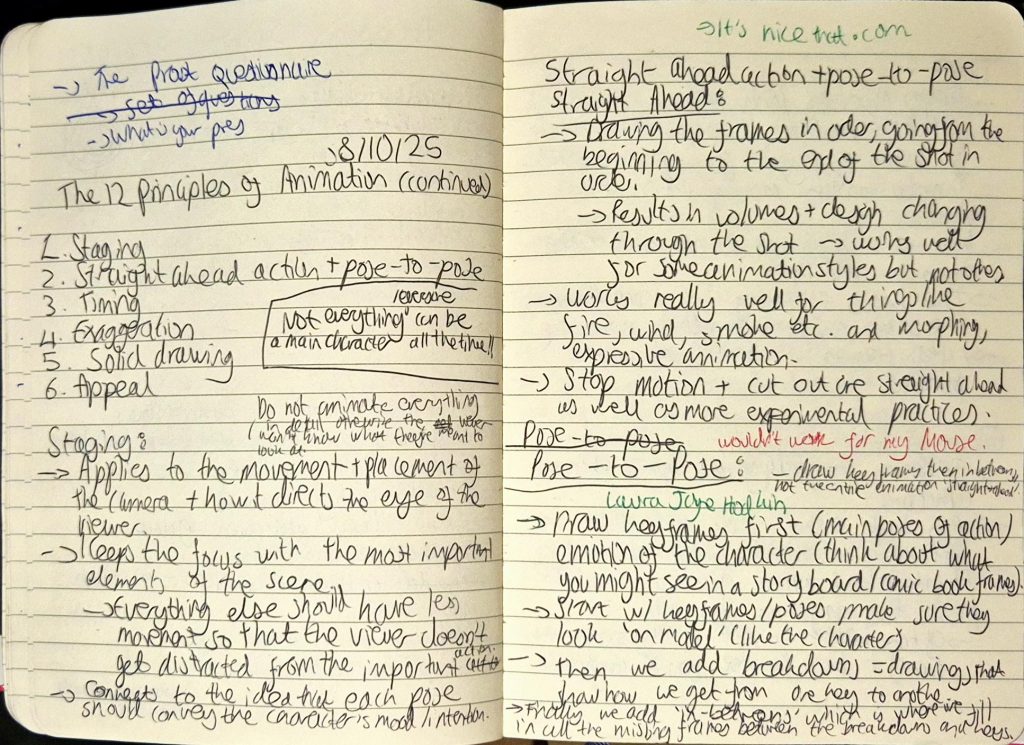
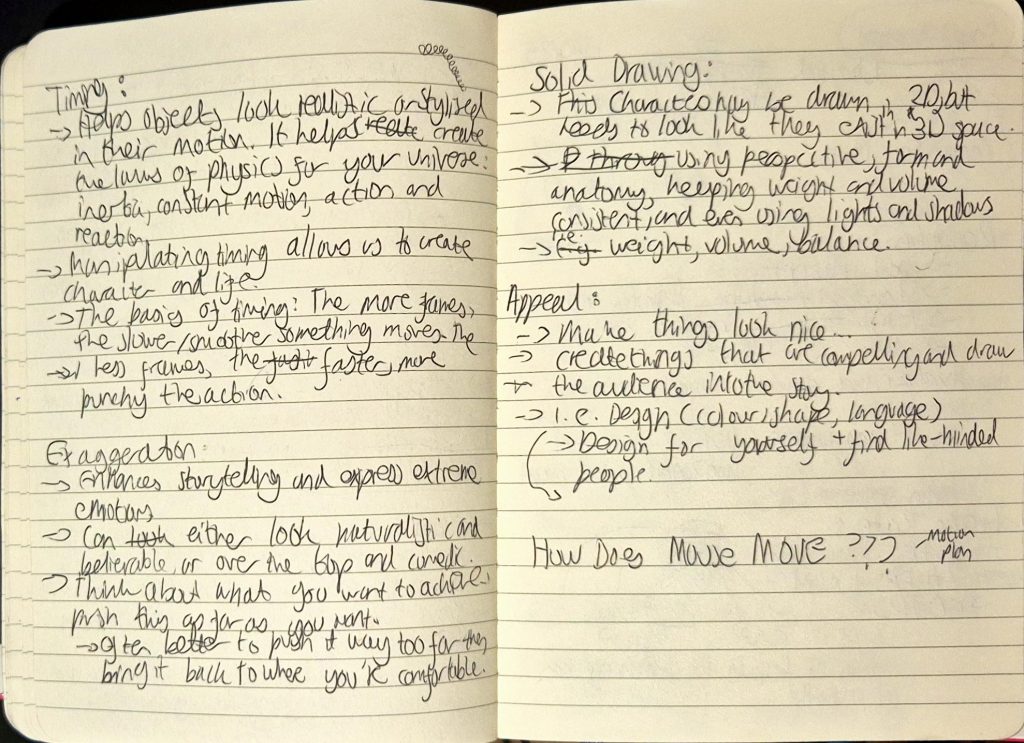
My notes
The activities we did to explain staging and exaggeration were really fun to participate in.
For staging, Jess told us to get into large groups of 2 and create a tableau that we’d show to the other group and vice versa. These tableaus would allow us to see how we can use secondary actions to support the main action without being too distracting. Our group came up with a fight scene, with Berni and I fighting and everyone else watching and filming.
For exaggeration, we had to individually come up with the loudest and most exaggerated yawn, and also the most subtle yawn that still looks like said action.
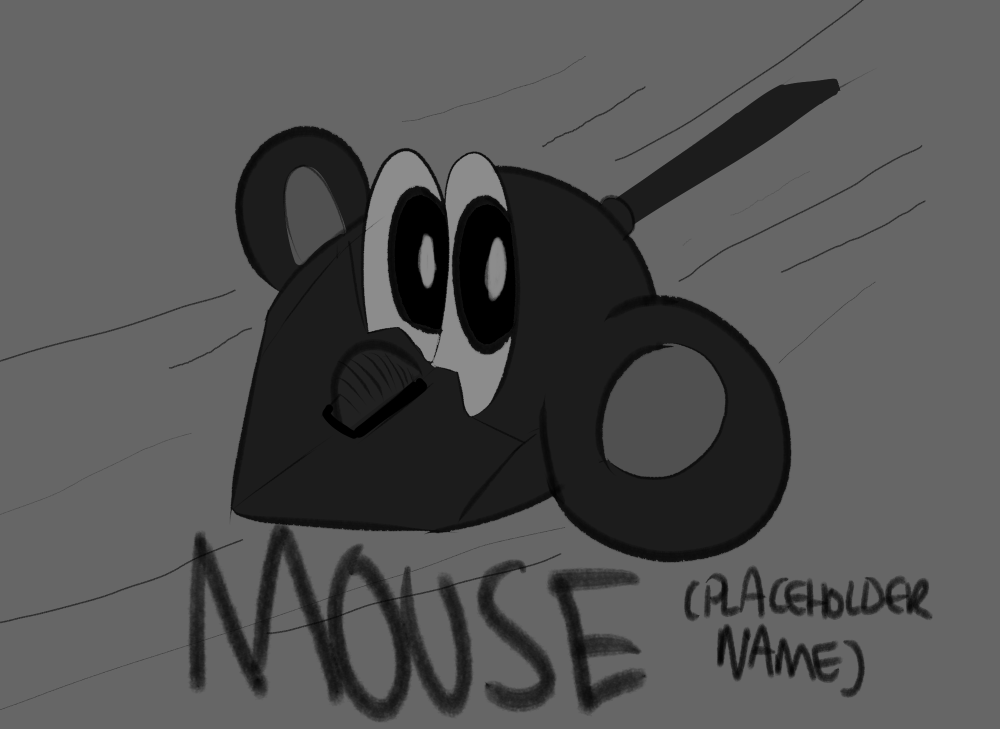
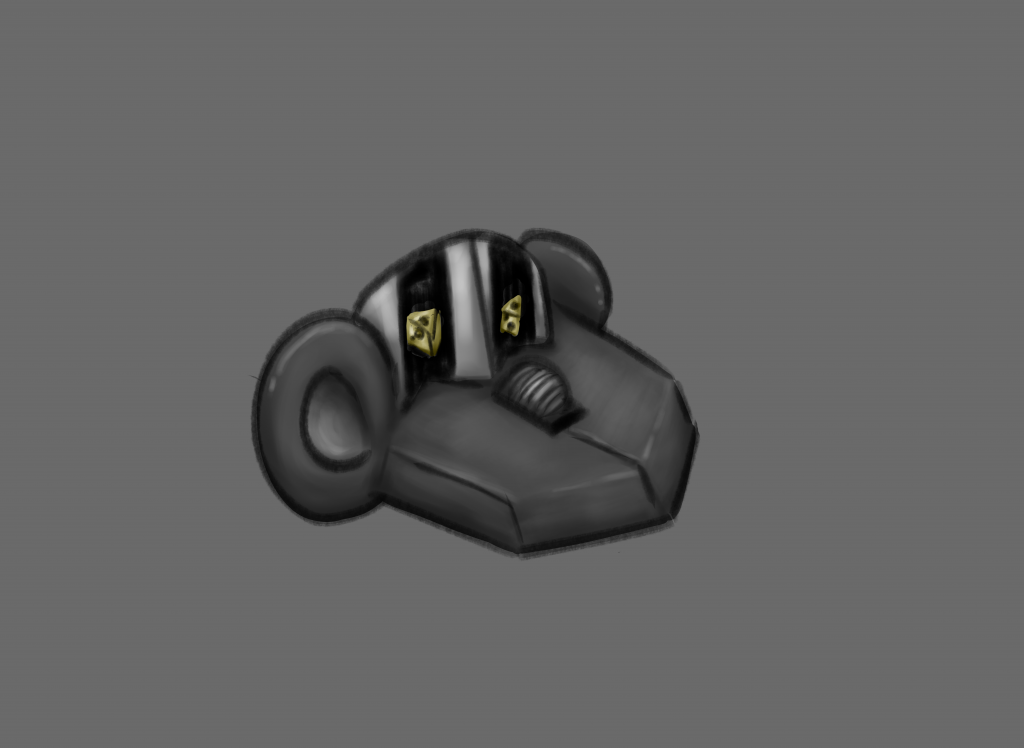
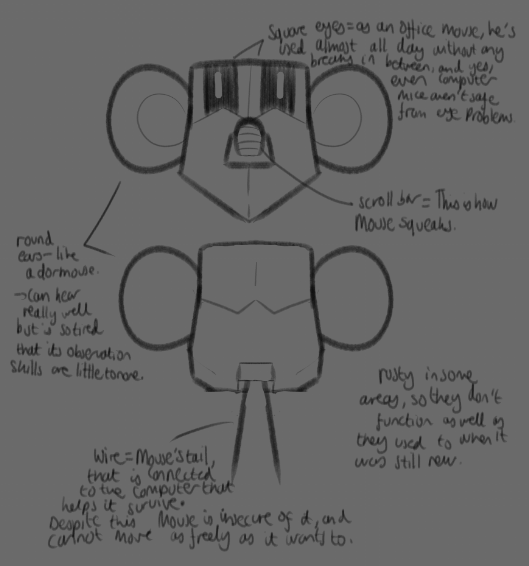
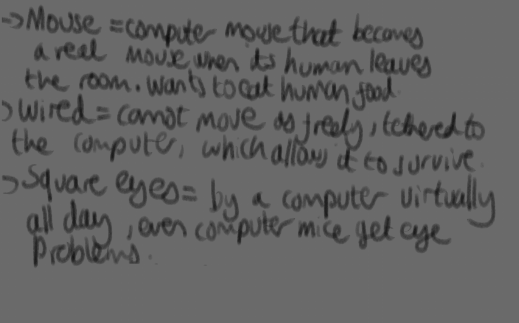
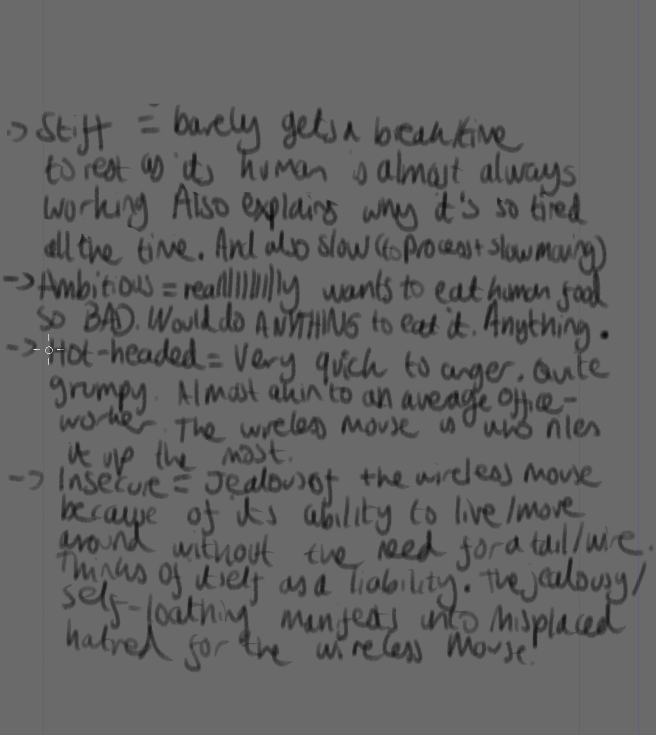
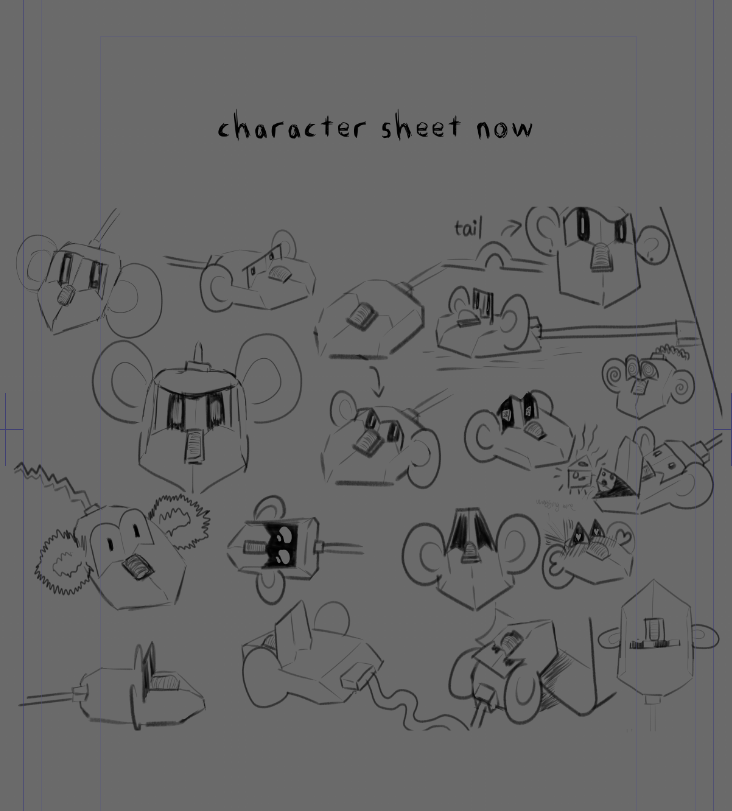
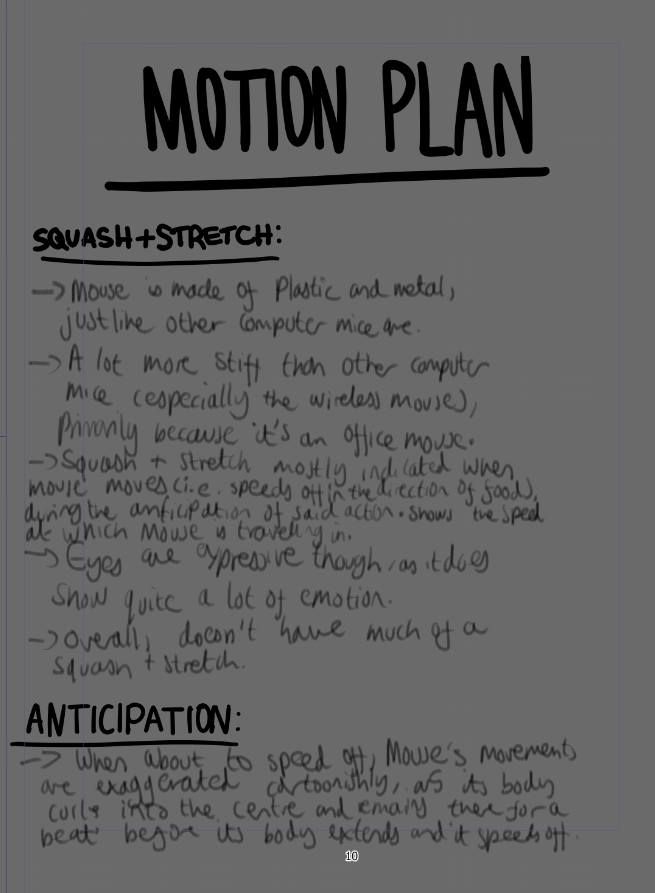
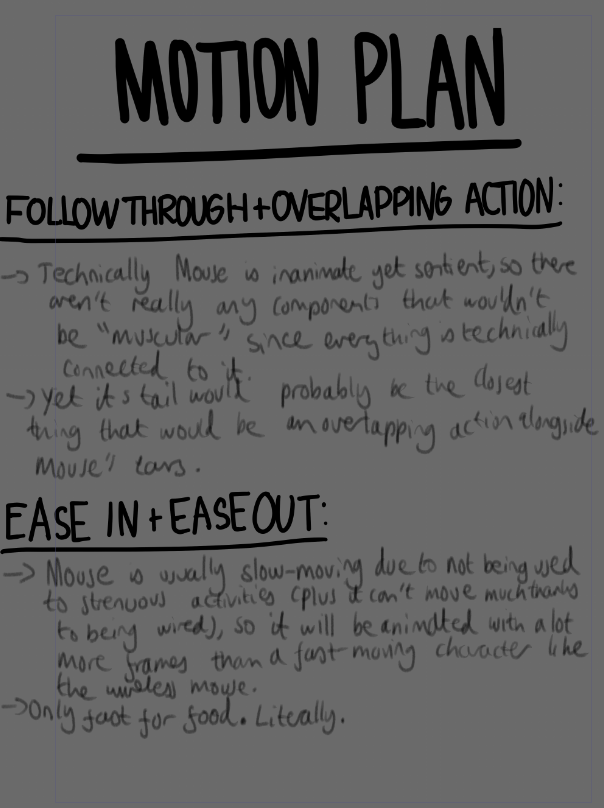
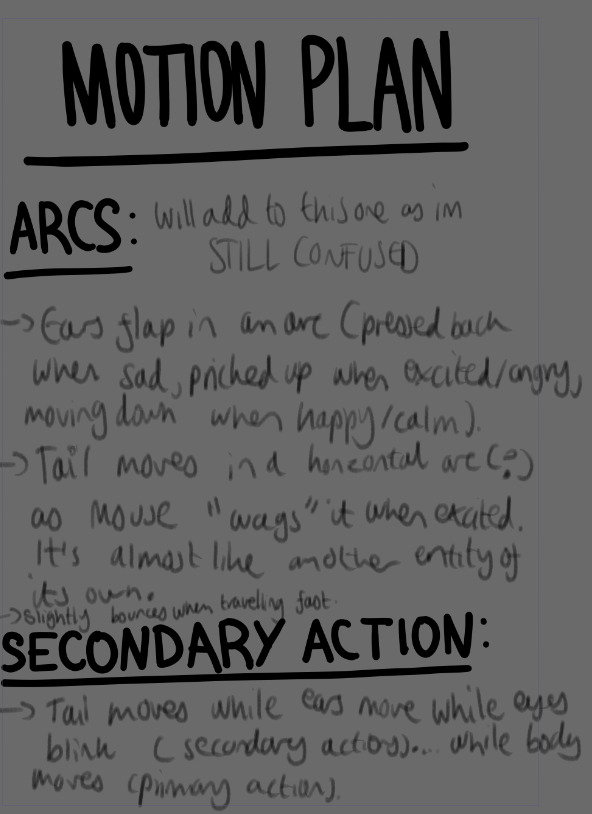
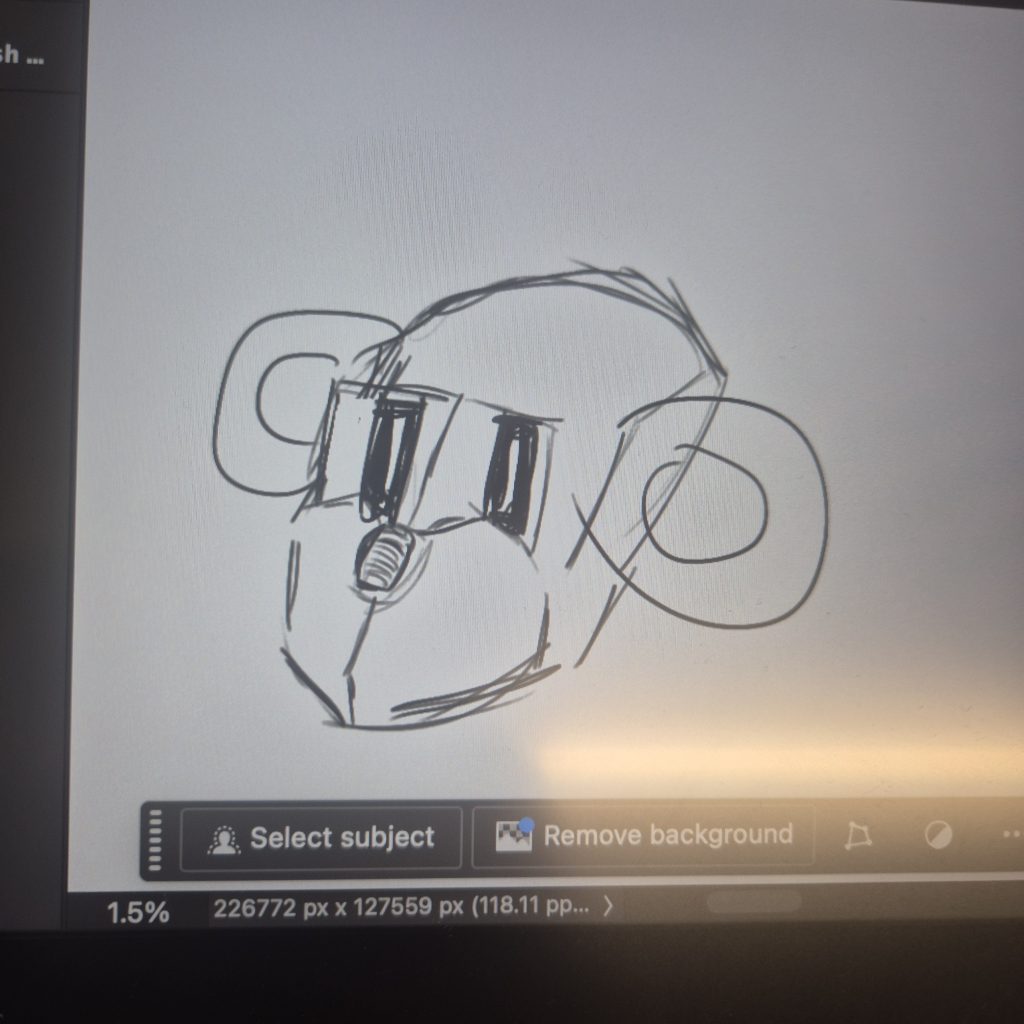
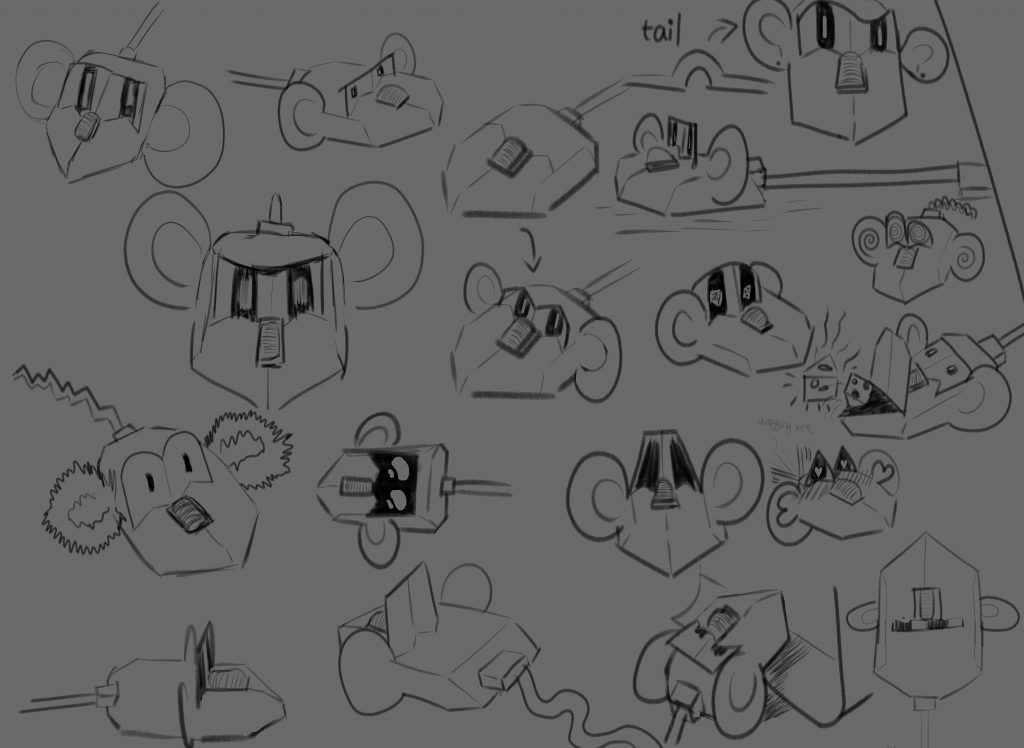
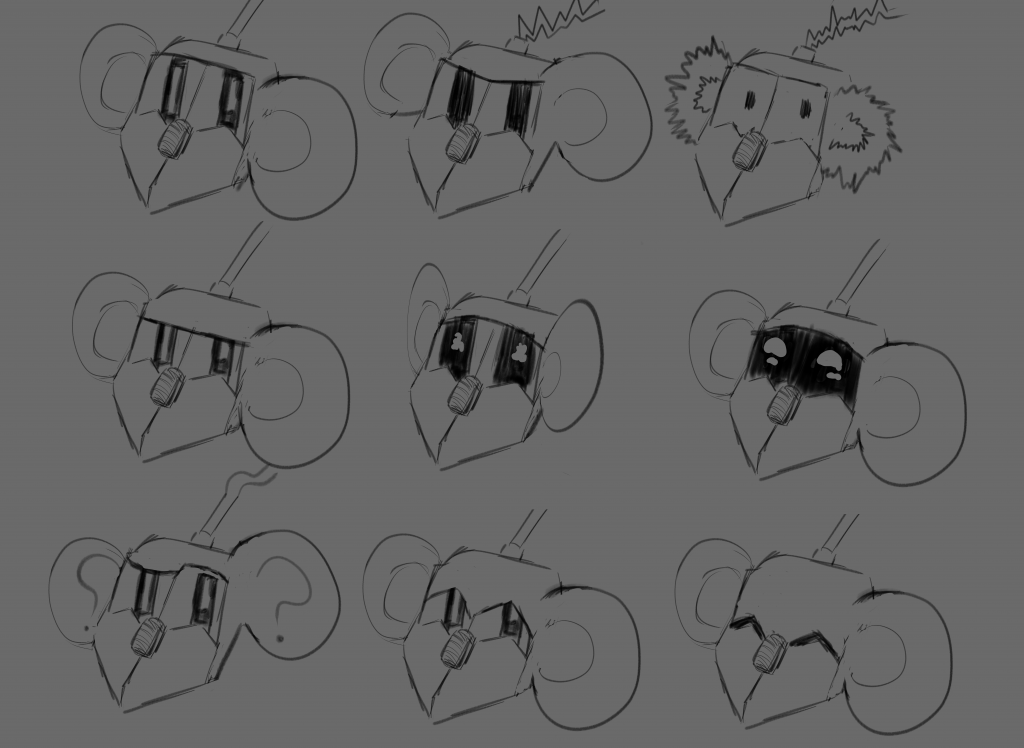
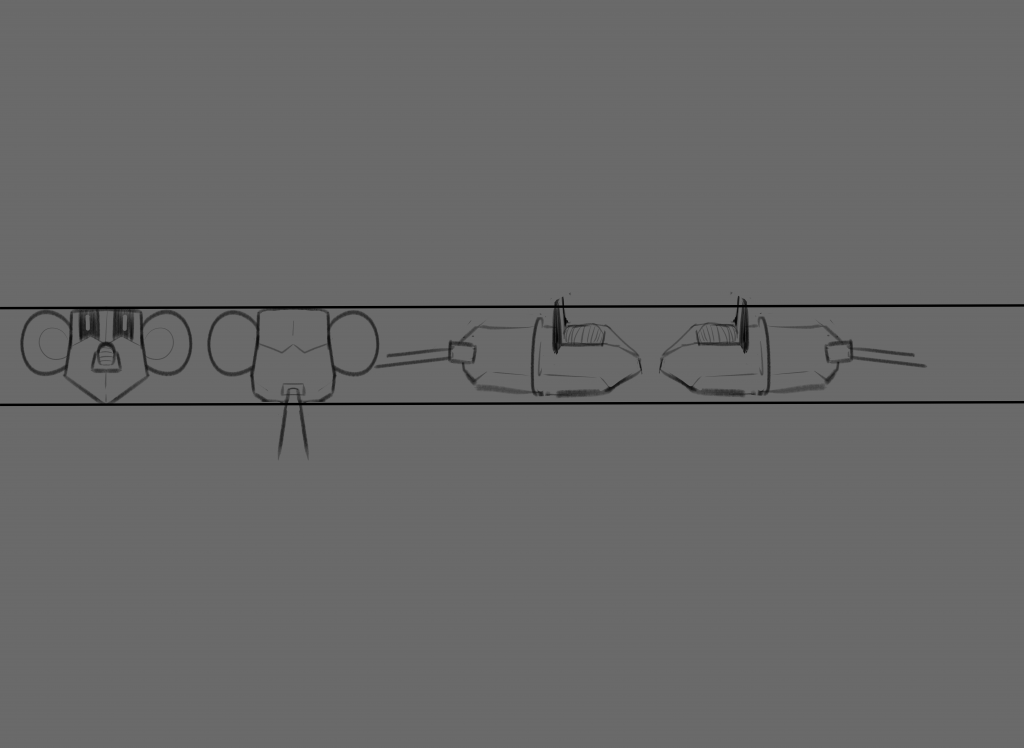
Since the overall assignment (including the motion plan) involves creating a triptych from the original character experimentations that we did last week (alongside the character sheet, expression sheet and character turnarounds) I also asked Jess whether we could include additional information about our character’s personality and the original character designs I made alongside some physical characteristics, and she said we could. Therefore, on Thursday I finished my motion plan of Mouse, which is shown below:
I didn’t end up writing notes for each principle because it was so difficult to think about how each one would be used in Mouse’s design and movements, and so I merely discussed 9 out of 12 of them, with visual evidence for squash and stretch and exaggeration.