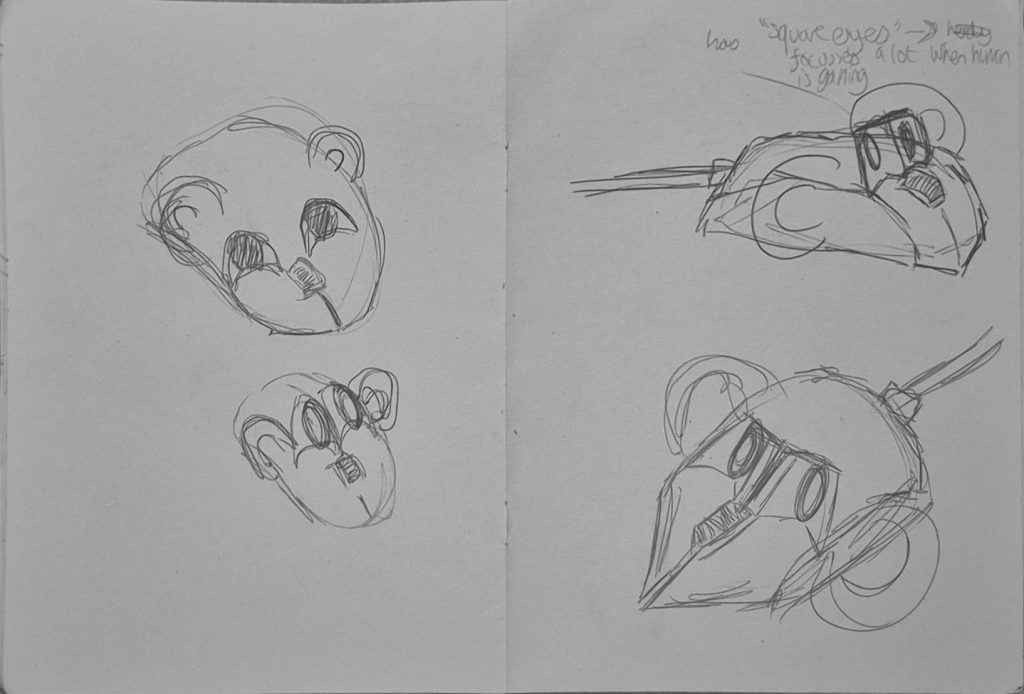
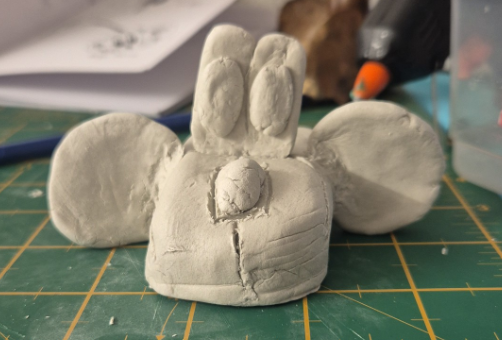
In this lesson, Jess taught us about the fundamentals of character sheets, expression sheets and character turnarounds.
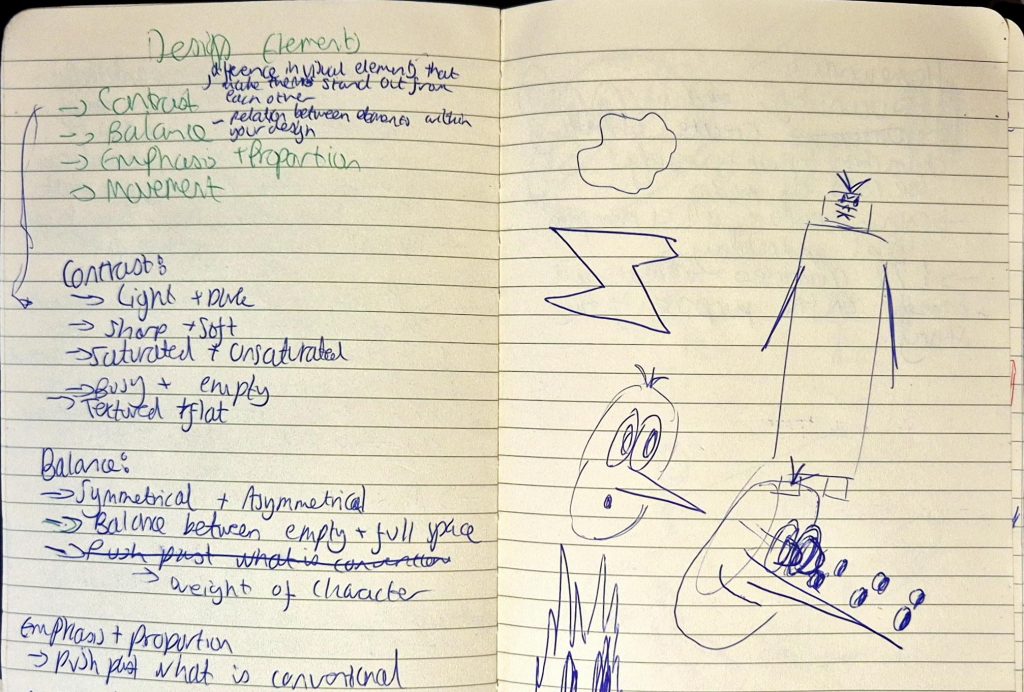
Character sheets: used to both communicate personality and depict the movement of the character.
Expression Sheets: shows character expressing a variety of emotions, helps keep the character acting consistent
Character turnaround: displays a 360 degree view of the character to keep appearance consistent from all angles. Usually only includes front, back and sides, but can include 3/4 angles as well.
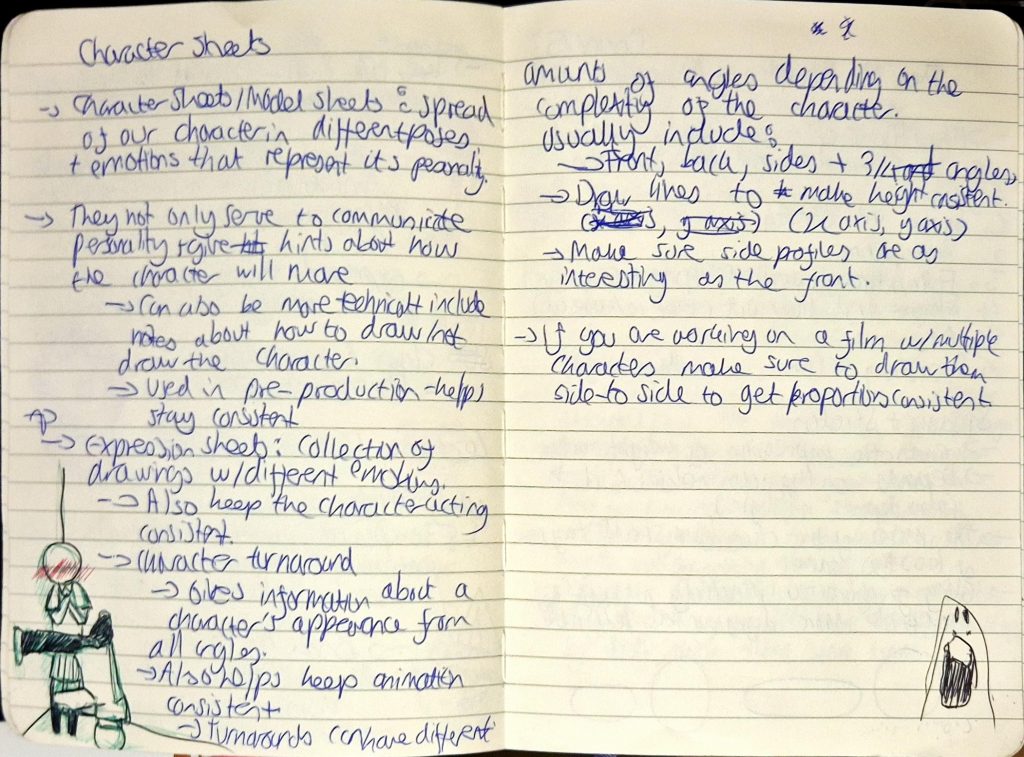
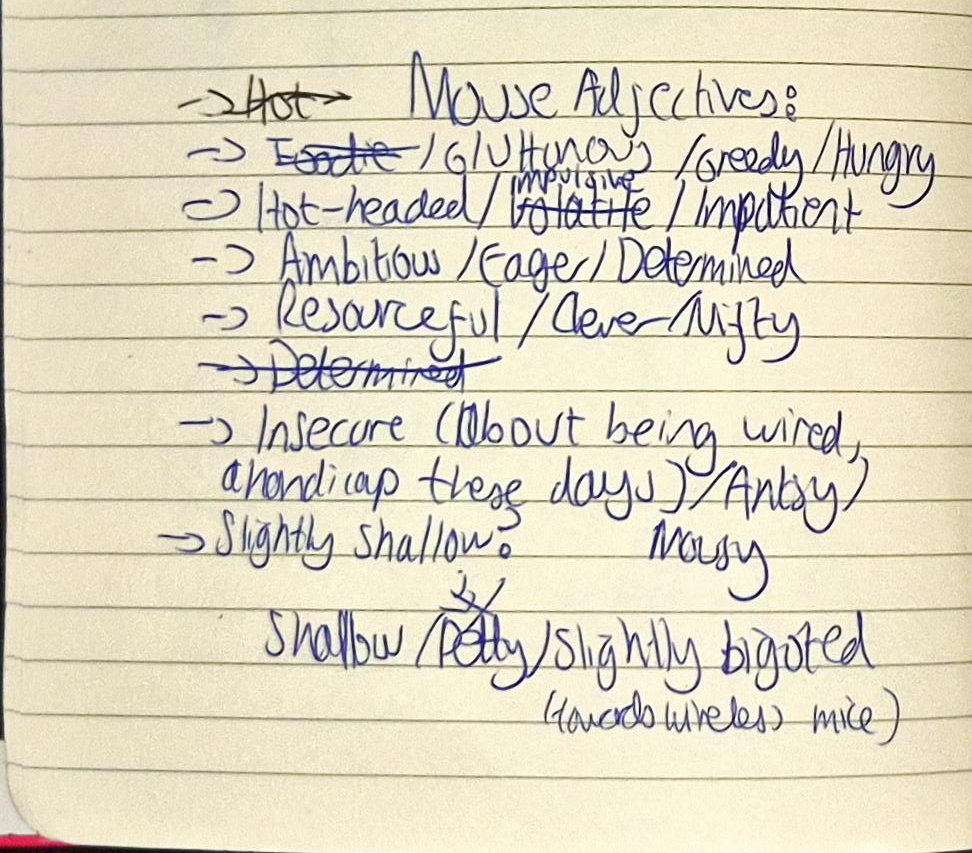
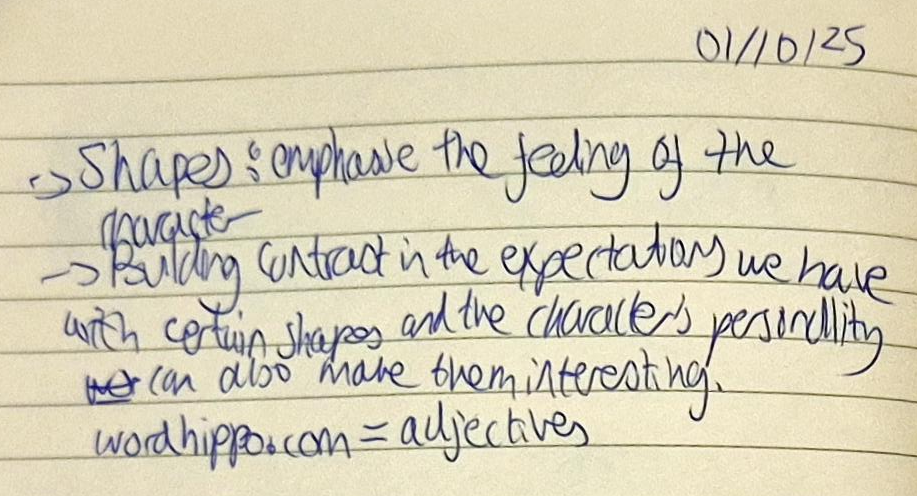
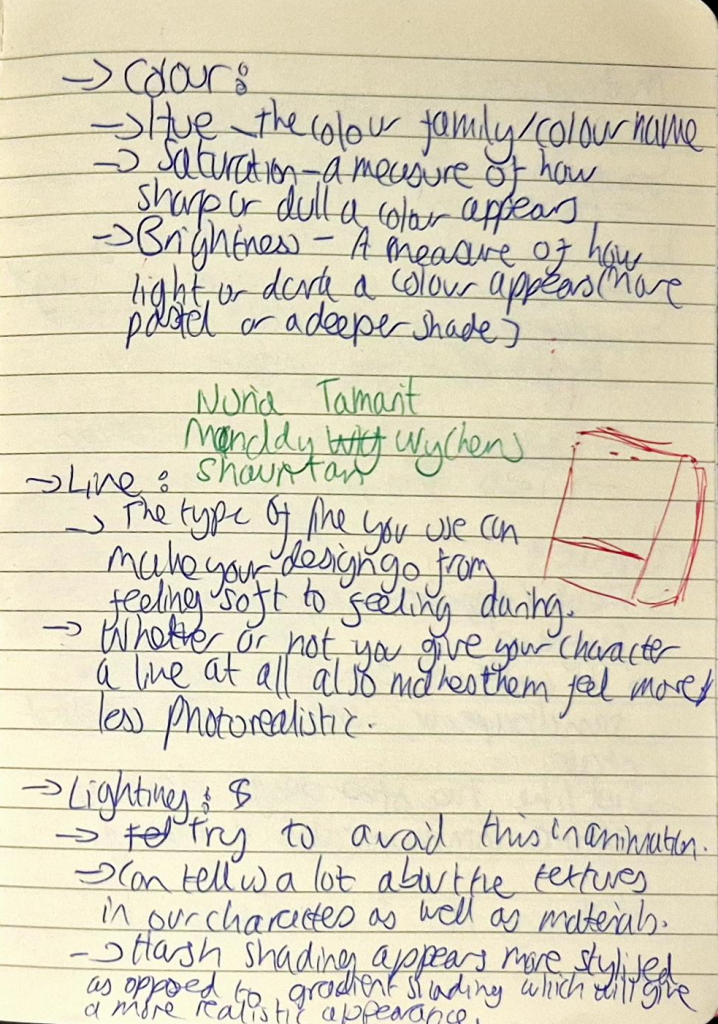
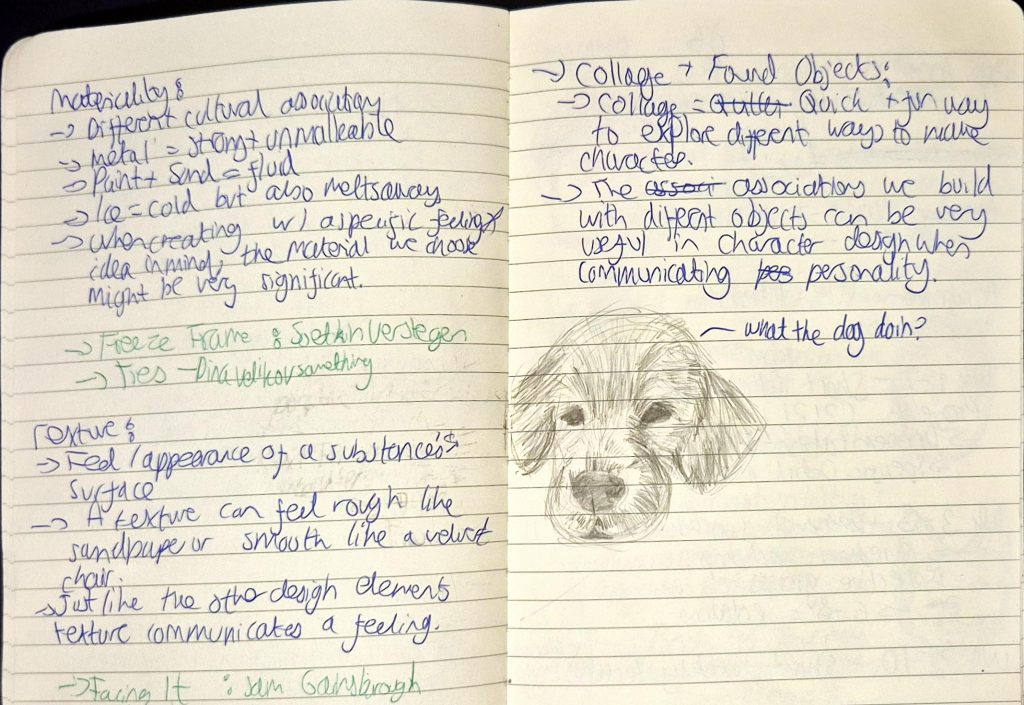
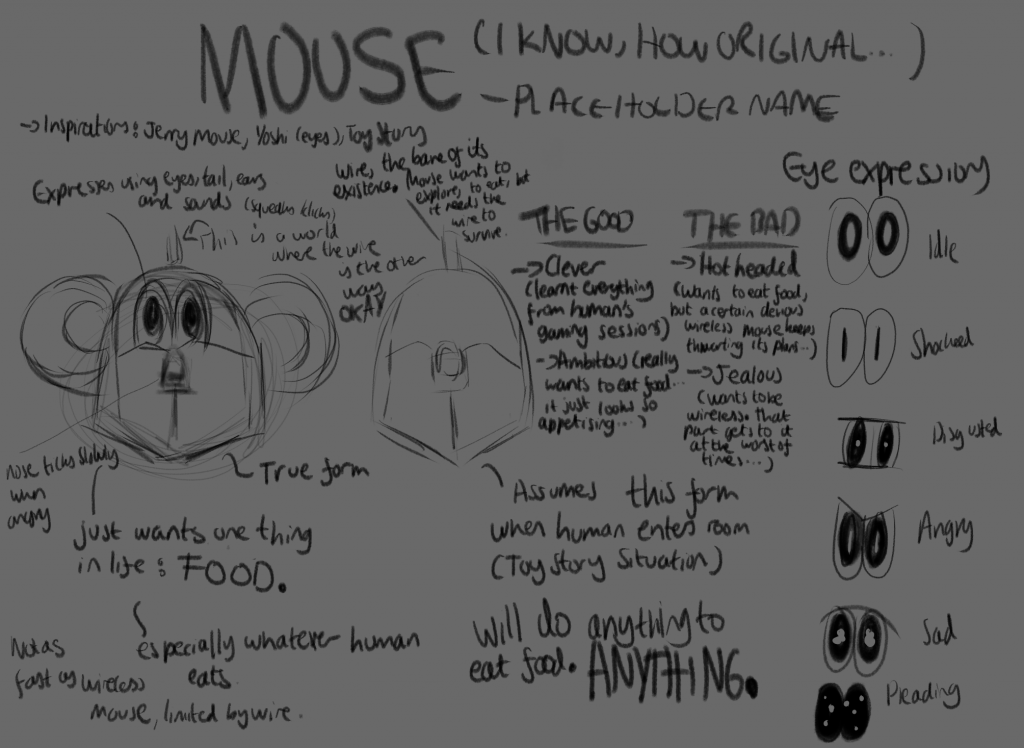
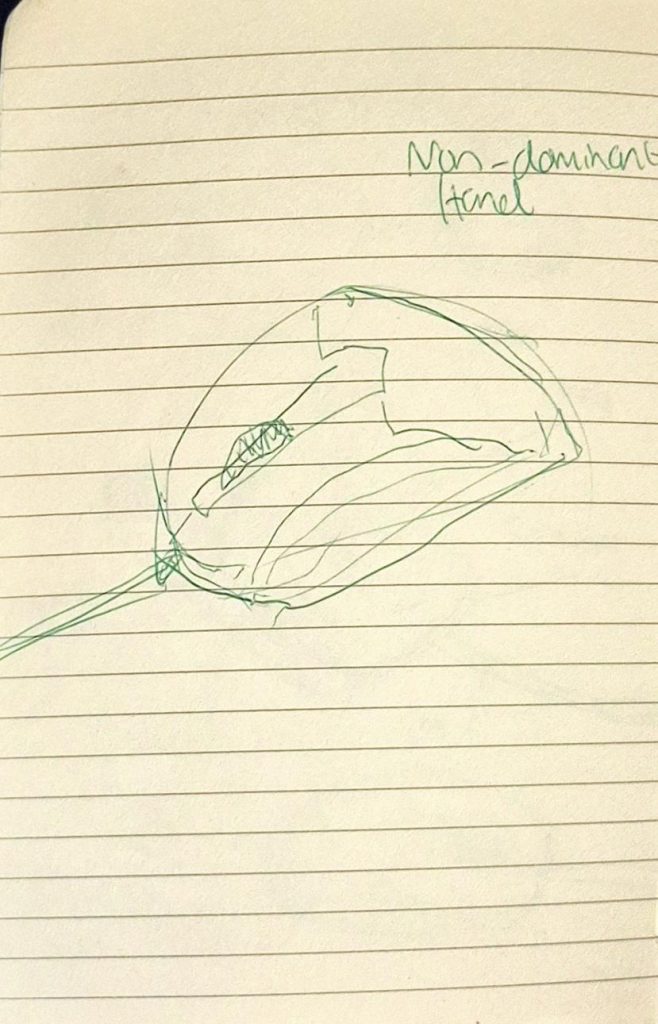
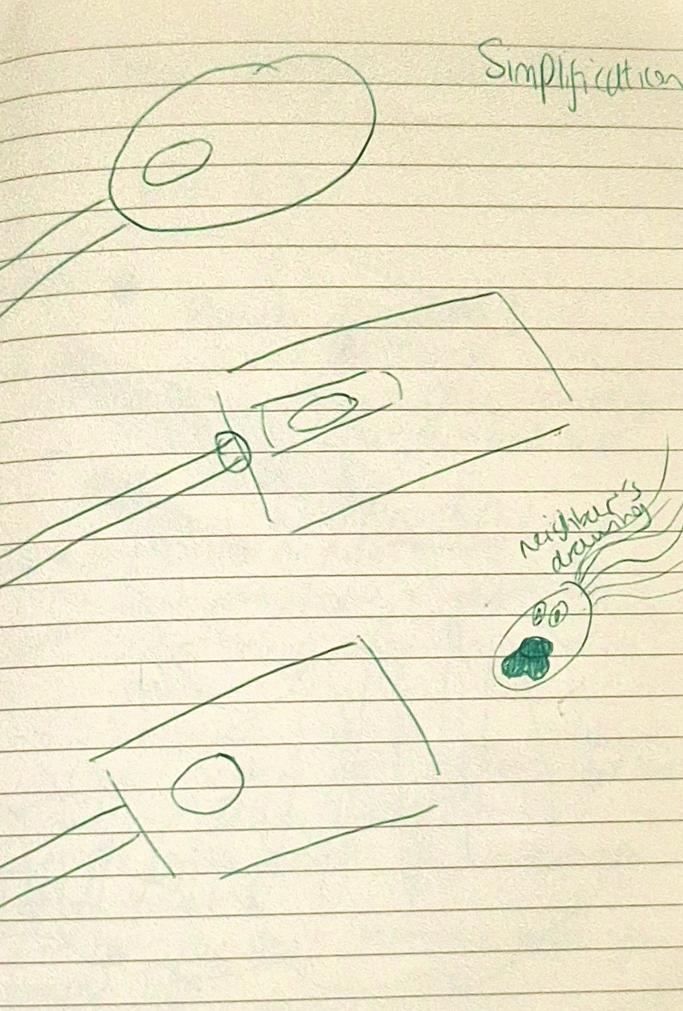
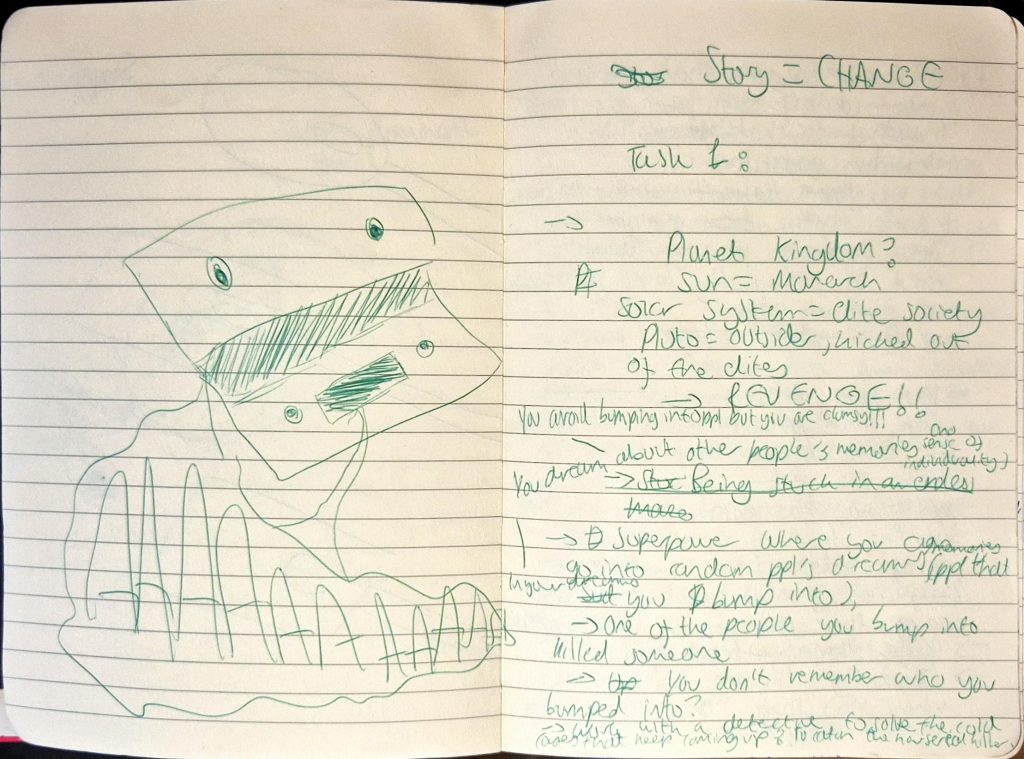
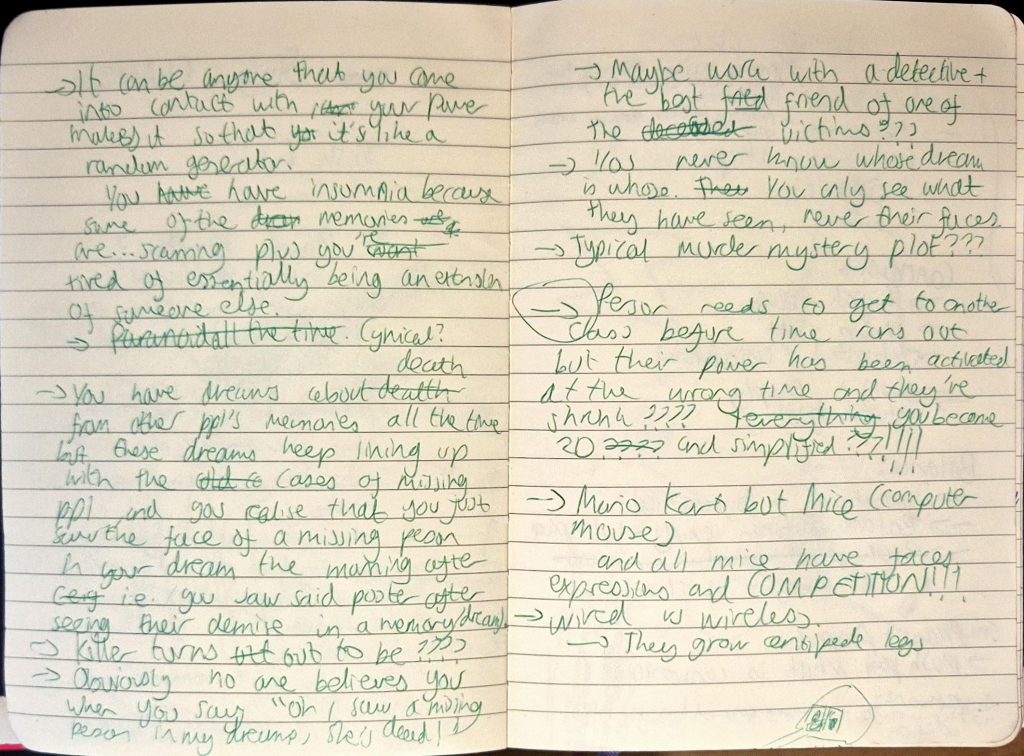
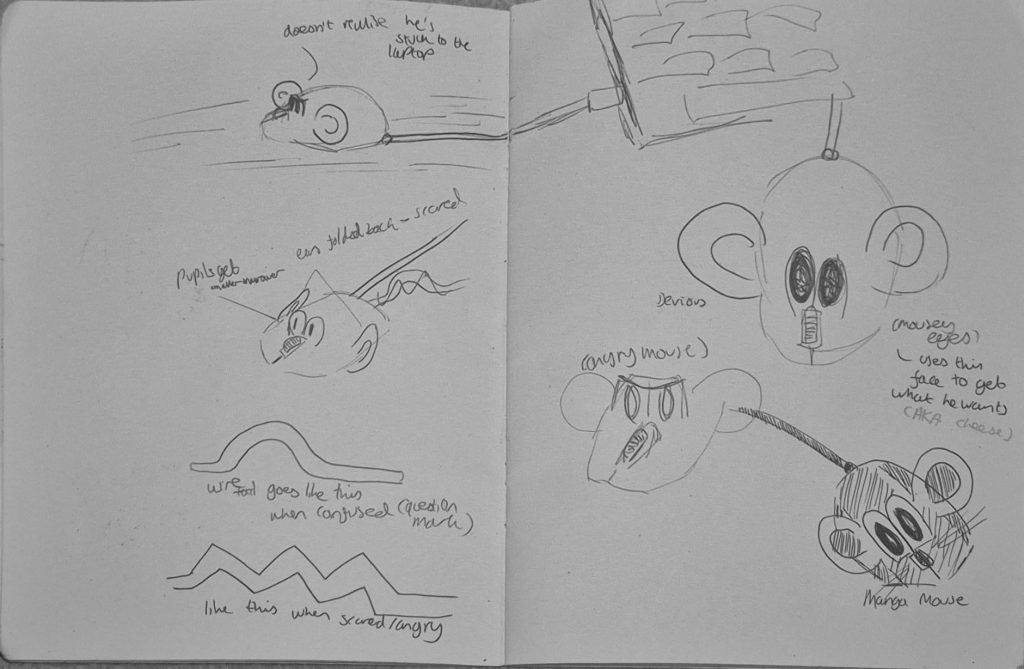
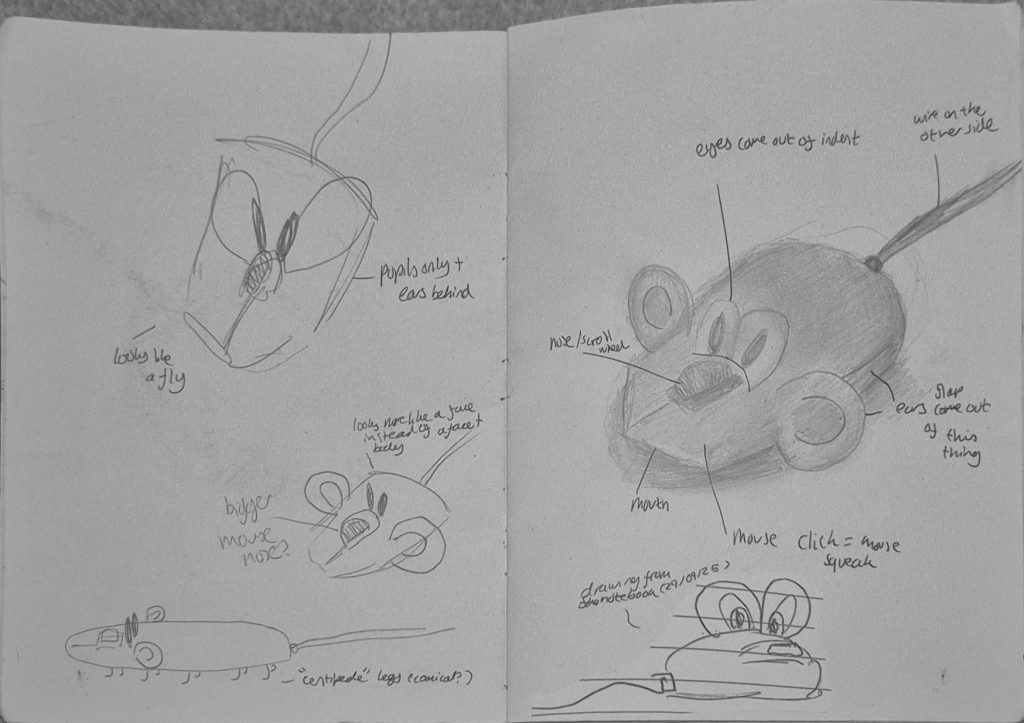
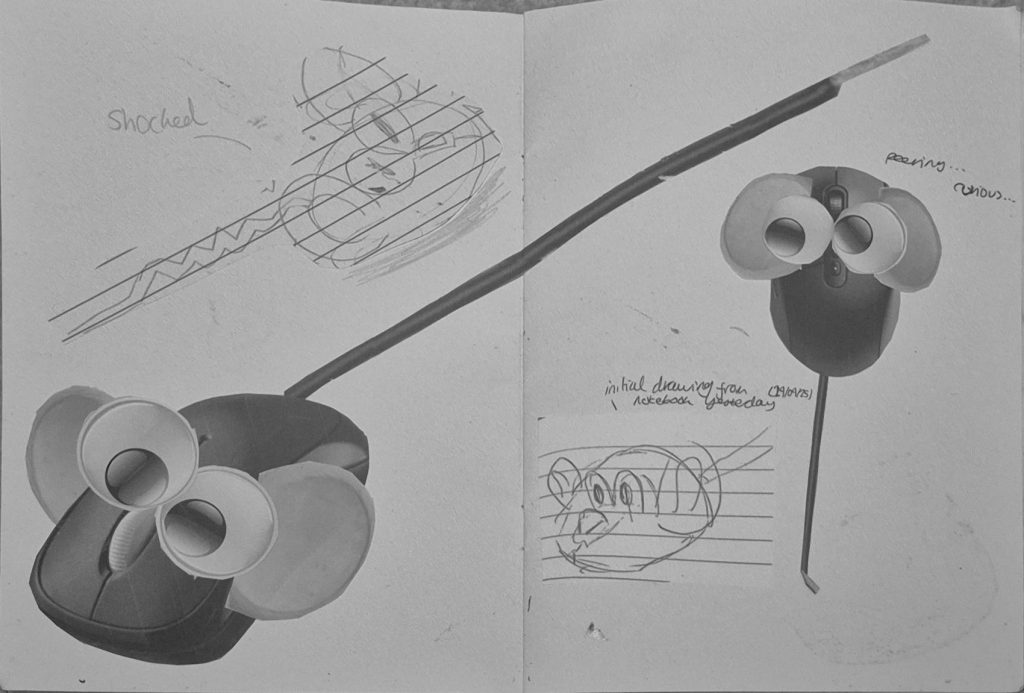
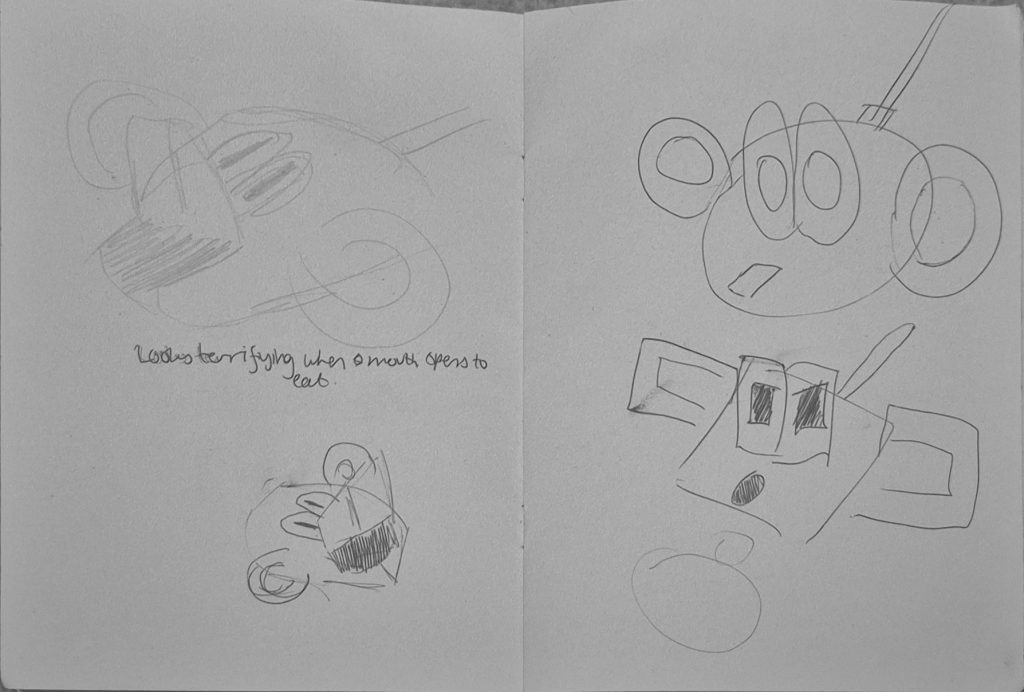
My notes
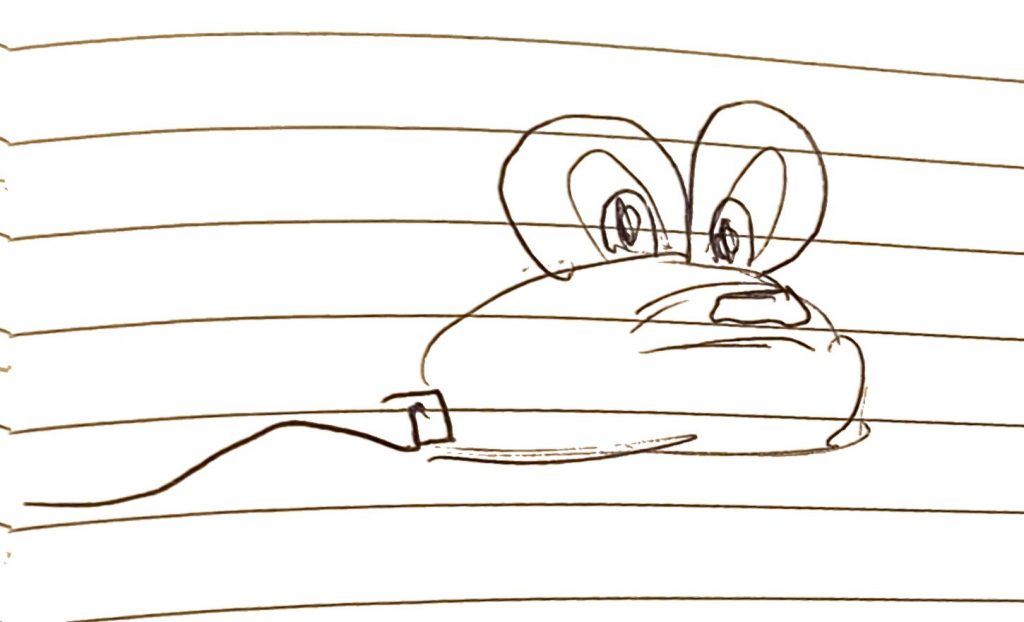
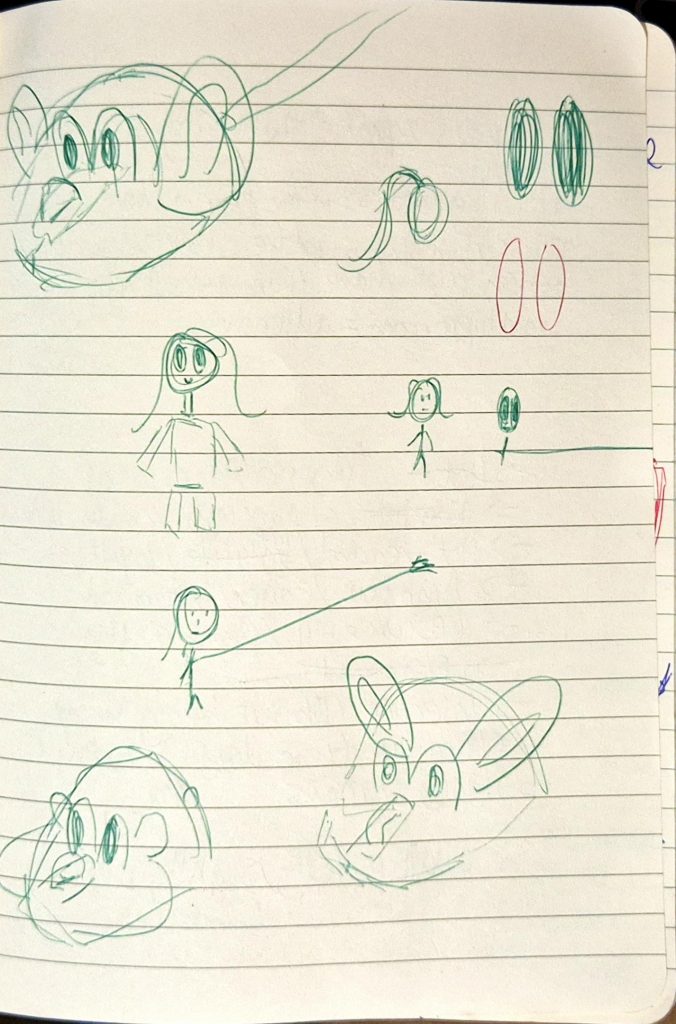
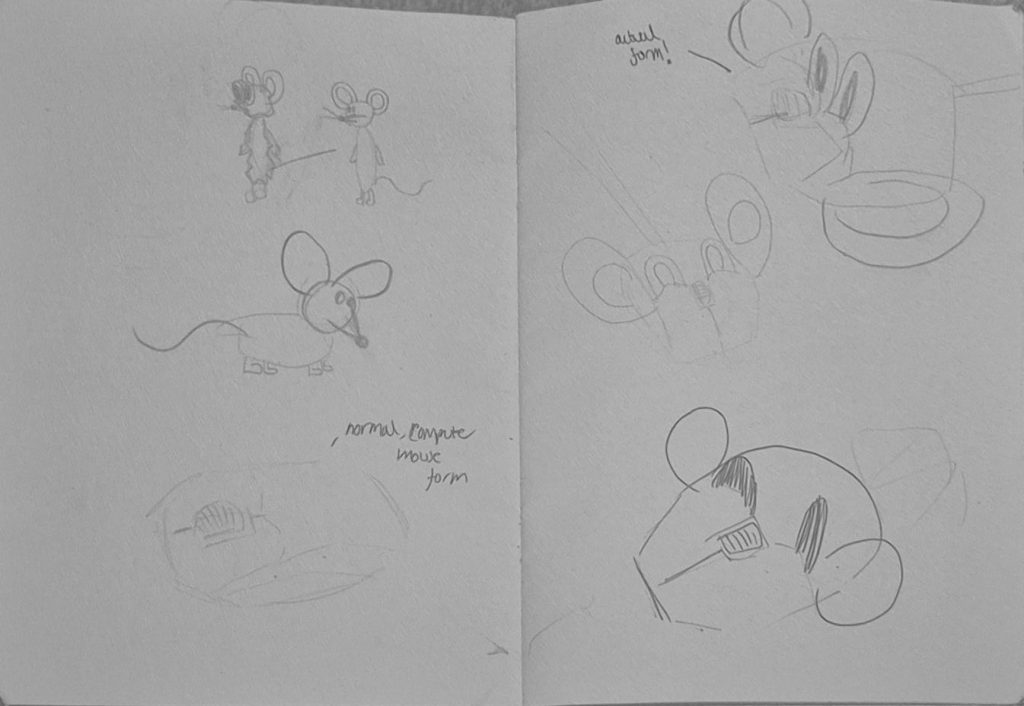
Jess then taught us how to use Photoshop to draw our characters, a software that I’ve only ever used for editing photos back in A-Level Art & Design. I used to find its user interface very complex, and barely knew how to navigate through it without using Google to research something I searched up a hundred times before. But Jess explained how to use every feature so well, and I actually enjoyed drawing my character on Photoshop. I ended up changing his design to make his eyes square (a play on “square eyes”, a saying that people often use when someone spends a lot of time staring at a screen). This fits his character perfectly, as he’s a computer mouse used in the office, and differentiates him more from wireless mouse, who would have rounder eyes akin to Mouse’s original design.
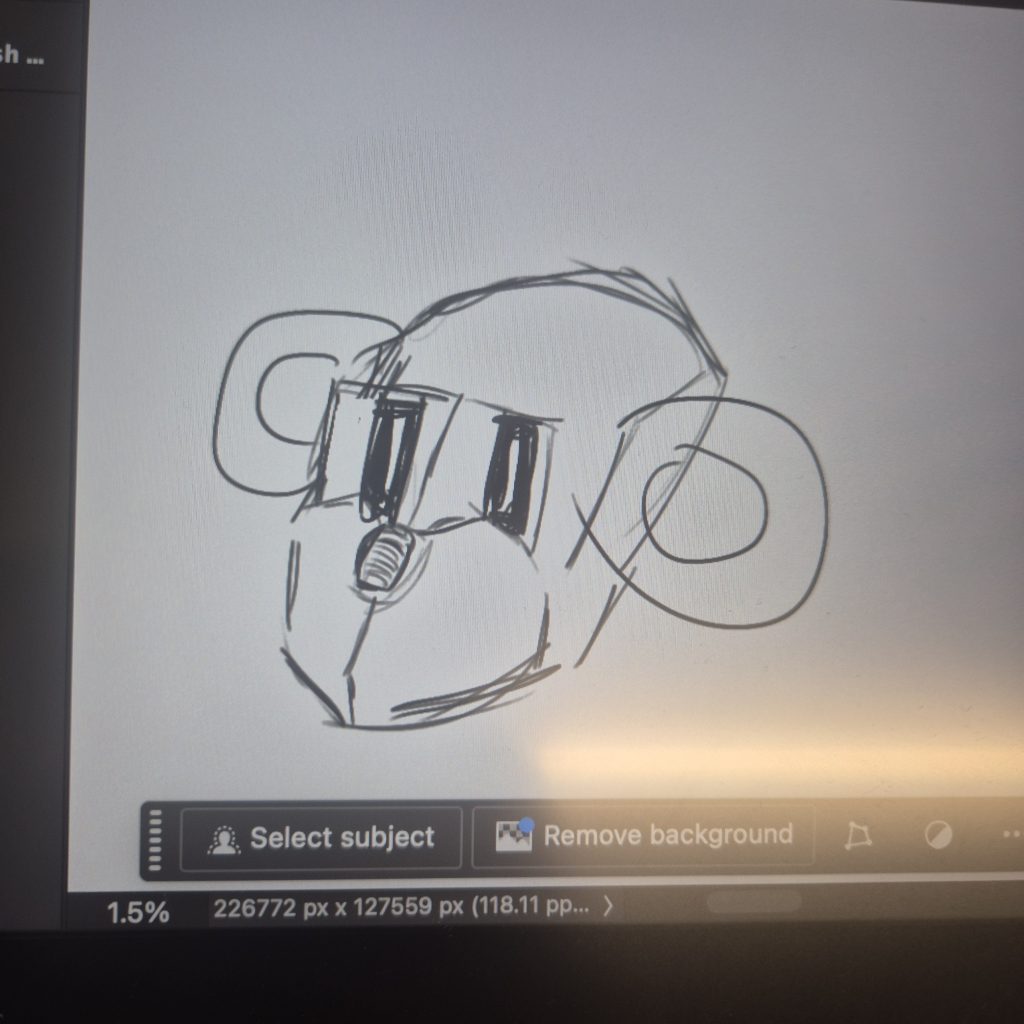
My character on Photoshop
I tried adding colour but Photoshop kept glitching, so I had to ask a tech to help me. I ended up moving to another computer but the same error occurred, and so I gave up and decided to just use Clip Studio Paint (my usual software) instead.
For next week, we were told to start creating character sheets, expression sheets and character sheets of our characters. I finished everything during the weekend, making sure I had as many poses in my character sheet to explore Mouse’s movement, his emotions in the expression sheet (which are more limited because he’s an office mouse that’s been consistently used), and that angle of his was the same height in the turnaround sheet.
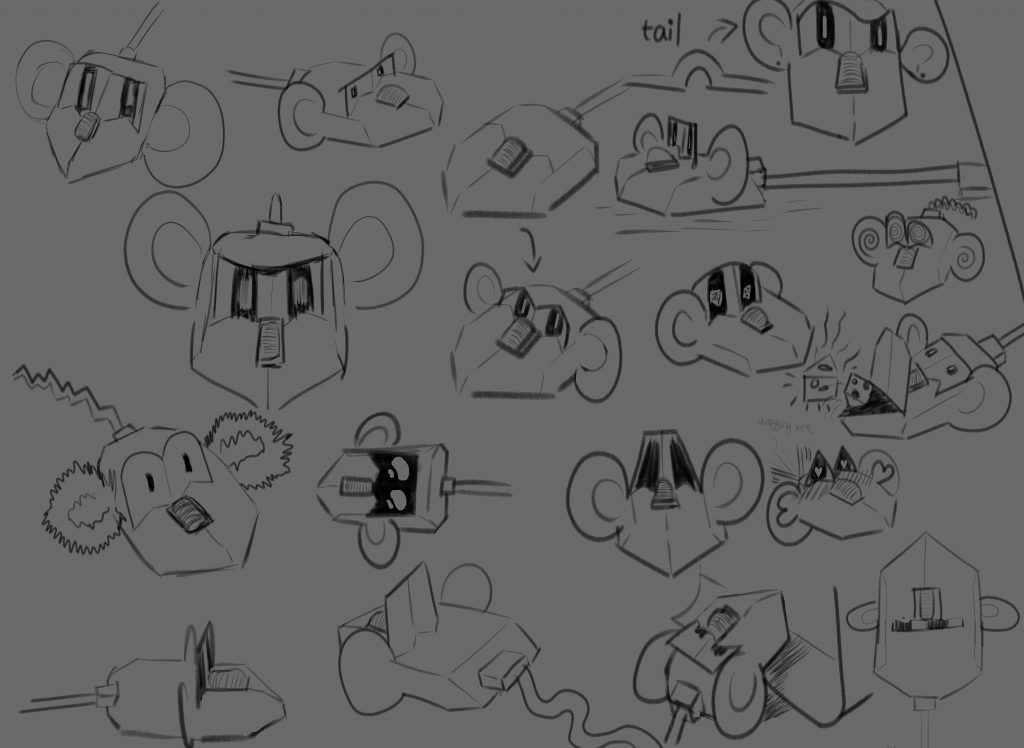
Mouse’s character sheet (updated)
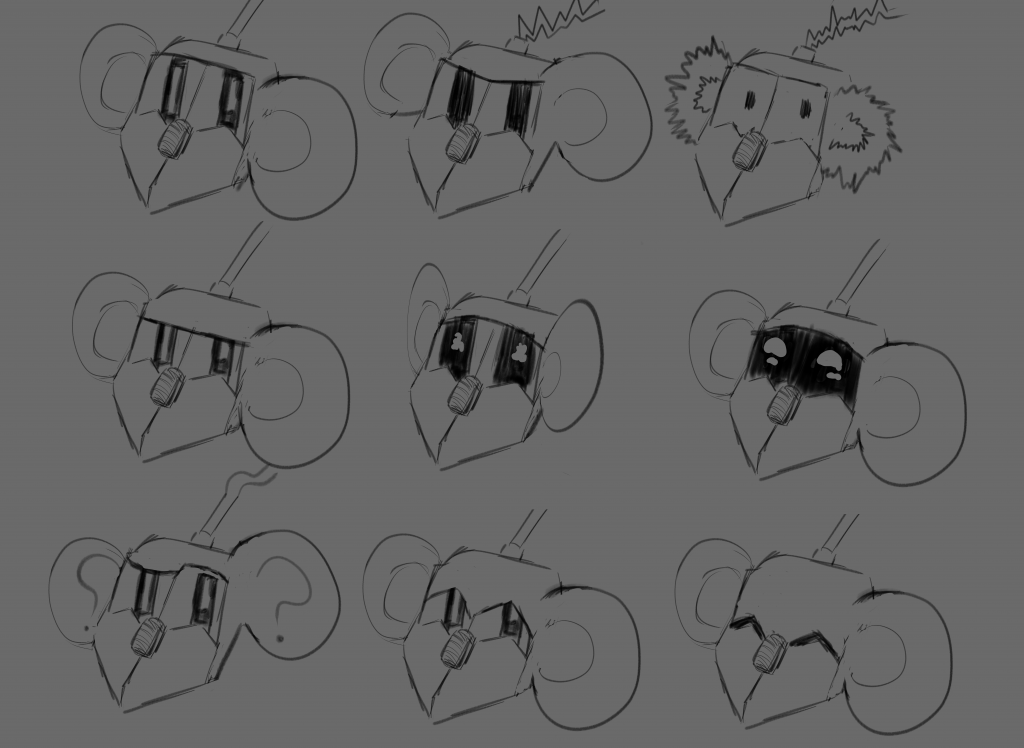
Mouse’s expression sheet
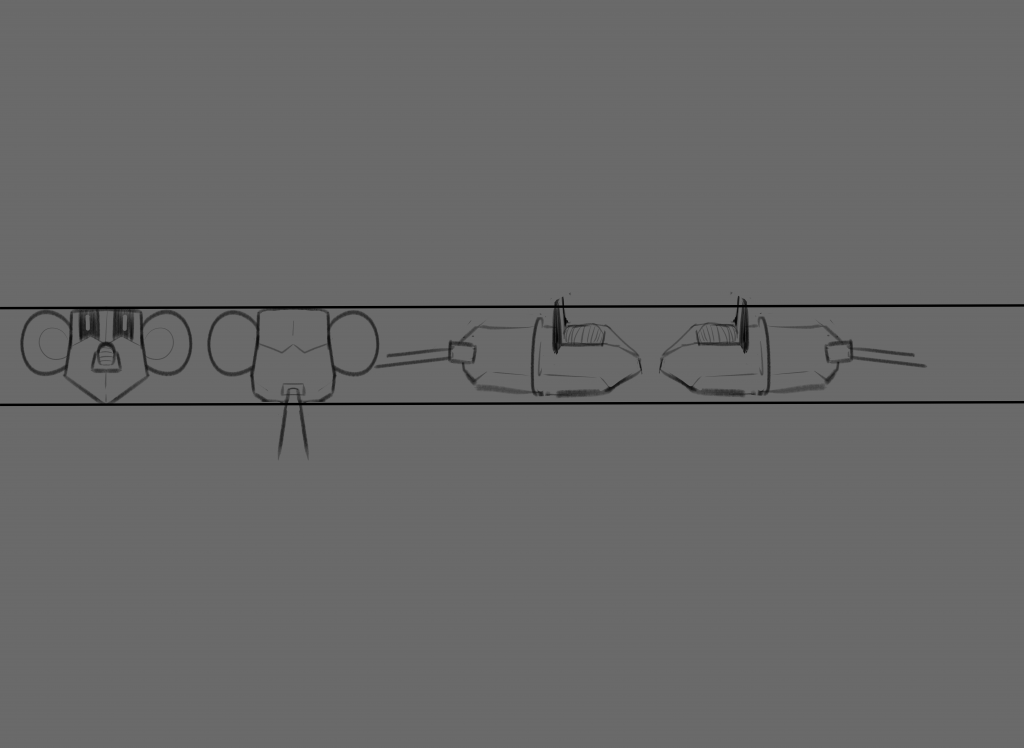
Mouse’s turnaround sheet
I also made a test animation of Mouse from the character turnaround sheet, using a well known meme as the background and adding my own twist at the end for comedic effect.
PLEASE NOTE: Increasing the volume is advised for a better viewing experience. Annoyingly, the audio isn’t matching up with the video (which wasn’t happening until I uploaded the video for some reason), but enjoy nonetheless.