Tag: Production Principles

  • BREAKING CHARACTER — 06/10/25


    On this day Jess taught us about 6 of the 12 principles of animation, and gave us examples + activities to do to show how they’re applied:

    1. Squash and Stretch: gives the impression of weight and volume (the more squash + stretch, the more plasticity the character has). The mass of the character must stay the same.
      • E.g. when a character jumps, they squash when they reach the point of contact, and stretch just before and after.
    1. Anticipation: The beat before a key action takes place.
      • E.g. when a character is kicking a ball into the goal, they would bring the foot back (anticipation) before leg continues onto the trajectory and then kicks the ball (action).
    2. Follow through + overlapping action:
      • Follow through: when an action stops there are elements (usually those that don’t have muscles but are still an extension of the action/character) that often continue moving after.
      • Overlapping action: when different parts of a character/object move at different times/rates.
      • Examples of both include hair and clothes.
    3. Ease in/ease out
      • When there are more frames at the beginning/end of an action to decelerate the movement, and fewer frames in the middle to accelerate it (makes actions more believable).
      • More ease = for softer movement (e.g. scooching back, typical motor reactions)
      • Less ease = for abrupt movement (e.g. flinch, reflex reactions)
    4. Arcs (I dislike this principle so much)
      • Have every character move in a circular path rather than a straight, lifeless line. Used mostly for “floaty” effects.
      • For some reason, to me this principle is more difficult to describe or give an example for unless it’s the character very literally moving a part of their body in an arc shape. I don’t really know how I can apply this principle to everything.
    5. Secondary action
      • Not to be confused with follow through/overlapping action as it isn’t a part of the character at all. It is usually an entirely different object/character that moves in tandem with the main action/character, adding more life to a scene without detracting anything from it.
      • E.g. a character is cooking. The act of cooking = main action, the ingredients used = secondary action.
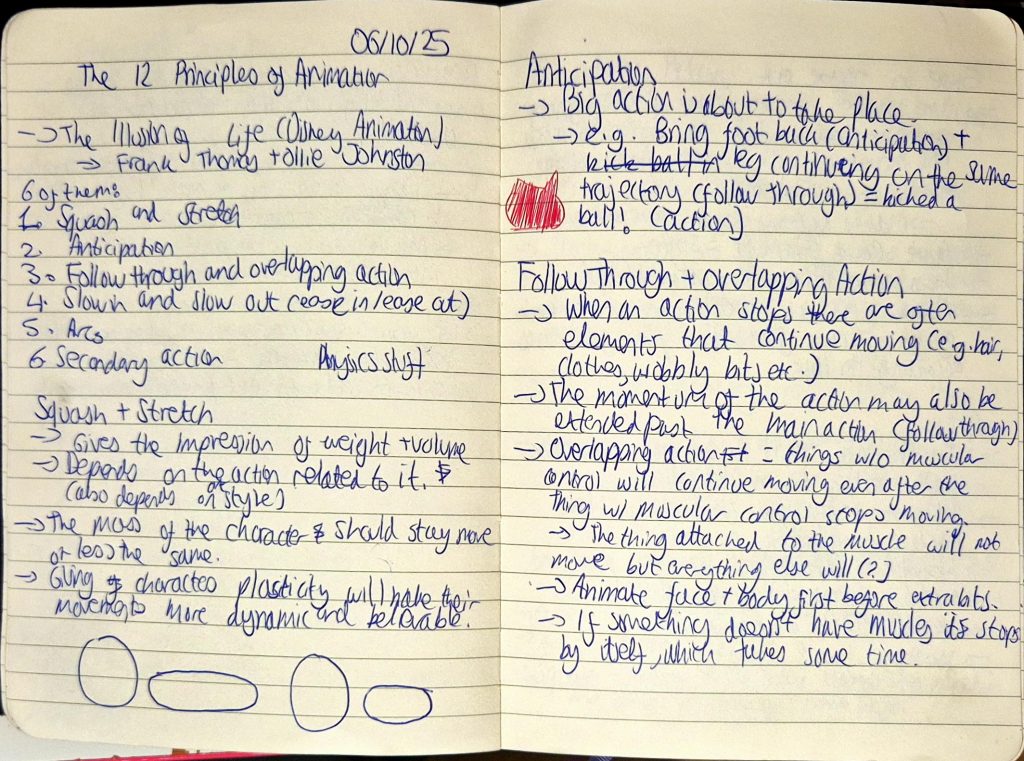
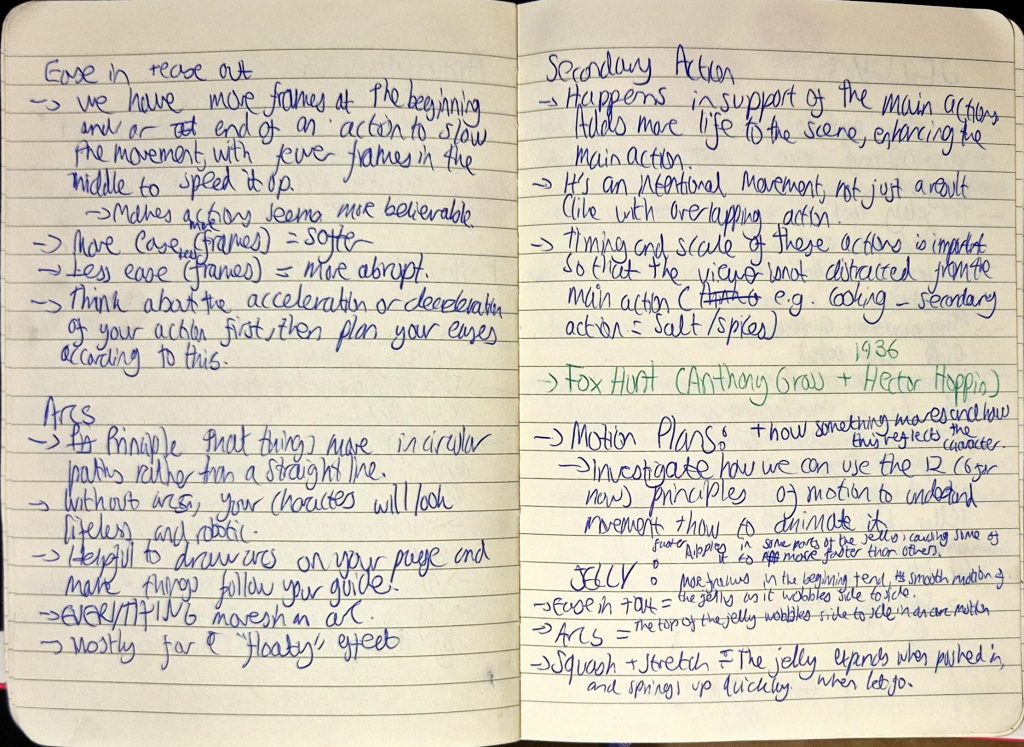
    My notes

    Afterwards, we learnt about what motion plans were and how to apply the principles of animation that we were taught so far to examples shown. The intention behind the activity was to enhance how we explain the feeling of the movement to someone who has never seen the animation before (useful during a project/concept pitch) using the 12 principles of animation to do so. This activity was confusing at first as I didn’t understand what to write, and how to use the principles to explain how objects (in this case jelly) move. I did end up writing notes, as shown below (for both the jelly and pigeon examples):
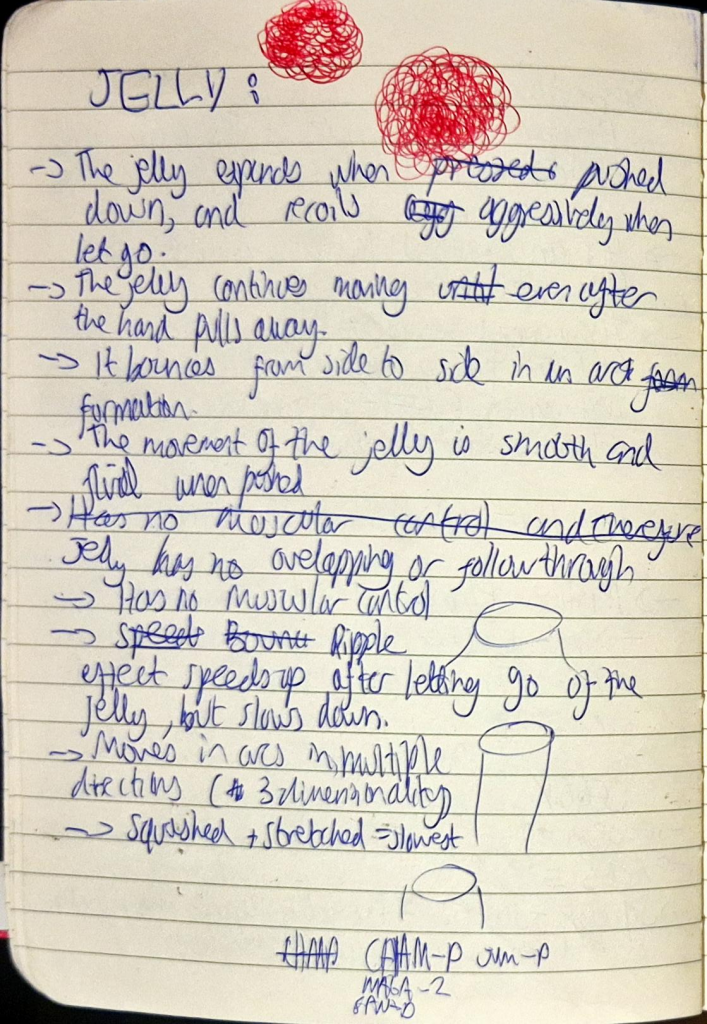
    Jelly motion plan rough notes
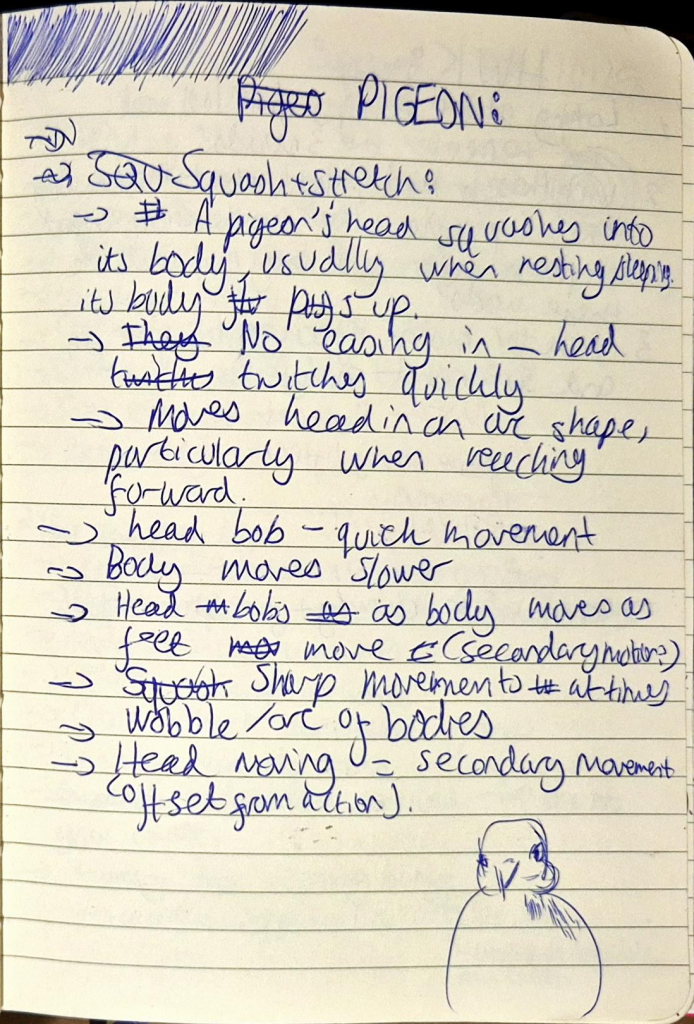
    Pigeon motion plan rough notes

    For homework, we had to begin our motion plans and write about how the 6 principles that we’ve learned so far are implemented into the movement and behaviour of our respective characters, using motion references as visual evidence.

    In the meantime, I took one of Mouse’s designs from the character sheet I created and added colour to it to see how it would look. I didn’t use cel shading (It didn’t look good during my first attempt at colouring Mouse, which will be shown below), and ended up using the airbrush and soft eraser tools to create a softer look (that doesn’t detract from the overall materiality of Mouse).
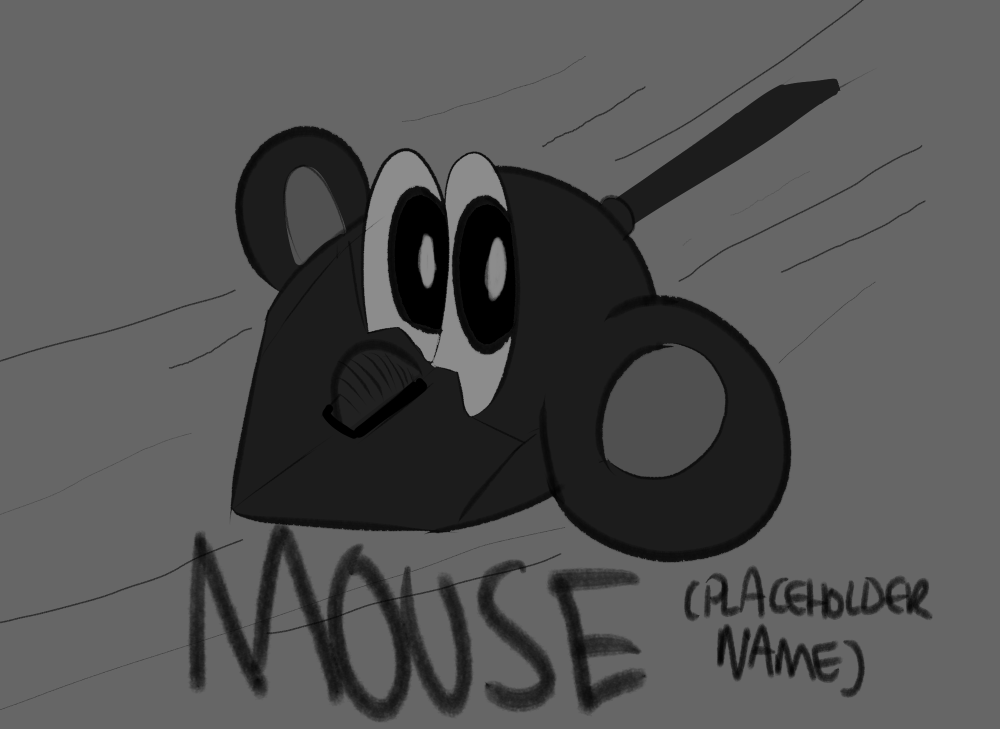
    (Mouse using cel shading before redesign)
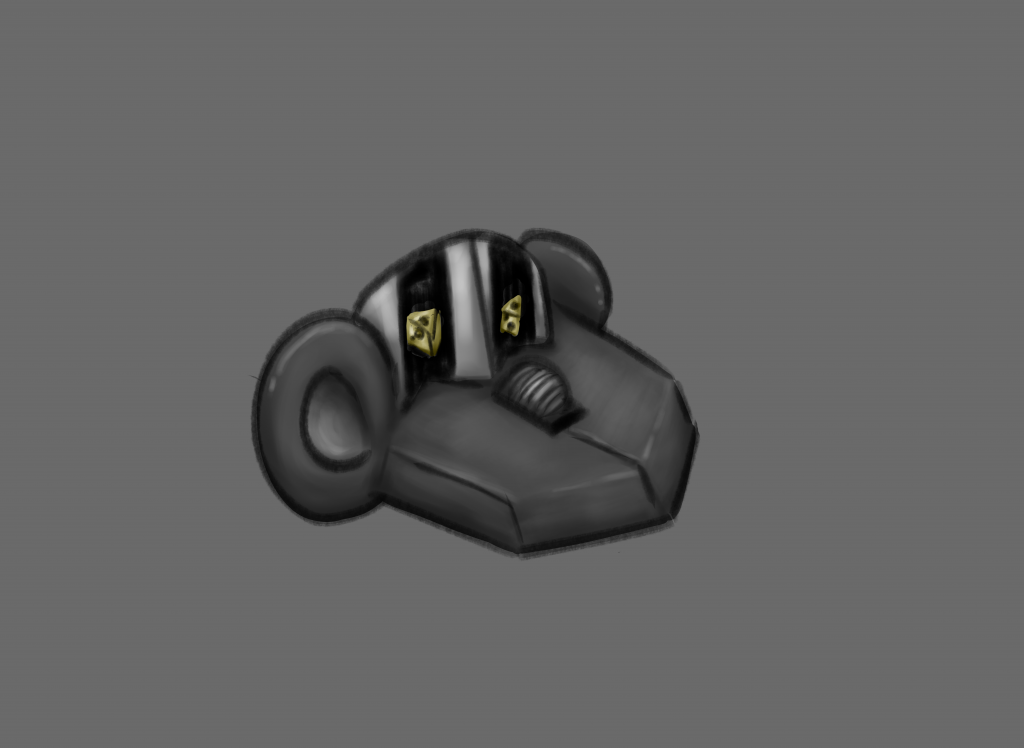
    (Mouse using typical soft shading)

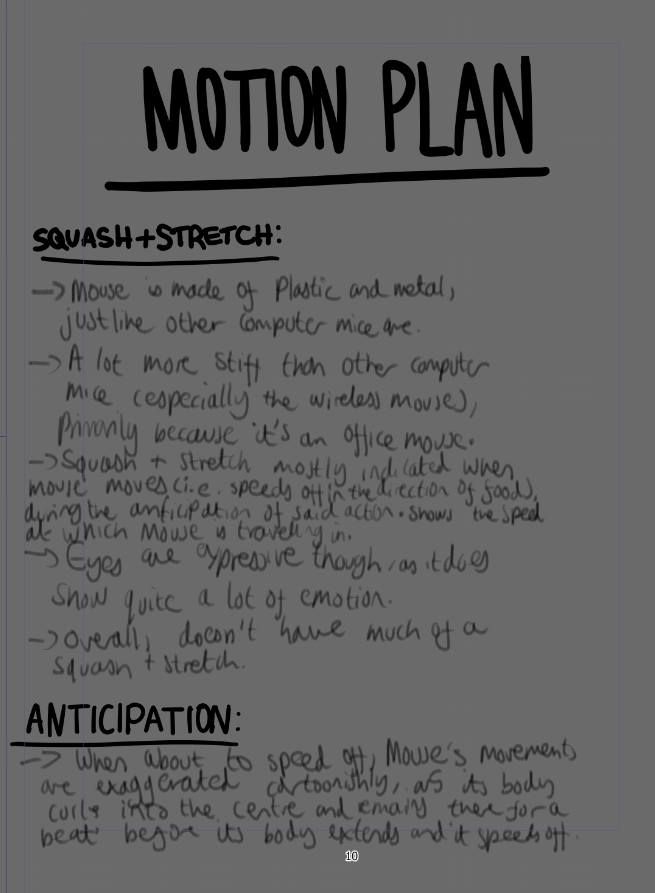
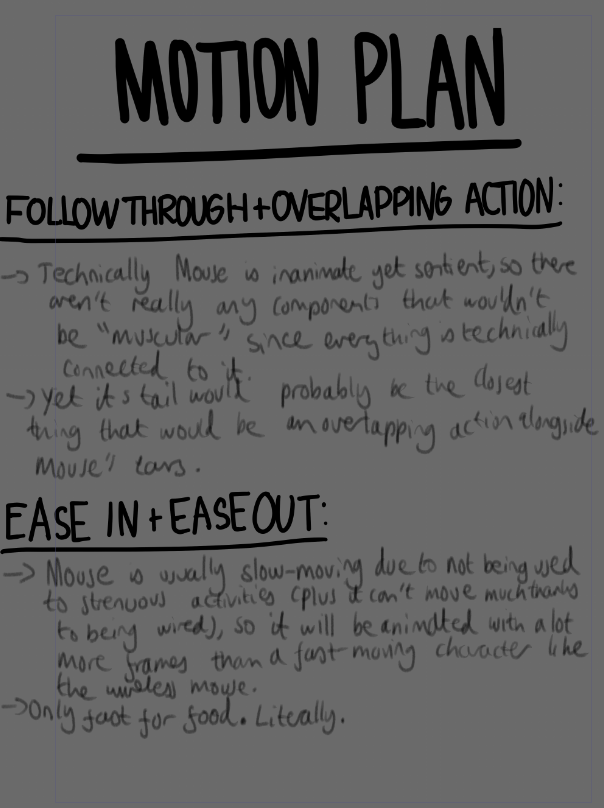
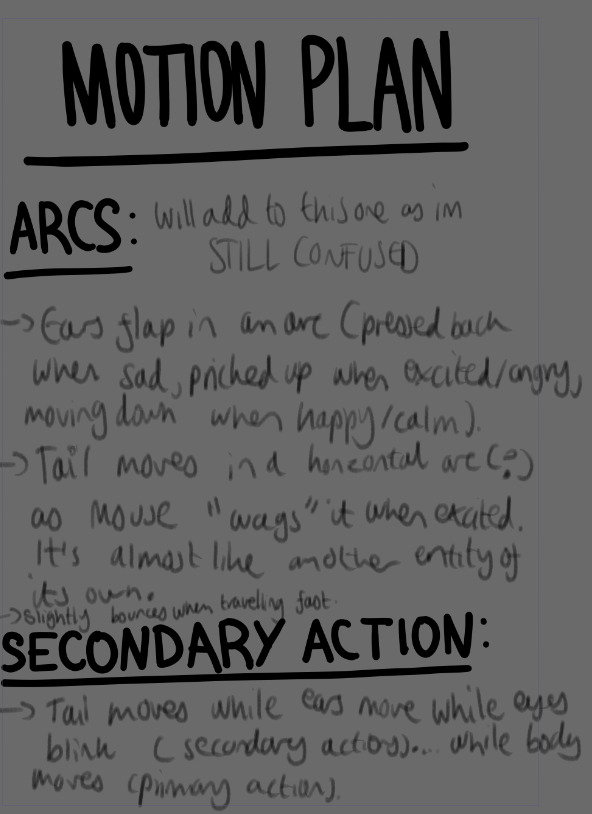
    I wanted to use Clip Studio Paint’s comicbook feature to write down my motion plan then copy and paste onto Google Slides, but it ended up taking a while to format so I stuck to just using Google Slides. These were the pages I made up until that point:
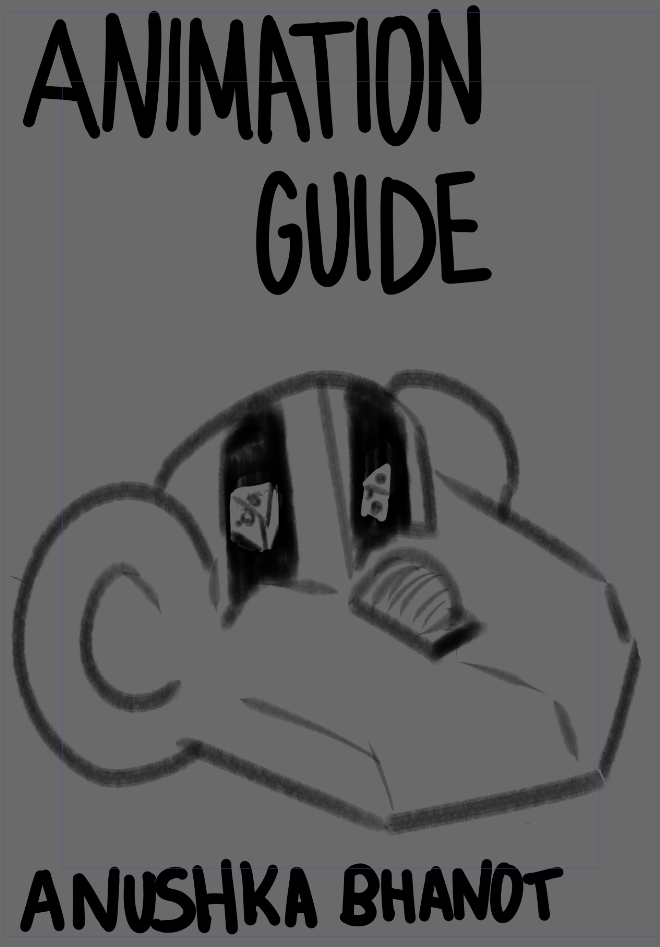
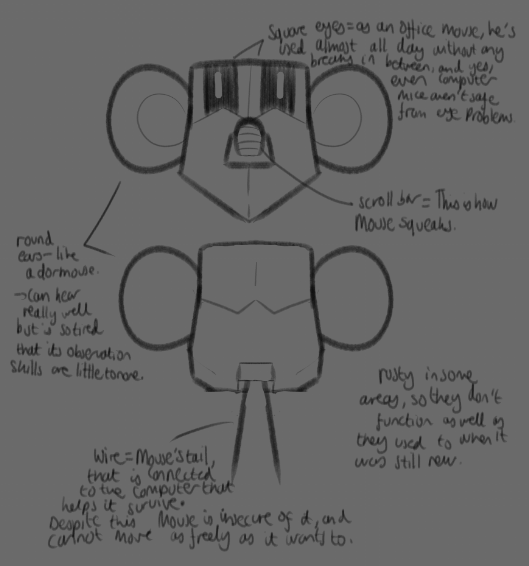
    Motion plan Clip Studio Paint

  • BREAKING CHARACTER — 03/10/25


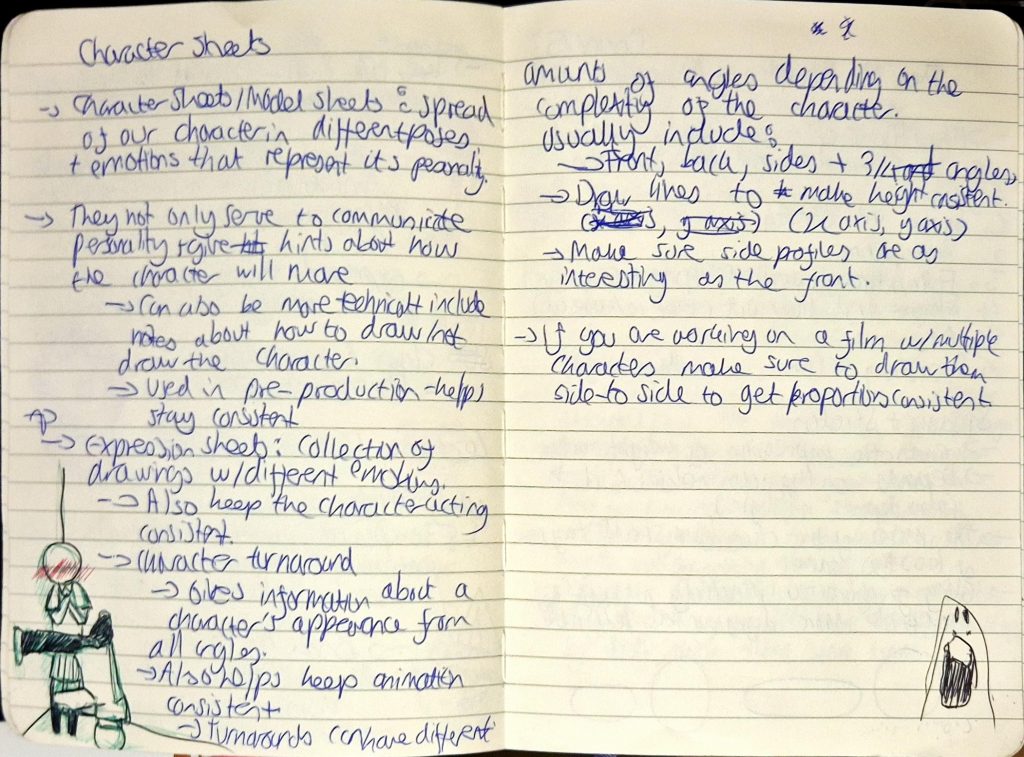
    In this lesson, Jess taught us about the fundamentals of character sheets, expression sheets and character turnarounds.

    Character sheets: used to both communicate personality and depict the movement of the character.

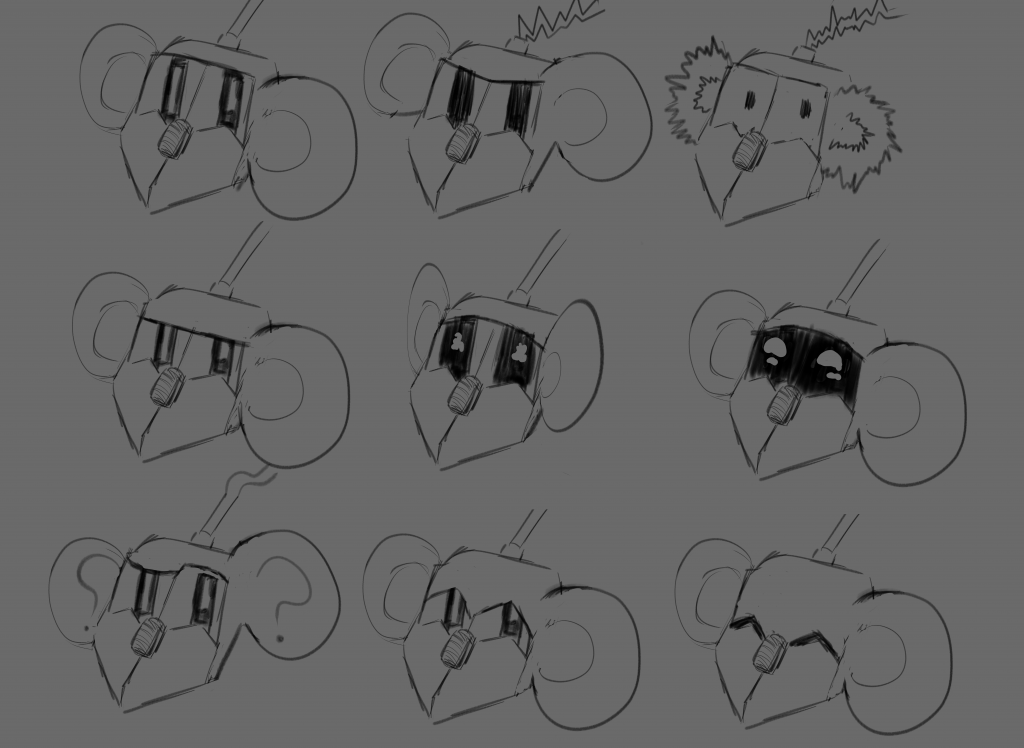
    Expression Sheets: shows character expressing a variety of emotions, helps keep the character acting consistent

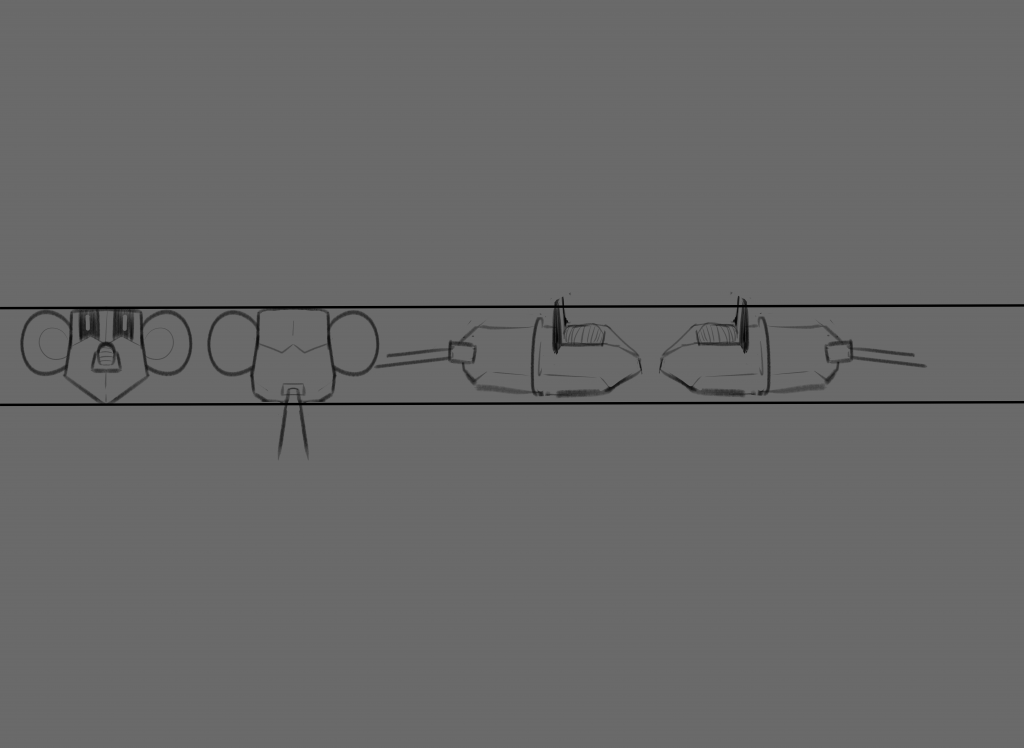
    Character turnaround: displays a 360 degree view of the character to keep appearance consistent from all angles. Usually only includes front, back and sides, but can include 3/4 angles as well.

    My notes

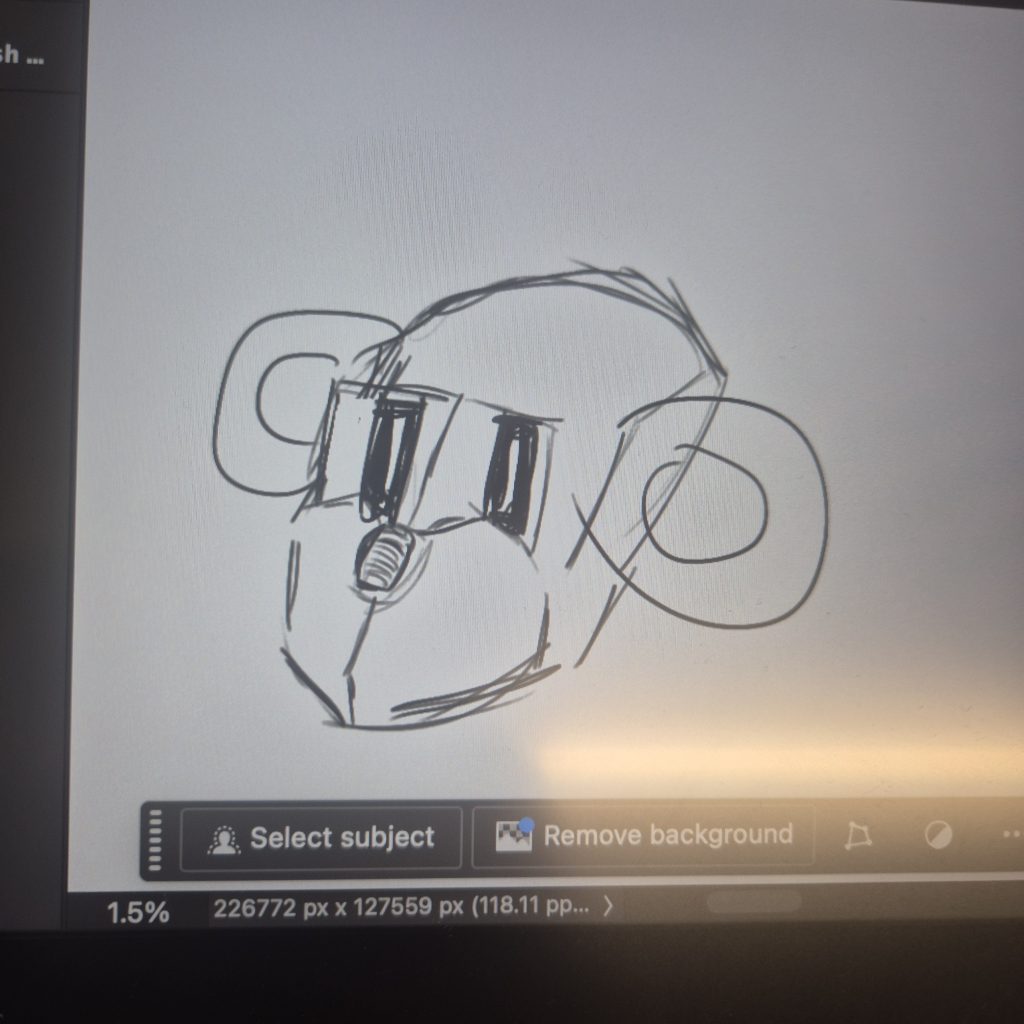
    Jess then taught us how to use Photoshop to draw our characters, a software that I’ve only ever used for editing photos back in A-Level Art & Design. I used to find its user interface very complex, and barely knew how to navigate through it without using Google to research something I searched up a hundred times before. But Jess explained how to use every feature so well, and I actually enjoyed drawing my character on Photoshop. I ended up changing his design to make his eyes square (a play on “square eyes”, a saying that people often use when someone spends a lot of time staring at a screen). This fits his character perfectly, as he’s a computer mouse used in the office, and differentiates him more from wireless mouse, who would have rounder eyes akin to Mouse’s original design.

    My character on Photoshop

    I tried adding colour but Photoshop kept glitching, so I had to ask a tech to help me. I ended up moving to another computer but the same error occurred, and so I gave up and decided to just use Clip Studio Paint (my usual software) instead.

    For next week, we were told to start creating character sheets, expression sheets and character sheets of our characters. I finished everything during the weekend, making sure I had as many poses in my character sheet to explore Mouse’s movement, his emotions in the expression sheet (which are more limited because he’s an office mouse that’s been consistently used), and that angle of his was the same height in the turnaround sheet.

    Mouse’s character sheet (updated)

    Mouse’s expression sheet

    Mouse’s turnaround sheet

    I also made a test animation of Mouse from the character turnaround sheet, using a well known meme as the background and adding my own twist at the end for comedic effect.

    PLEASE NOTE: Increasing the volume is advised for a better viewing experience. Annoyingly, the audio isn’t matching up with the video (which wasn’t happening until I uploaded the video for some reason), but enjoy nonetheless.


  • BREAKING CHARACTER — 01/10/25


    We were in a different room on this day so that we could experiment more with character design using found materials and mixed media.

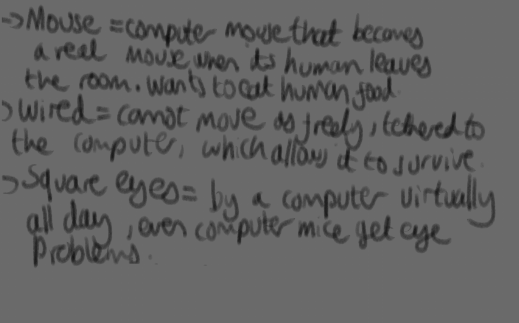
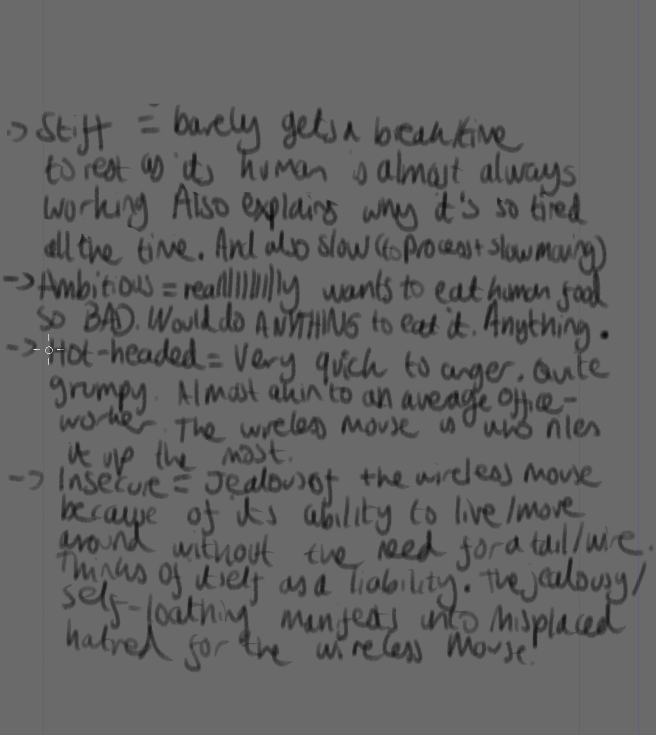
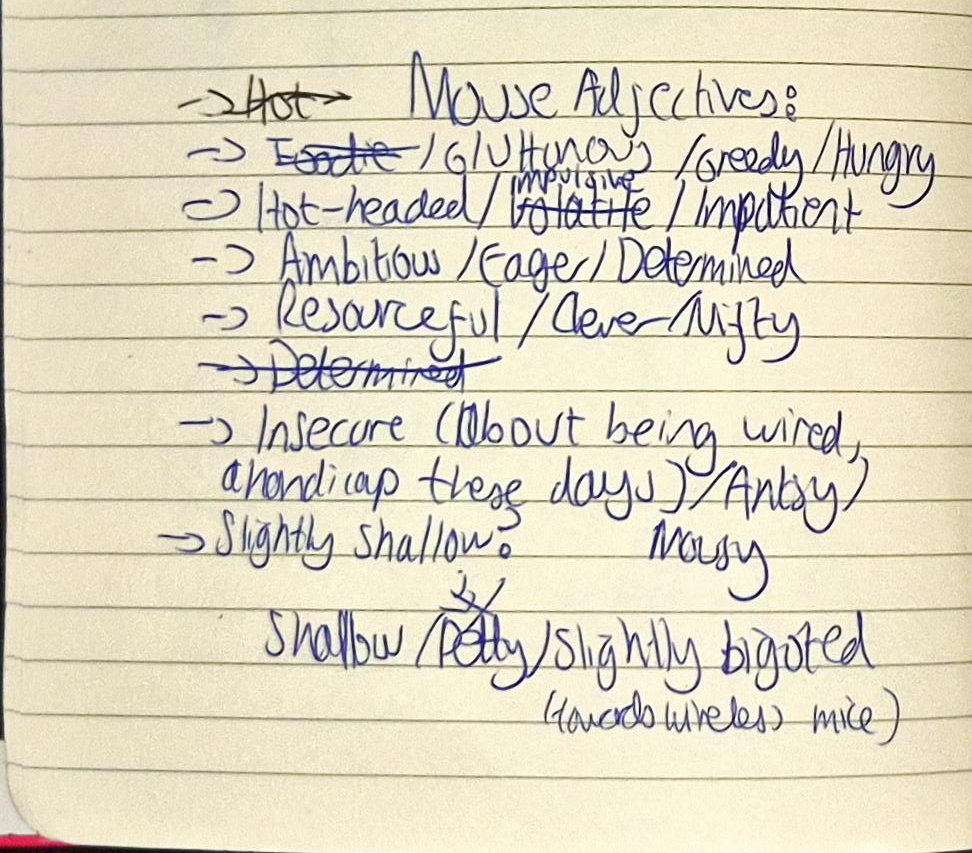
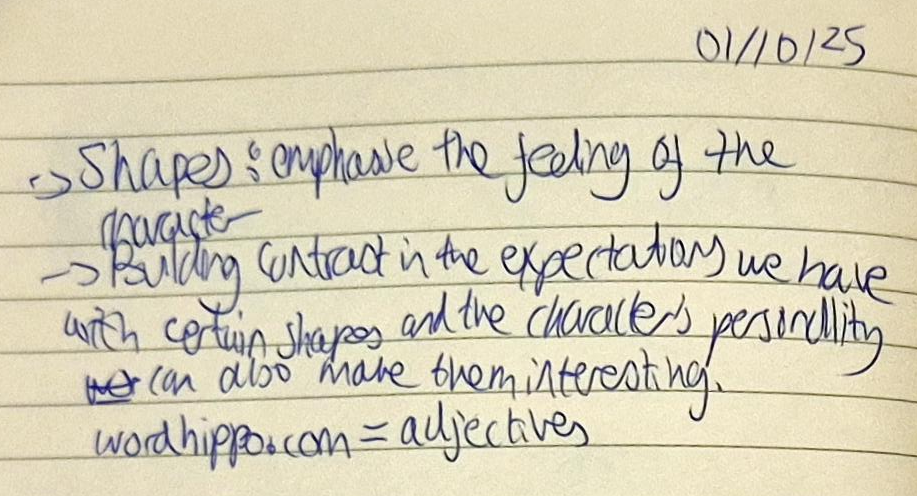
    Jess gave us a task at first, which was to go on Word Hippo and find adjectives (and their synonyms) to describe our character, and pick 3 of them (these will be used as character descriptors that we can then refer to when designing and animating them later on). I picked a plethora of adjectives, as shown in my notes below:

    Mouse adjectives

    The 3 character descriptors I ended up choosing later on were:

    1. Ambitious
    2. Hot-headed
    3. Insecure.

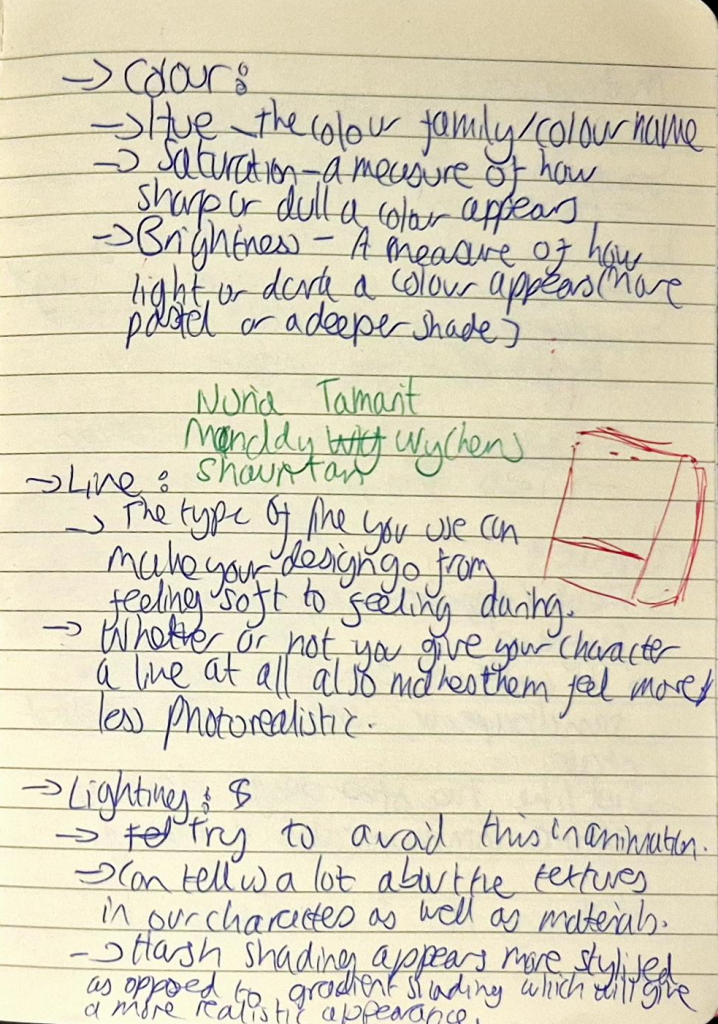
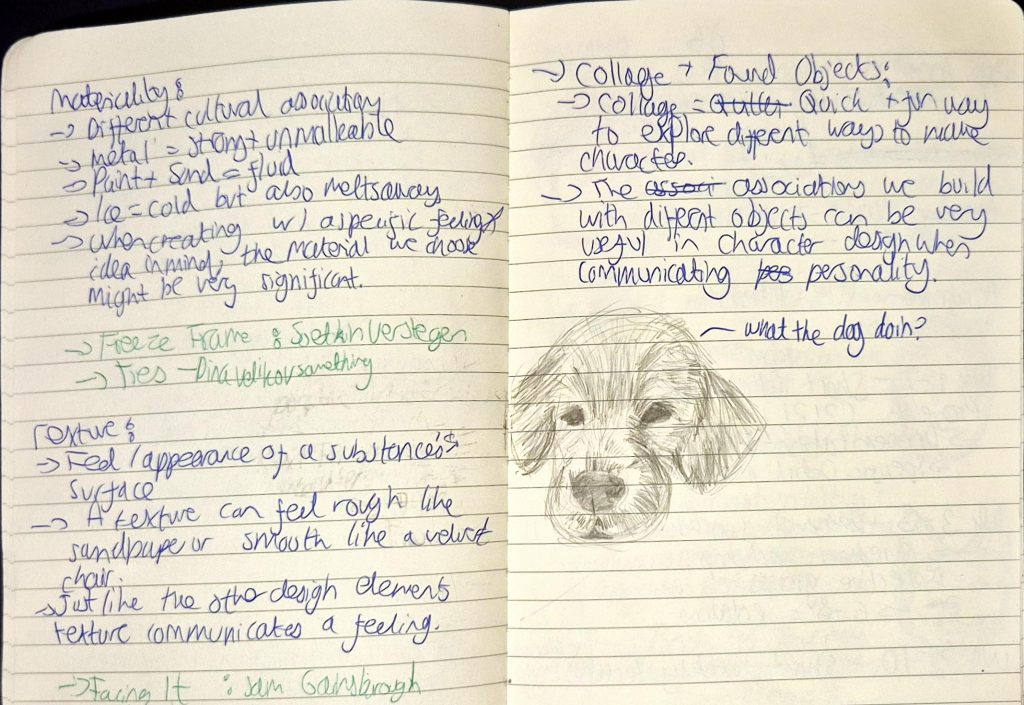
    We were taught about more ways to design our character, thinking about how shape, colour, line, lighting, materiality and texture can affect the perceptions that people may have about the character’s personality.

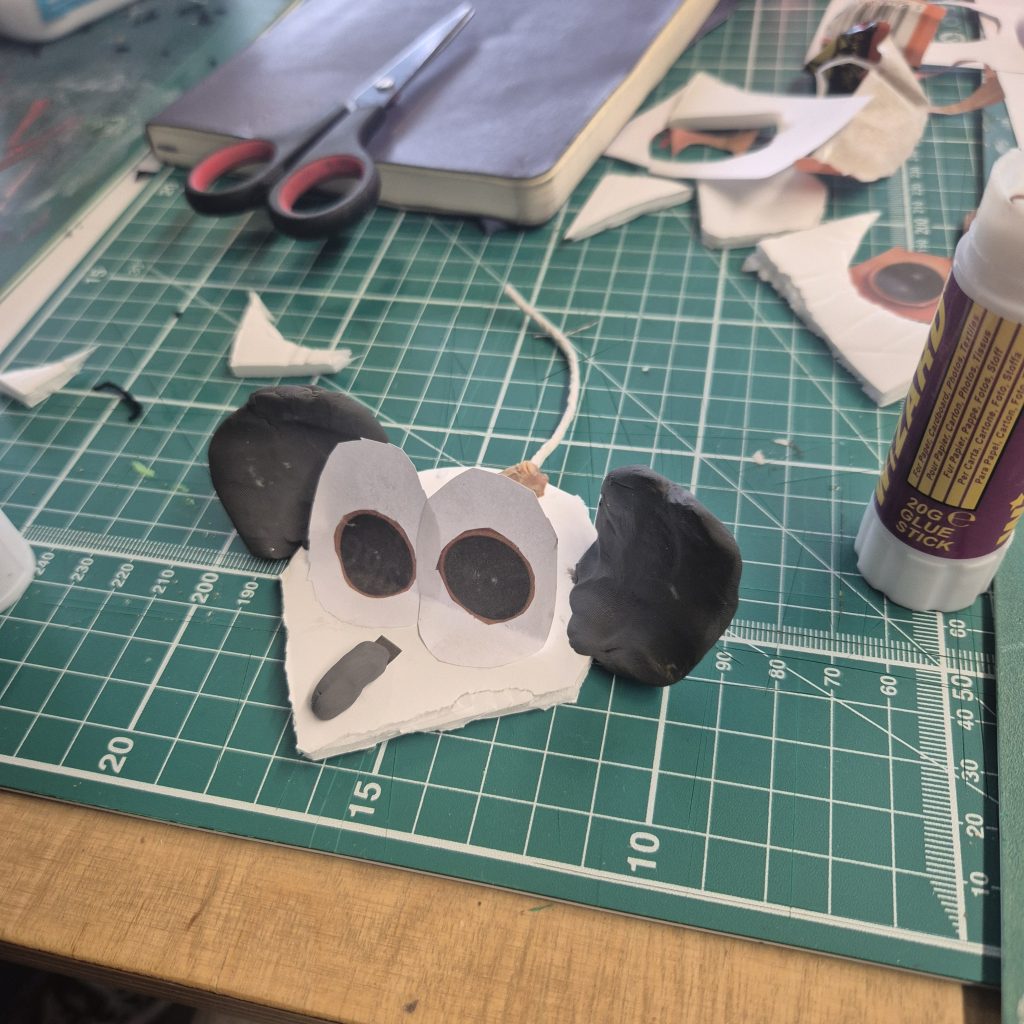
    We then partook in an activity where we made our characters using materials in the room. I used foam and cut a polygon for the body, cut out paper for the eyes and stuck newspaper cut-outs (camera lenses of the new iPhone) as the pupils on top, molded polymer clay as the ears and stuck on string as the tail.

    I really liked the slow pace that the rotation seemed to be going in so far. It was fun unwinding and experimenting with designs for our characters using random craft materials.

    I wanted to expand the premise of computer mice becoming actual mice when people leave the room (like in Toy Story), but I didn’t like the idea of it being a race between mice from different ages, as I kept trying to make it too complex and adding different species (e.g. the first computer mouse = a rat etc.). Therefore, I decided to limit myself to 2 characters as per the brief, and brainstormed two computer mice that are complete polar opposites (both in appearance and personality), that compete to eat human food that has been left on the other side of the desk.

    My ideas for the characters were as follows:

    • Wired Mouse:
      • The character I’m currently designing and developing.
      • Ambitious, hot-headed, insecure.
      • An office mouse that is bored by his “office job” and has a dream to eat human food (specifically cheese), not caring about whether it’s even wired to eat human food. Its plans keep being thwarted by a cheeky wireless mouse, who just wants his attention (and wants to keep annoying him because he’s easy to provoke).
      • Wired Mouse doesn’t like Wireless Mouse purely because it’s wireless, and Wired Mouse feels envious as he sees his tail/wire as a liability, he’s constantly plugged to a computer that is essentially his life support, while Wireless Mouse can zip around without a tail.
    • Wireless Mouse:
      • An idea for an additional character that I have yet to make.
      • Energetic, cheeky, ???
      • A newer office mouse that has a battery powered invisible tail which isn’t actually connected to anything. He wants to befriend Wired Mouse, but finds getting on his nerves much more fun.

    I ended up not wanting to pursue Wireless Mouse’s character, instead shifting my focus onto developing the Wired Mouse since it would be much simpler for me to handle. After all, this was a new experience for me and while I wanted to challenge myself, I also felt now wasn’t the time to take huge risks and possibly have no time to finish anything.

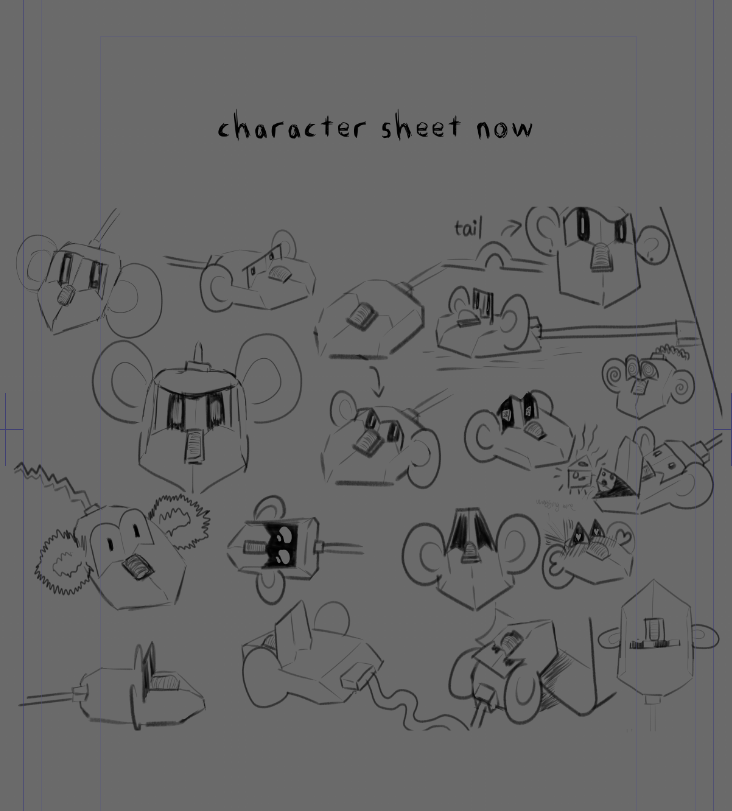
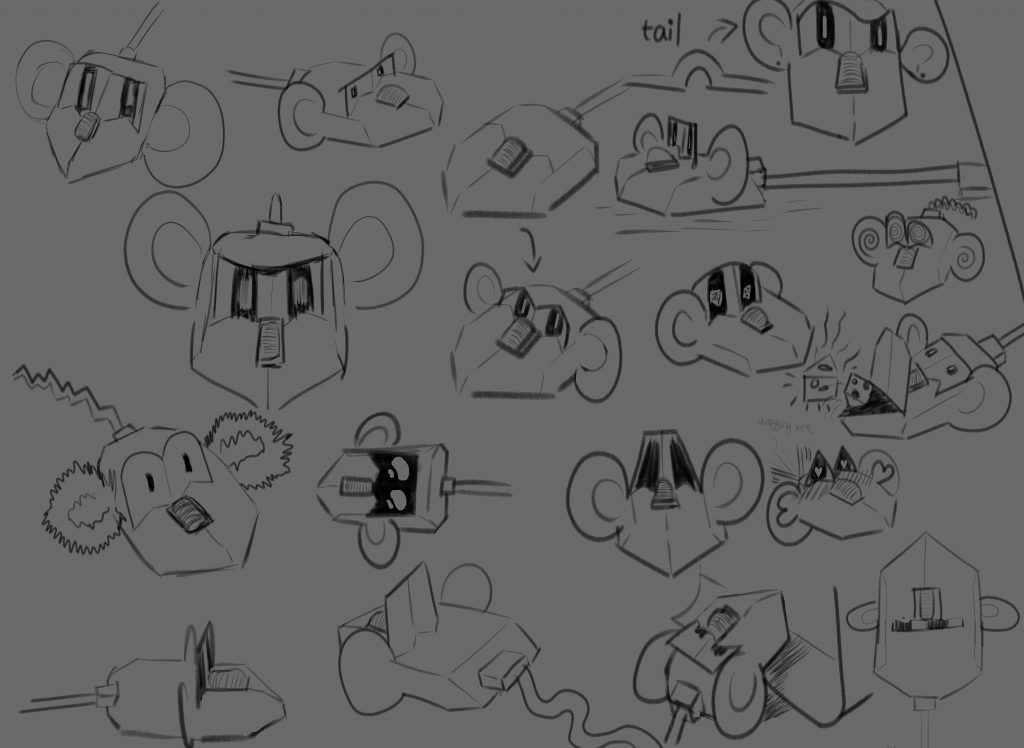
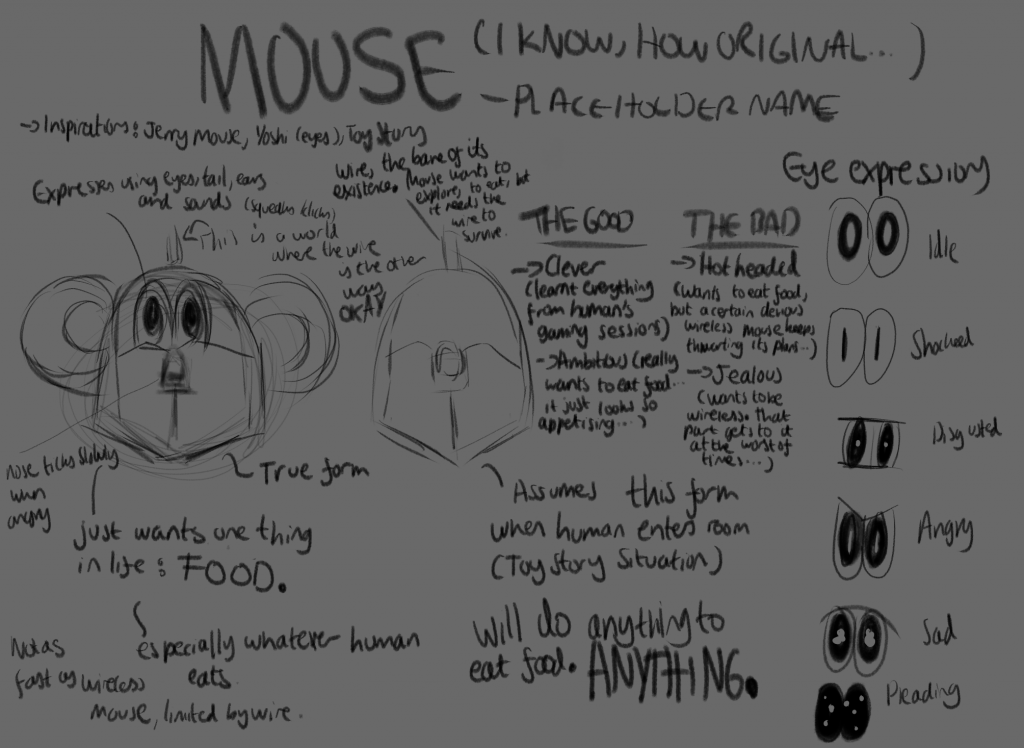
    That night, I got started with making a character sheet for Mouse (a placeholder name for my character until I find another name), and so I made a super rough version of one that you can see below: